Definition, Causes & How to Spot One
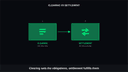
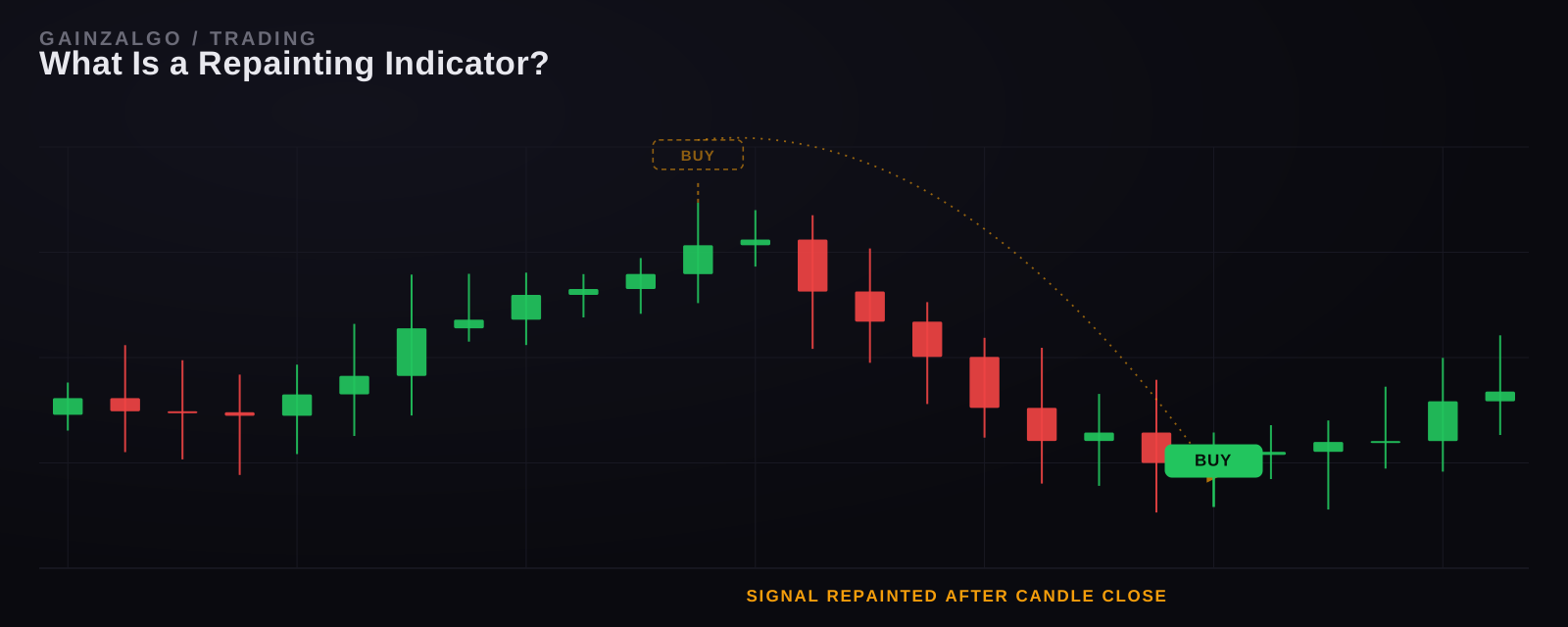
A repainting indicator is a technical analysis tool that changes, deletes, or repositions its own past signals after they have already appeared on the chart. The signal you see right now, in real time, is not guaranteed to be the signal that stays there once the candle closes or the chart refreshes. In practice, this means a "buy" arrow that looked perfect an hour ago can silently vanish or shift two candles to the left the next time you open TradingView, without you ever removing or editing anything yourself.
This single behavior is responsible for more blown accounts and misleading backtests than almost any other technical issue in retail trading. Understanding exactly how and why it happens is the first step to trading with tools you can actually trust.
The Direct Answer
A repainting indicator recalculates historical values using price data that was not available at the time the original signal was plotted. Because the indicator "knows" the future close of a bar before that bar has actually closed, it can paint a signal early, then quietly repaint it (move it, resize it, or erase it) once the real data comes in. The chart you're looking at is a moving target, not a historical record.
How Does a Repainting Indicator Work?
Most repainting happens because of how the indicator is coded, not because of anything on the trader's end. Three mechanisms account for almost every case:
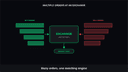
1. Intra-bar recalculation. The indicator plots a signal based on the current, unconfirmed price of a candle. If price reverses before the candle closes, the signal is deleted or moved.
1. The security() function and lookahead bias. On TradingView, Pine Script's security() function pulls data from a higher timeframe. If it's configured without the correct offset, it can reference a bar that technically hasn't closed yet, a coding pattern known as lookahead bias. This is the single most common technical cause of repainting on TradingView.
2. Retroactive smoothing. Some indicators (certain moving averages, zig-zag tools, and pivot-based indicators) are mathematically designed to redraw past points as new data arrives. This is repainting by definition, even when it's not a bug.
Repainting vs. Lag: Two Different Problems
Traders often use these terms interchangeably, but they describe opposite issues:
| Category | Repainting | Lag |
|---|---|---|
| What Happens | Past signals change or disappear after they've printed | Signals are accurate but arrive late |
| When you notice it | Reviewing old chart data, the signal isn't where it was | In real time, price has already moved before the signal prints |
| Root Cause | Indicator references unconfirmed/future bar data | Indicator waits for full bar confirmation before plotting |
| Backtest impact | Backtests look far better than live results | Backtests are honest but conservative |
| Fix | Use non-repainting logic (confirmed-bar signals only) | Reduce smoothing periods or use faster confirmation logic |
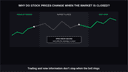
A tool can lag and repaint. A tool that never repaints but still lags is far more trustworthy than one that repaints but looks instant, because at least you know what you're actually getting.
Signs an Indicator Is Repainting
You can usually confirm repainting without any coding knowledge:
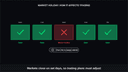
· Load the chart, screenshot it, then refresh the page. If the signal positions differ from your screenshot, it's repainting.
· Compare a live signal against a backtest of the same period. Repainting tools routinely show entries in backtests that never actually appeared in real time.
· Watch a signal appear mid-candle, then vanish before the candle closes. This is the clearest real-time tell.
· Check whether the indicator plots on the current, unclosed bar. Any signal placed on a bar that hasn't finished forming is a repaint risk by definition.
Why It Matters: The Real Cost
· Backtesting: Inflates win rate because the backtest "sees" data the live signal never had
· Confidence: Traders build strategies around signals that never existed in real time
· Risk management: Stop-loss and take-profit levels get set against a false entry point
· Psychology: Repeated disappearing signals erode discipline and lead to chasing price
Retail trading forums and TradingView script reviews consistently cite repainting as one of the top reasons free public indicators get flagged or abandoned by serious traders, because a strategy is only as good as the historical data used to build it.
How to Test Any Indicator for Repainting
This is also the exact method used to verify the non-repaint buy and sell signals algorithm approach. Signals are locked in once a candle closes, so what you see today is what a backtest will show tomorrow.
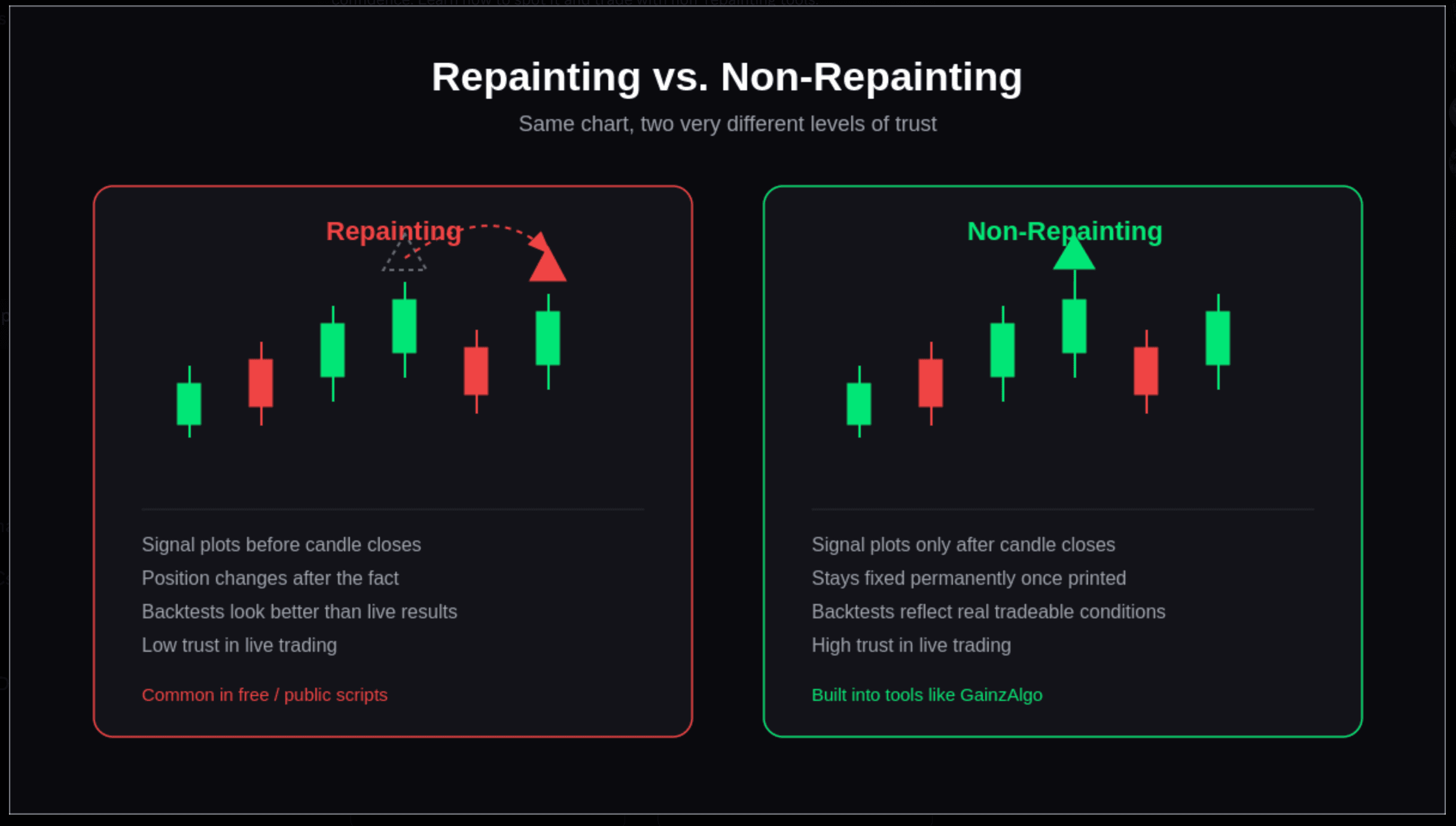
Repainting Indicator vs. Non-Repainting Indicator
| Category | Repainting Indicator | Non-Repainting Indicator |
|---|---|---|
| Signal Timing | Repainting plots before candle confirmation | non-repainting plots only after candle closes |
| Historical accuracy | Repainting changes retroactively | non-repainting stays fixed permanently |
| Backtest reliability | Repainting is misleading and often overstated | non-repainting reflects real, tradeable conditions |
| Trust in live trading | Repainting is low since signals can vanish | non-repainting is high since signals stay once printed |
| Common in | Repainting shows up in free/public scripts using unconfirmed data | non-repainting is found in purpose-built tools like GainzAlgo |
Choosing Indicators That Won't Repaint
Not every indicator needs to be built from scratch to avoid this problem, but it does need to be evaluated with the test above before you trust it with real capital. That's true whether you're picking a free public script or a paid tool, a distinction covered in more detail in our free vs. paid TradingView indicators comparison. And if you're specifically hunting for tools tuned to fast timeframes, our guide to the best TradingView indicators for 1-minute scalping is worth a look once repainting is ruled out.
GainzAlgo was built around confirmed-bar logic specifically to remove this problem: every BUY and SELL signal is generated only after a candle closes, so nothing you see in real time is later revised, deleted, or repositioned. If you're setting up an account for the first time, the GainzAlgo setup tutorial walks through connecting it to TradingView step by step.
Key Takeaways
· A repainting indicator changes its own historical signals after they've already printed.
· The most common technical cause on TradingView is lookahead bias inside the security() function.
· Repainting is different from lag: repainting alters the past, lag delays the present.
· You can test any indicator for repainting yourself with a simple screenshot-and-compare method.
· Backtests on repainting tools are structurally unreliable, since they use data that wasn't available in real time.
FAQs
What is a repainting indicator in simple terms?
It's an indicator that redraws or deletes its own past signals after new price data comes in, so a signal you saw earlier may no longer be there, or may have moved, when you look back.
Is repainting always a coding mistake?
No. Some indicators, like certain moving averages and zig-zag tools, repaint by design because of how they're mathematically calculated. It only becomes a problem when traders don't realize it's happening.
How do I know if my TradingView indicator repaints?
Screenshot the signals as they appear in real time, then refresh the chart 24 hours later and compare. If the signal positions changed, the indicator repaints.
Does repainting affect all markets equally?
Yes. Repainting is a function of how the indicator is coded, not the asset it's applied to, so it affects crypto, forex, stocks, and indices the same way.
Can a non-repainting indicator still be wrong?
Yes. Non-repainting only means the signal doesn't change after it prints. It doesn't guarantee the trade will be profitable. It guarantees the data you're evaluating is honest.