- 01
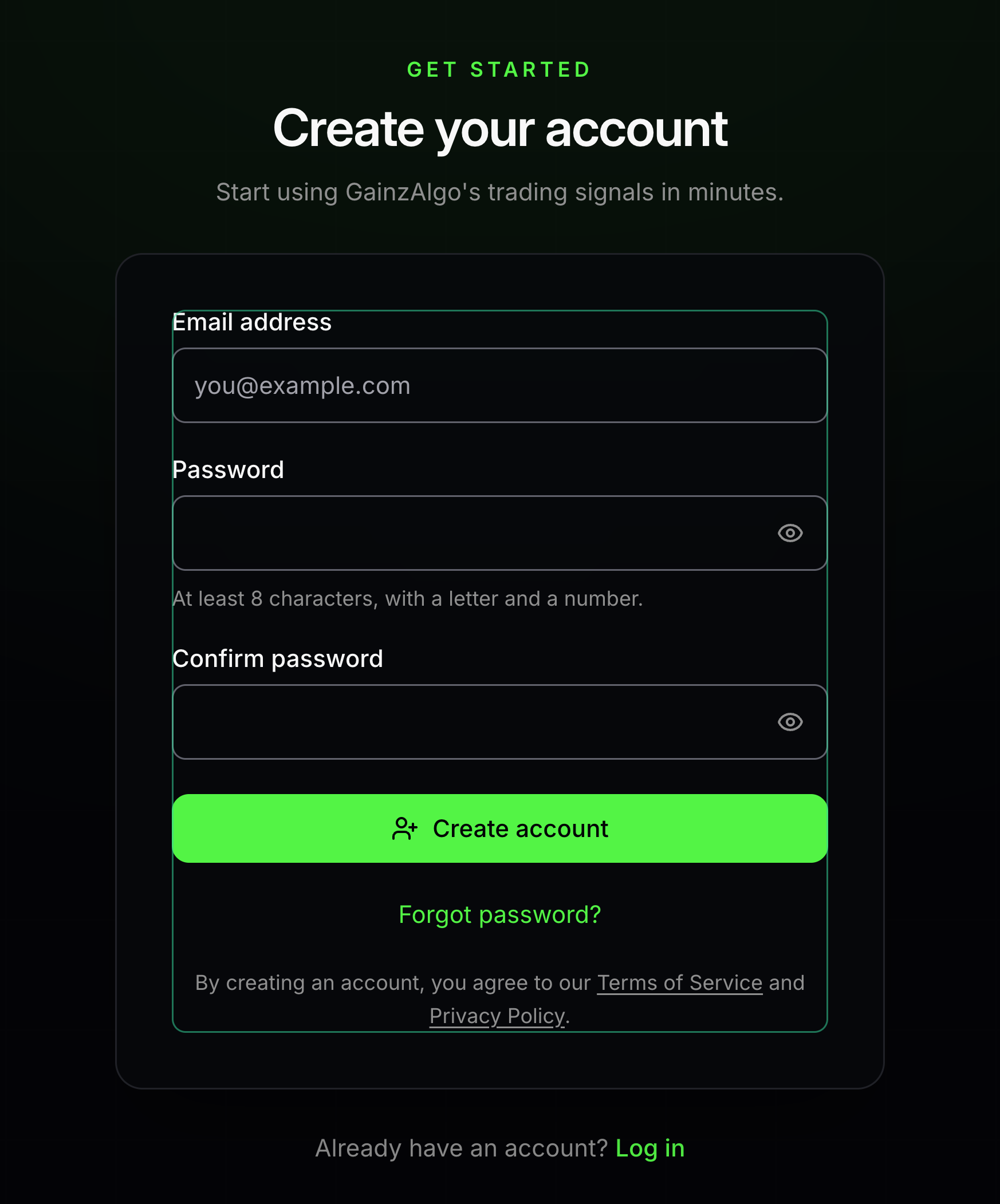
Create your account
An account keeps your purchased indicators connected to you.
Open Sign up. Enter your email and a password, then enter the same password again. If asked to check your email, follow the confirmation link before signing in.
- 02
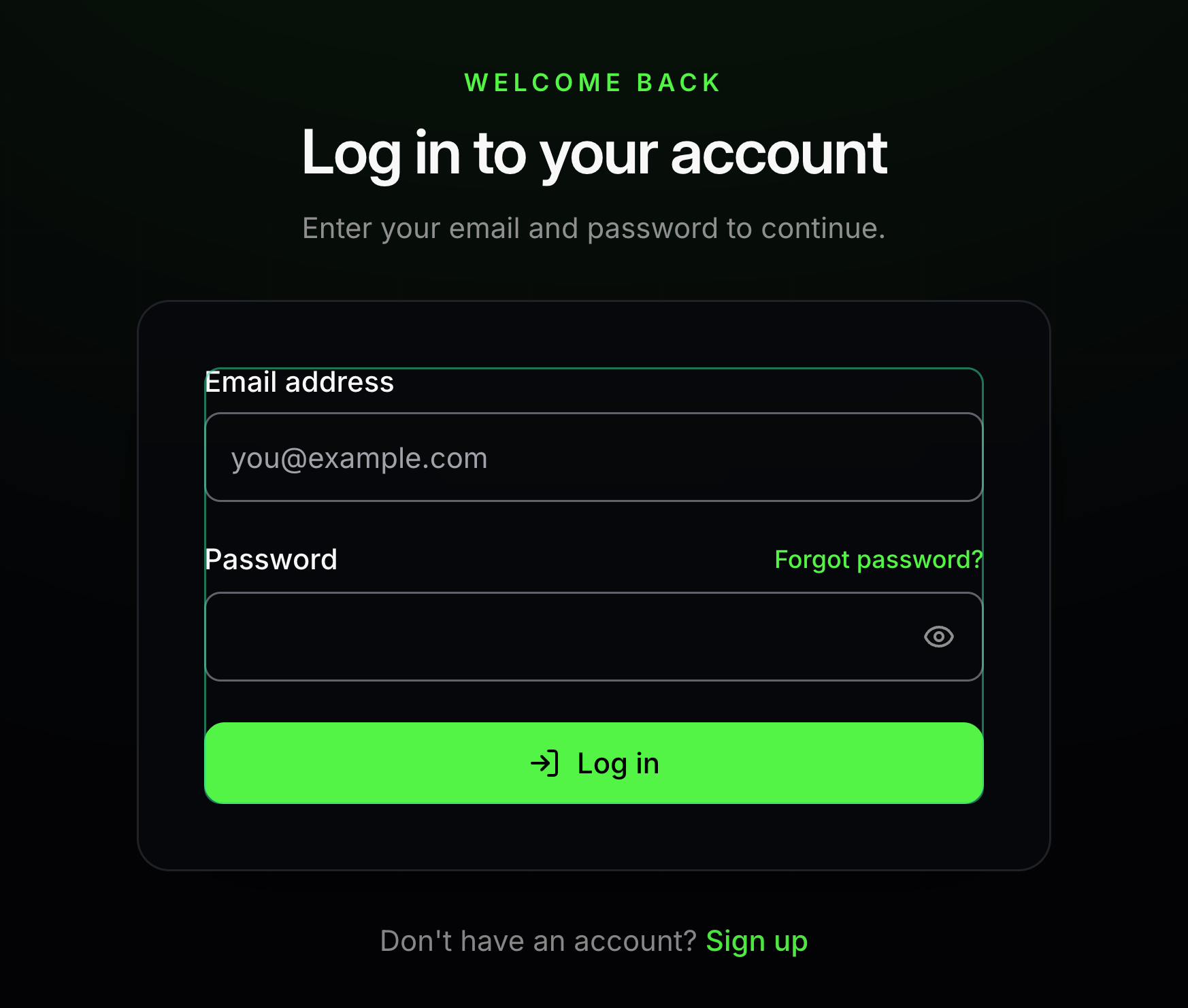
Sign in
Log in opens your existing account.
Enter the email and password you used to register, then choose Log in. Forgot password helps you regain access if you cannot remember it.
- 03
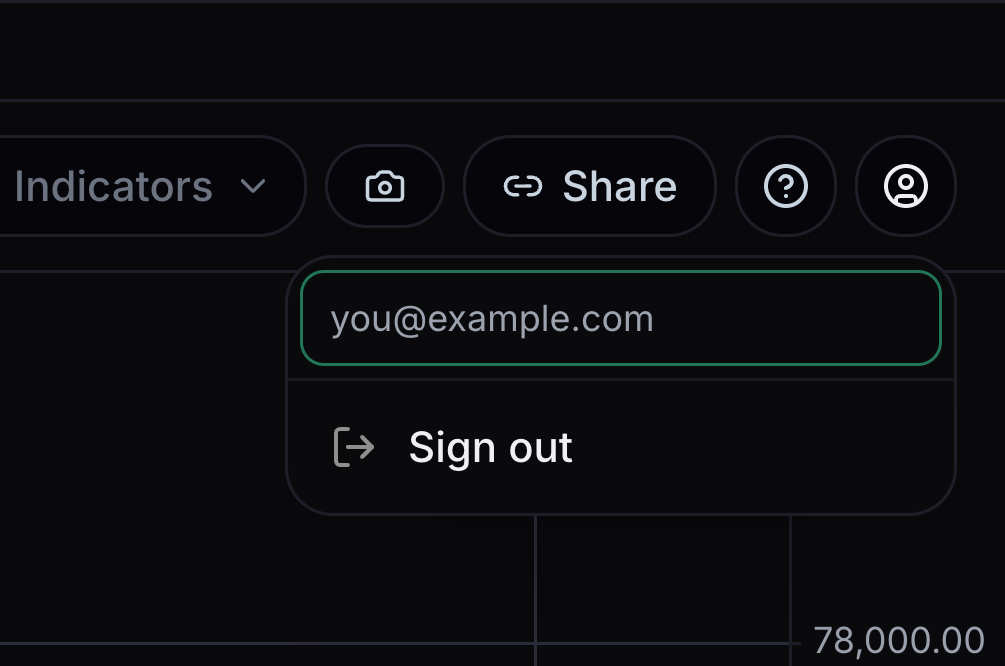
Open your account menu
The person-shaped button holds your account actions.
Select the account button. The email at the top shows which account you are using.
- 04
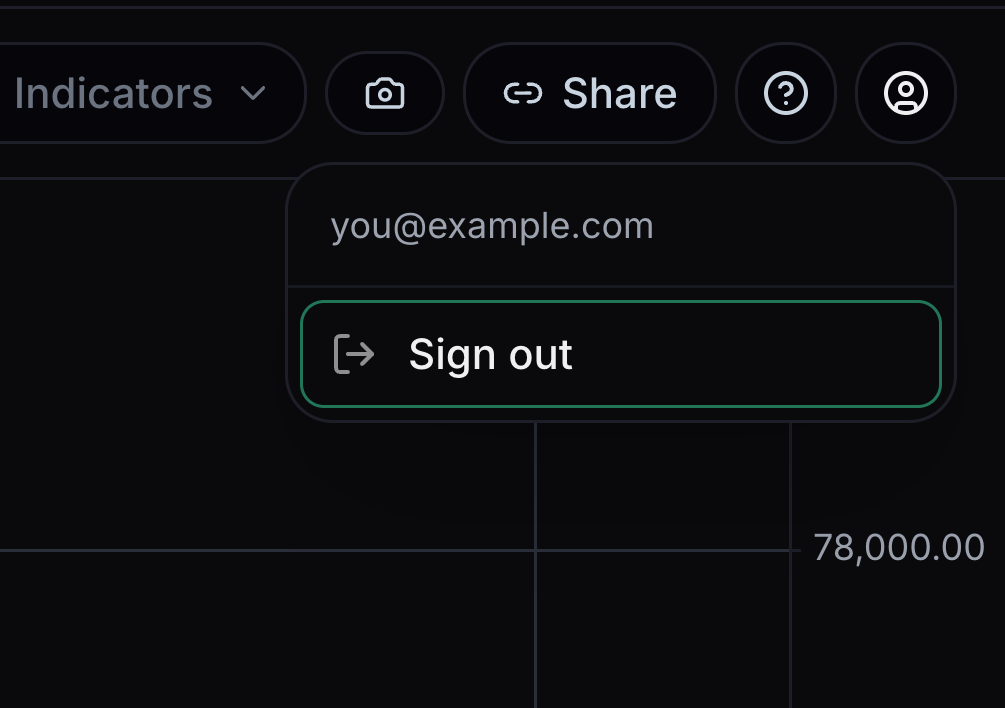
Sign out
Sign out closes your signed-in session.
Open the account menu and choose Sign out when you have finished.


Keep learning
Was this helpful?