- 01
Start the tour
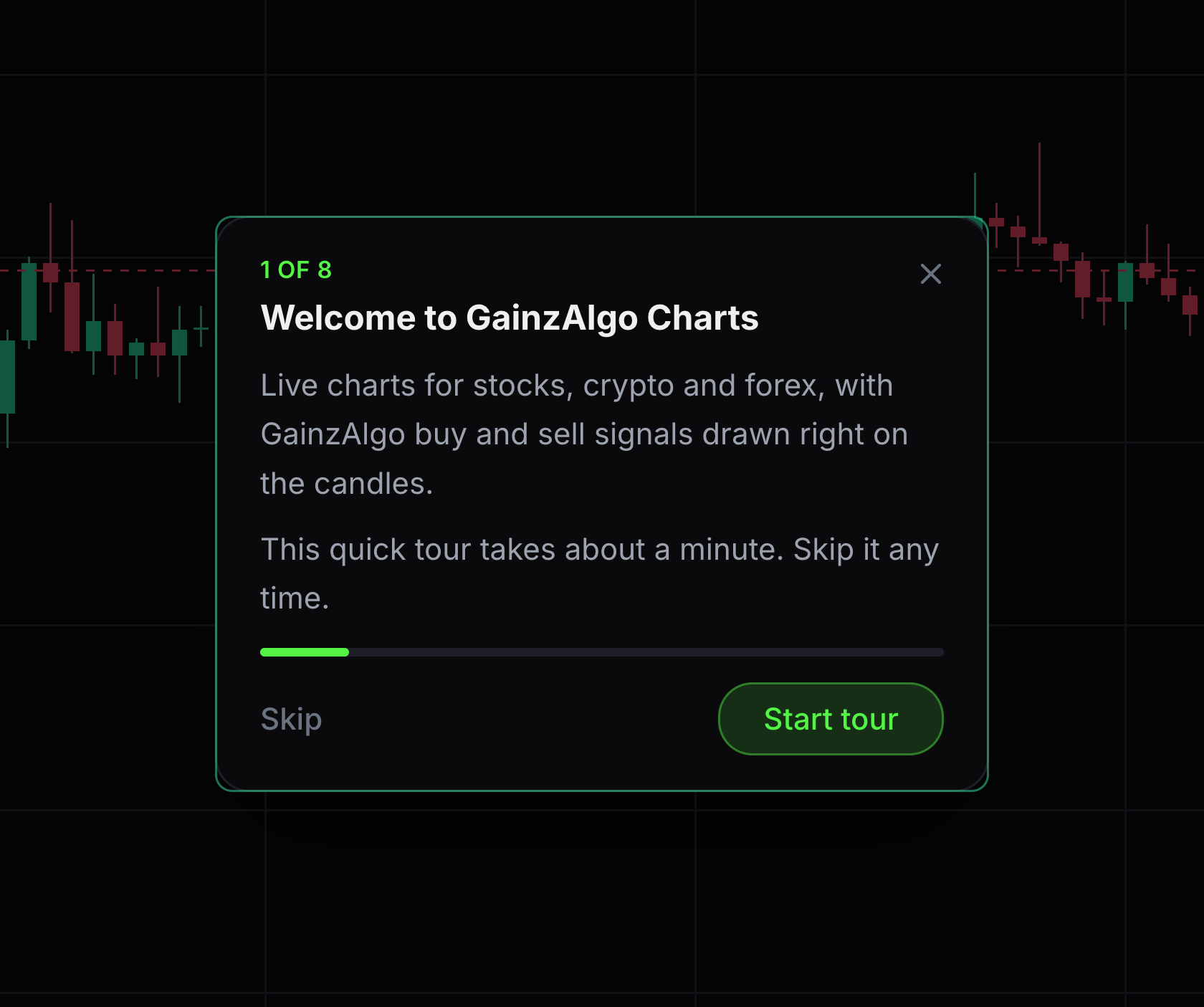
The question-mark button starts a guided introduction.
Choose Take the tour in the chart header.
- 02
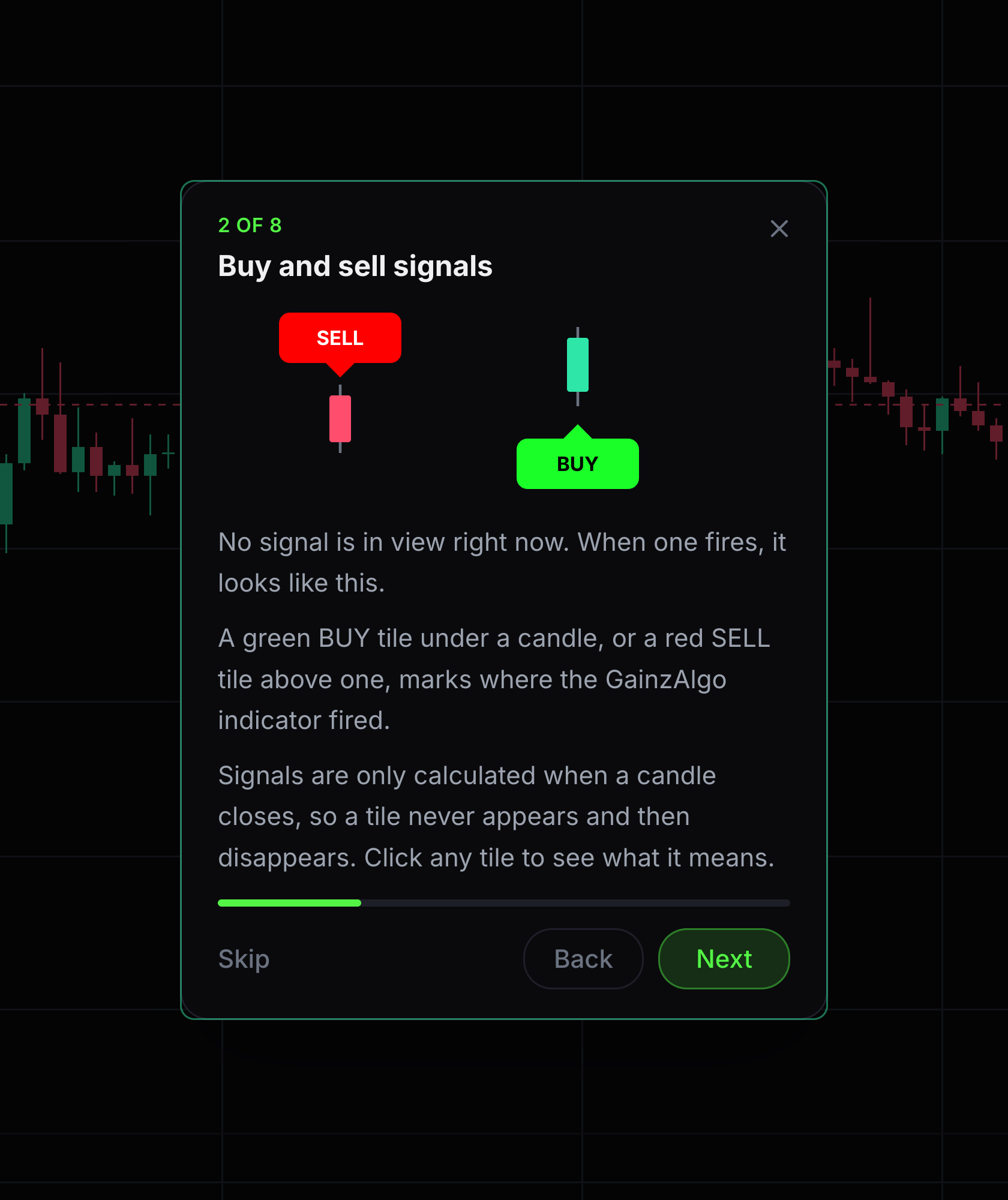
Read each tour card
Tour cards explain the main parts of the chart. Some cards highlight a control or show an example.
Read the card and use Next to continue. Follow any action the card asks you to try.
- 03
Leave and restart
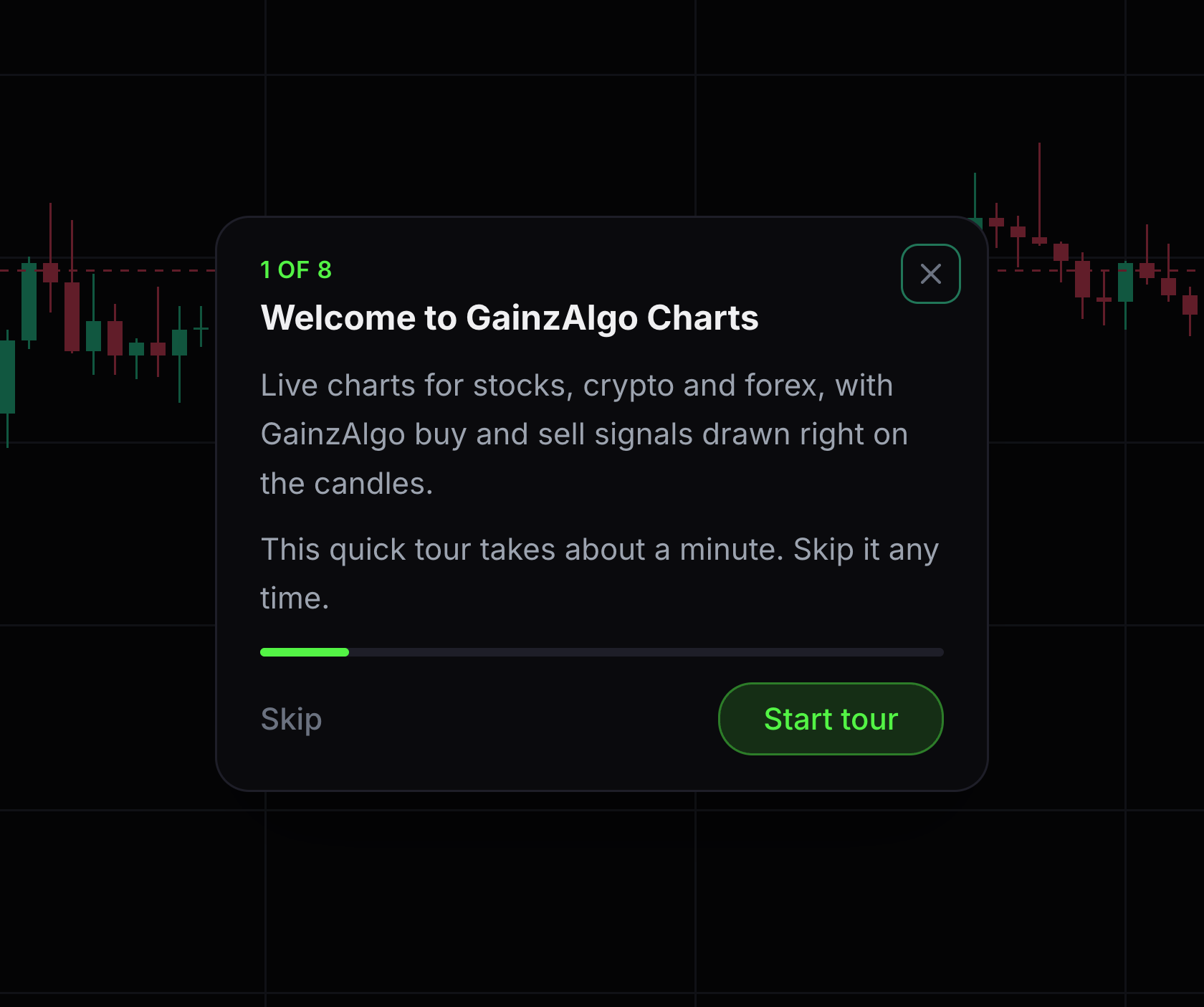
You can close the tour without changing your chart.
Use the close button or Escape. Choose Take the tour again to start over.


Keep learning
Was this helpful?