- 01
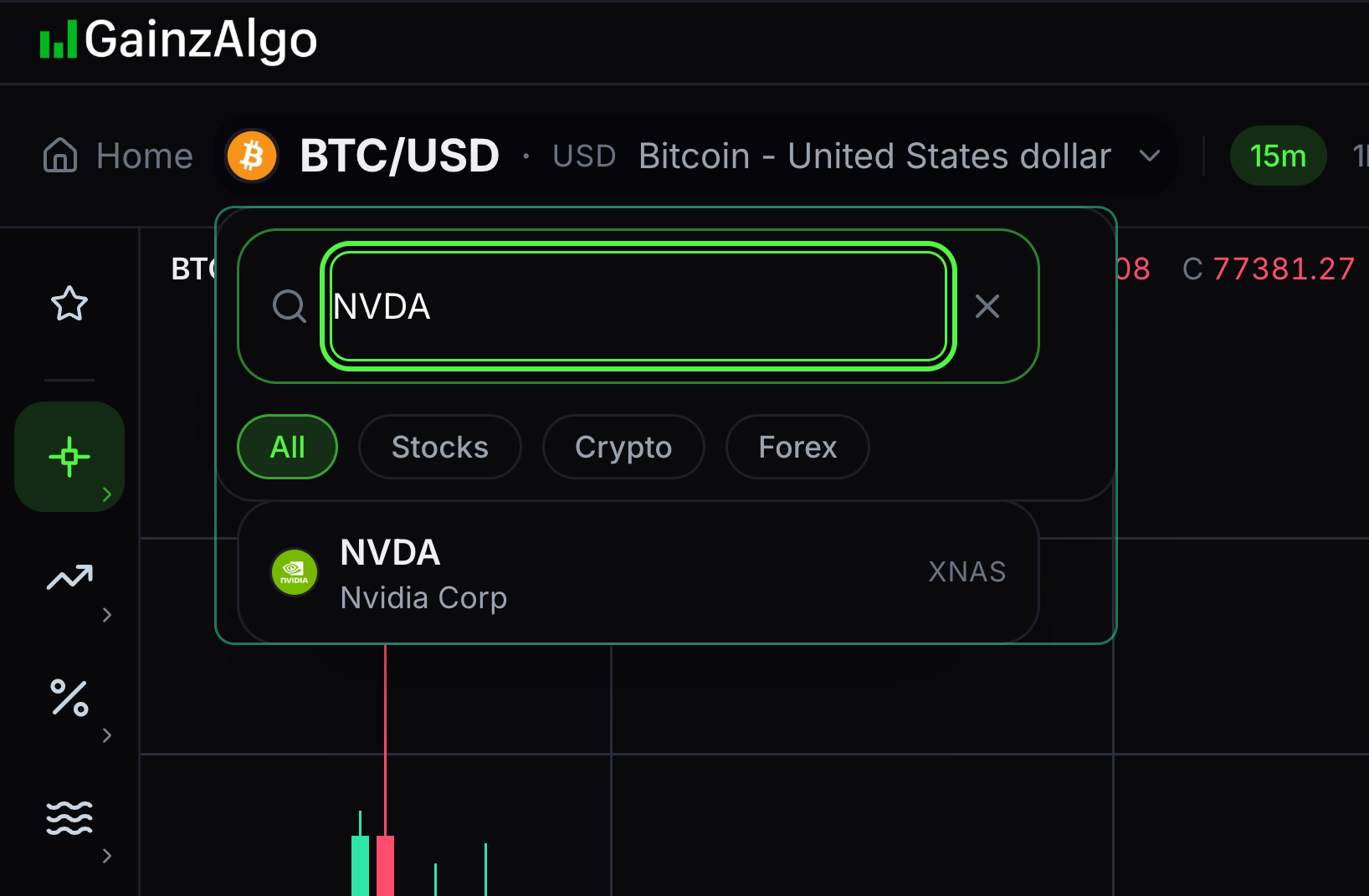
Search for an instrument
An instrument is the market shown on your chart, such as BTC/USD.
Open the symbol search and type a ticker or company name. Select a matching result.
- 02
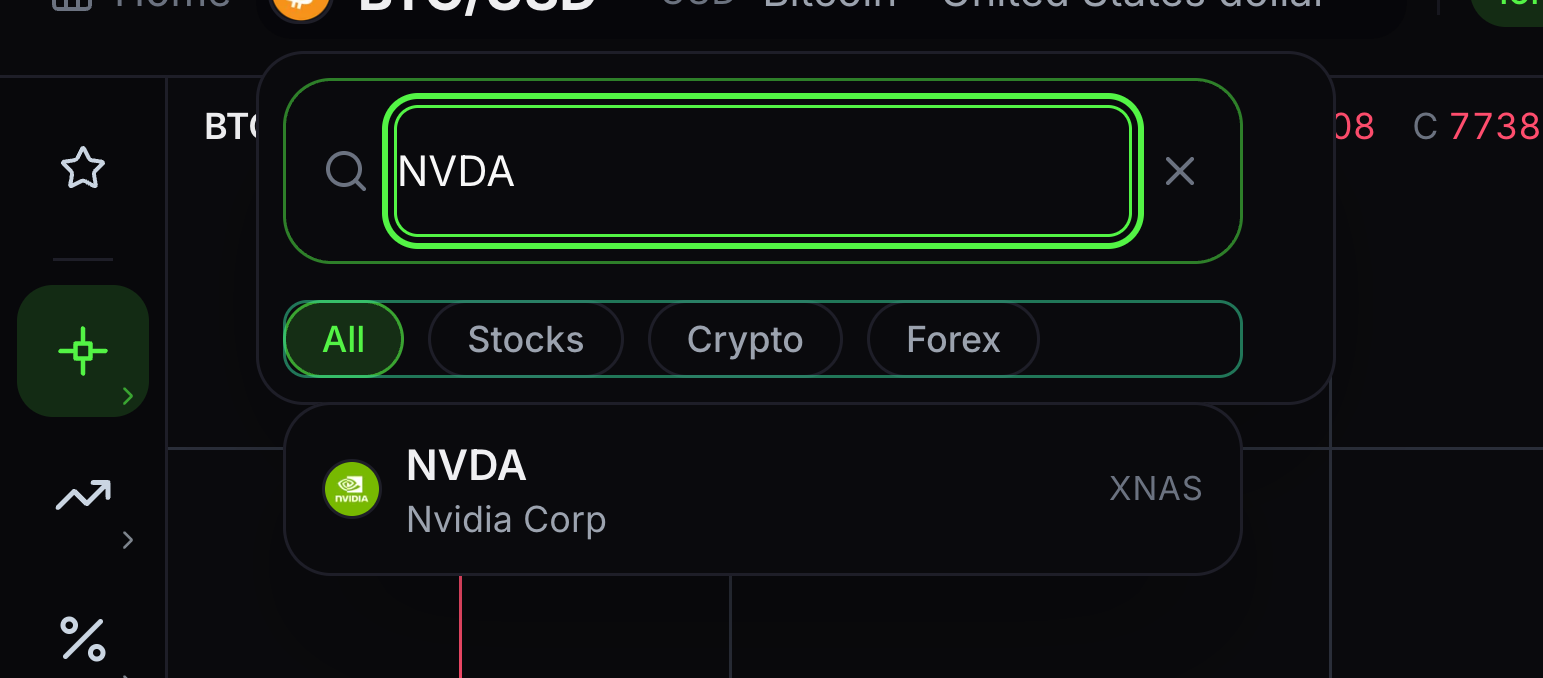
Filter markets
Market filters narrow the search results.
Choose All, Stocks, Crypto or Forex before selecting a result.
- 03
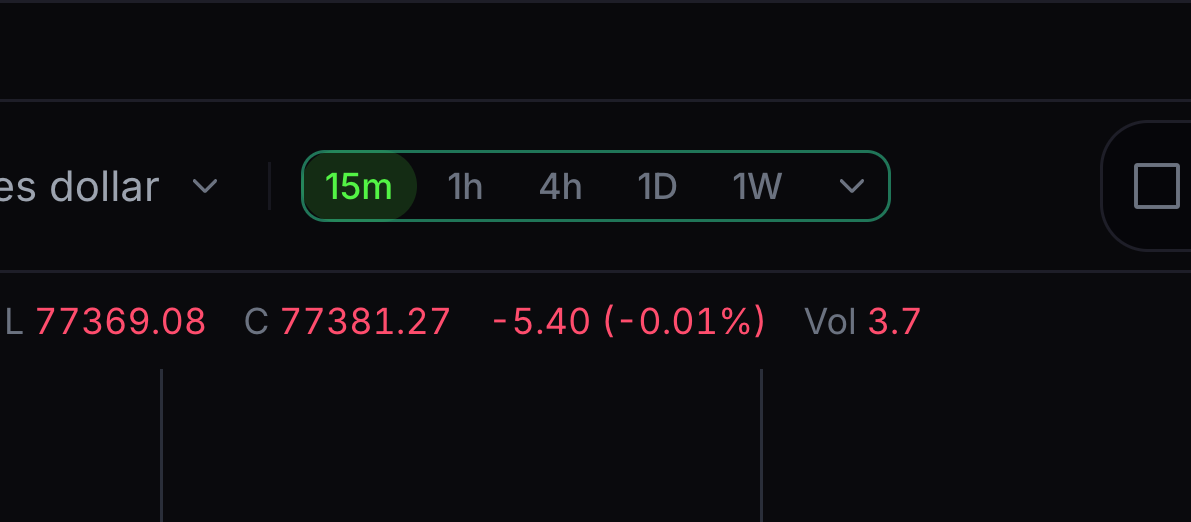
Choose a quick timeframe
A timeframe tells you how long one candle lasts.
Choose a visible quick interval such as 15m or 1h. On a wider screen, 4h, 1D and 1W are also in the quick row. For example, 1h means one hour per candle.
- 04
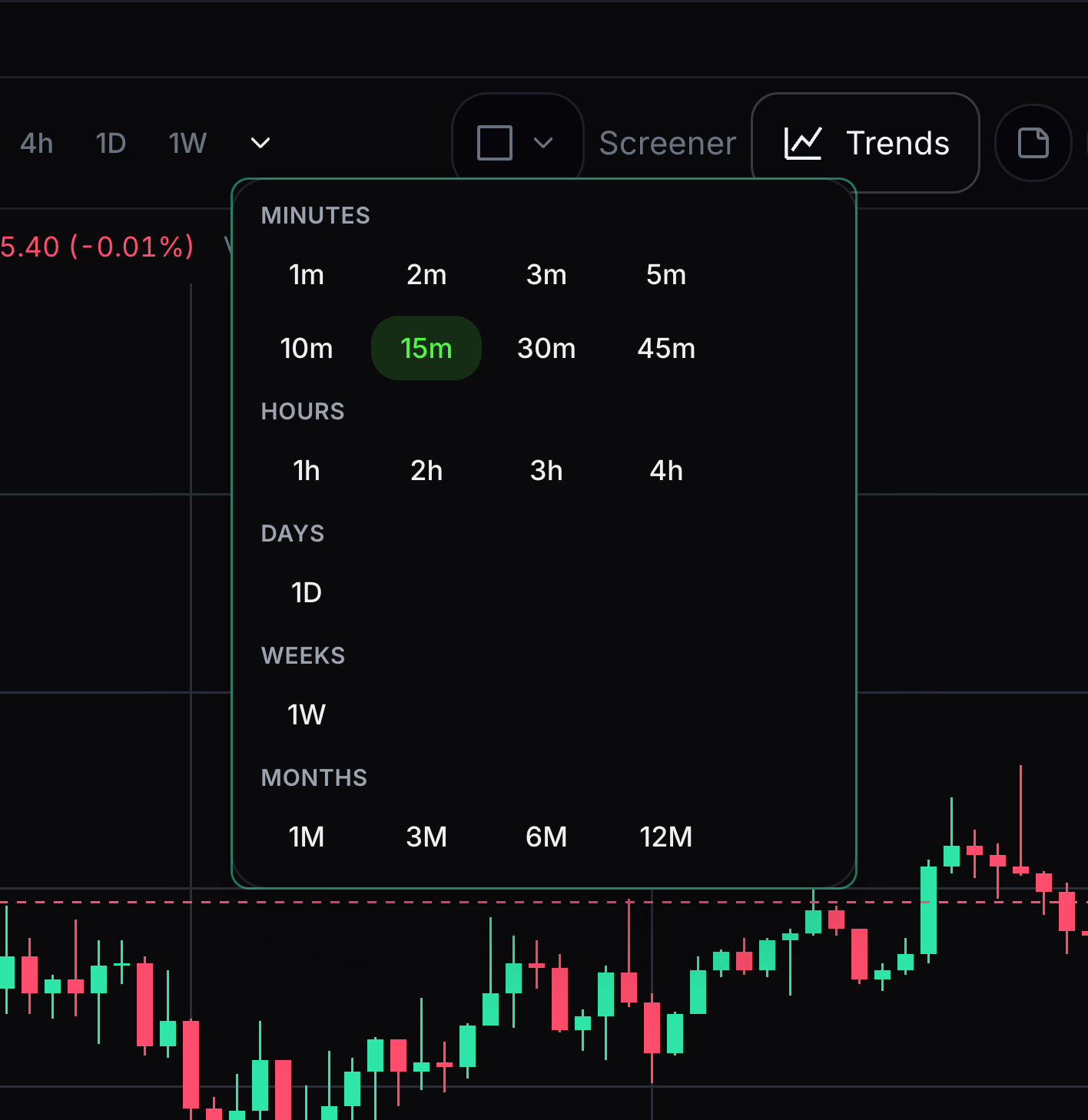
Open all timeframes
The full menu has more candle periods.
Open the timeframe menu and choose an available minute, hour, day, week or month option.


Keep learning
Was this helpful?