- 01
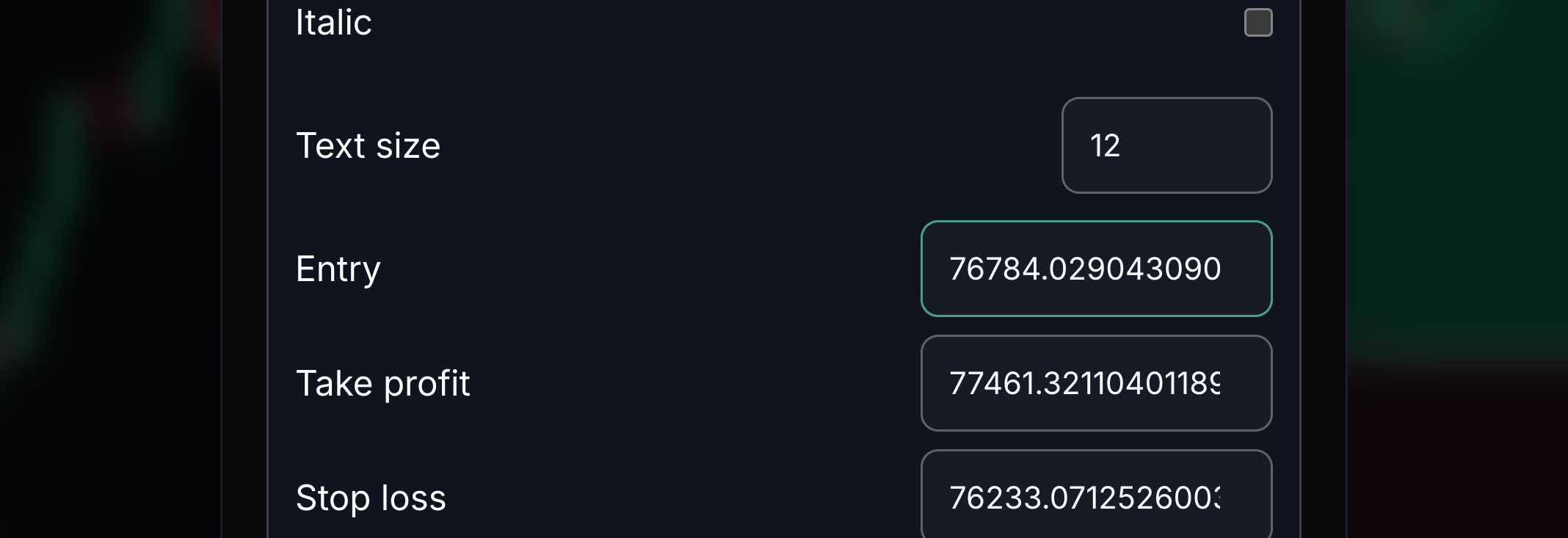
Entry price
Entry is the starting price for your position sketch.
Type the price where the sketch begins.
- 02
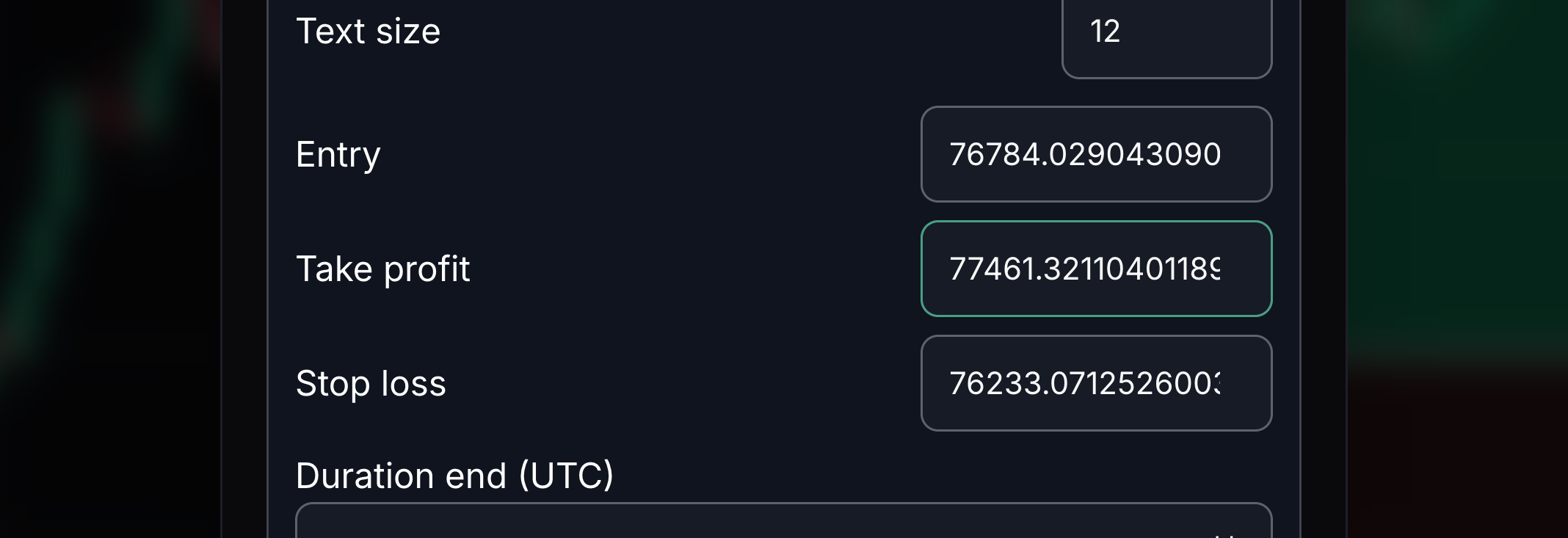
Take profit price
Take profit is the target price for your sketch.
Enter the target price you want to compare.
- 03
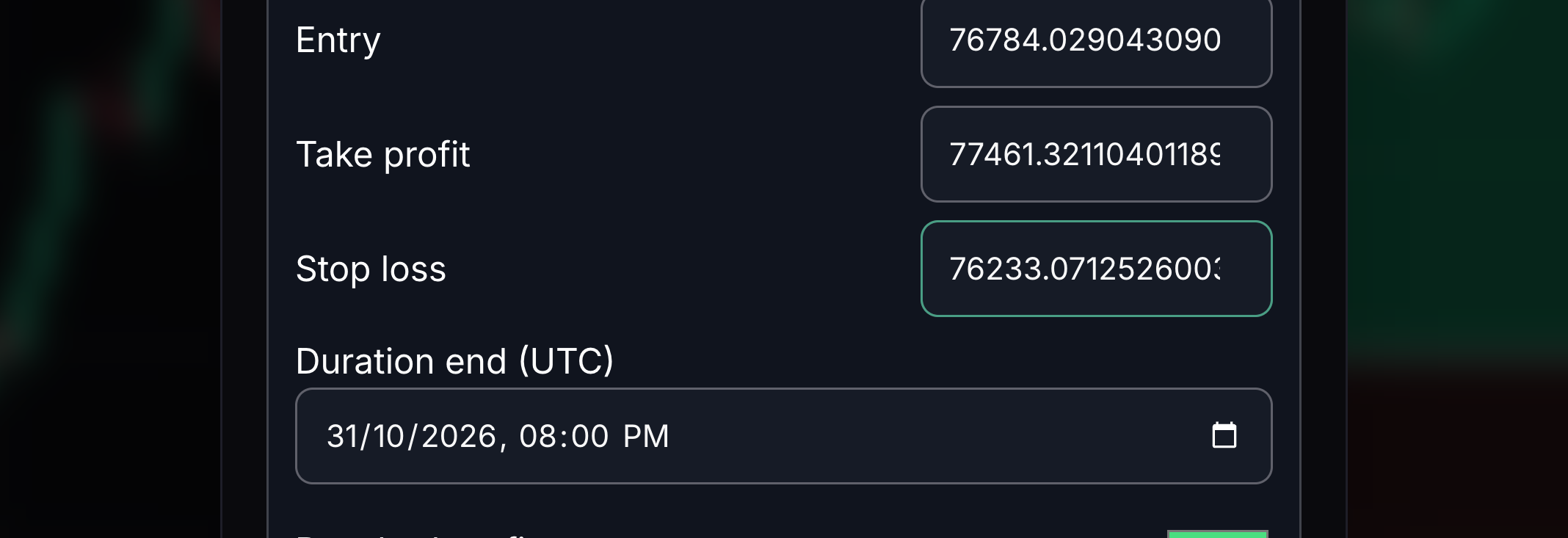
Stop loss price
Stop loss is the price used to limit the loss in your sketch.
Enter the stop price you want to compare.
- 04
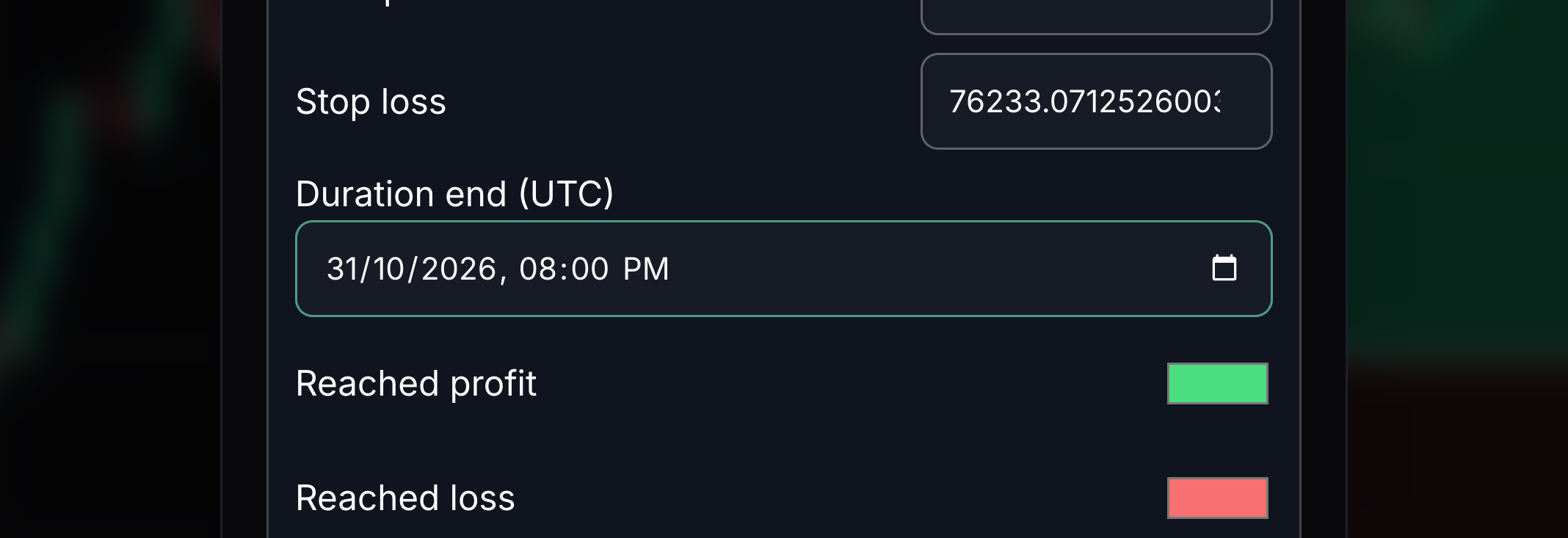
Position end time
This sets where the position sketch ends in time.
Choose the end date and time shown in UTC, the worldwide time reference.
- 05
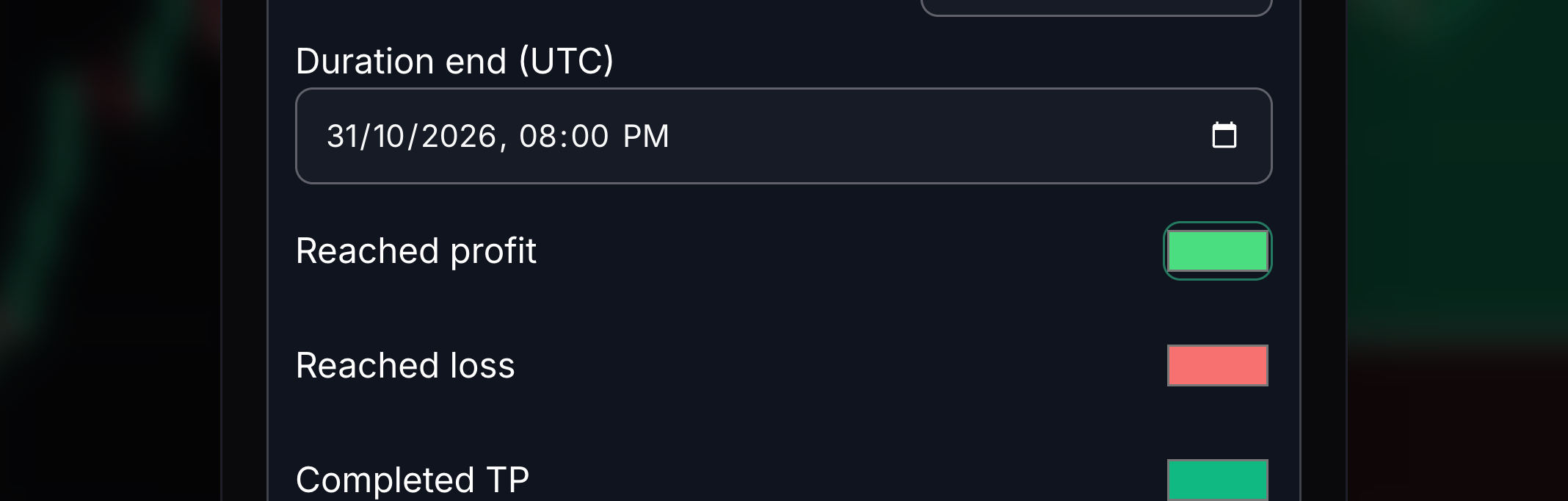
Reached profit color
This colours the profitable portion already reached by price.
Choose a colour for reached profit.
- 06
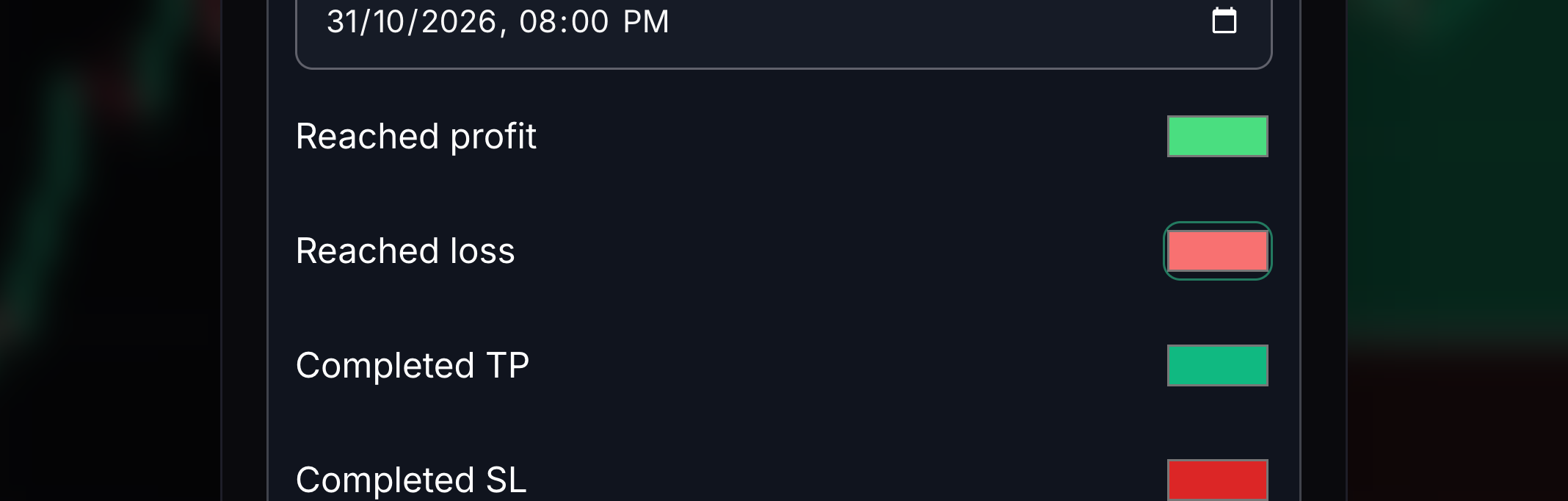
Reached loss color
This colours the loss portion already reached by price.
Choose a colour for reached loss.
- 07
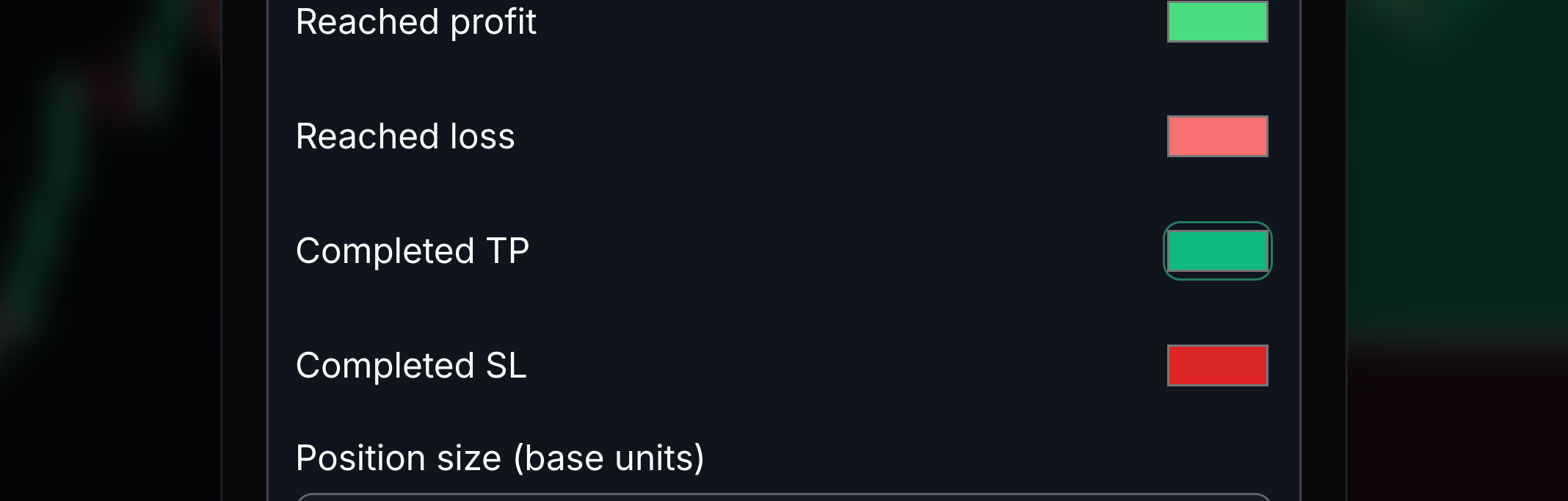
Completed TP color
This colours a completed take-profit result.
Choose the colour used when a target is completed.
- 08
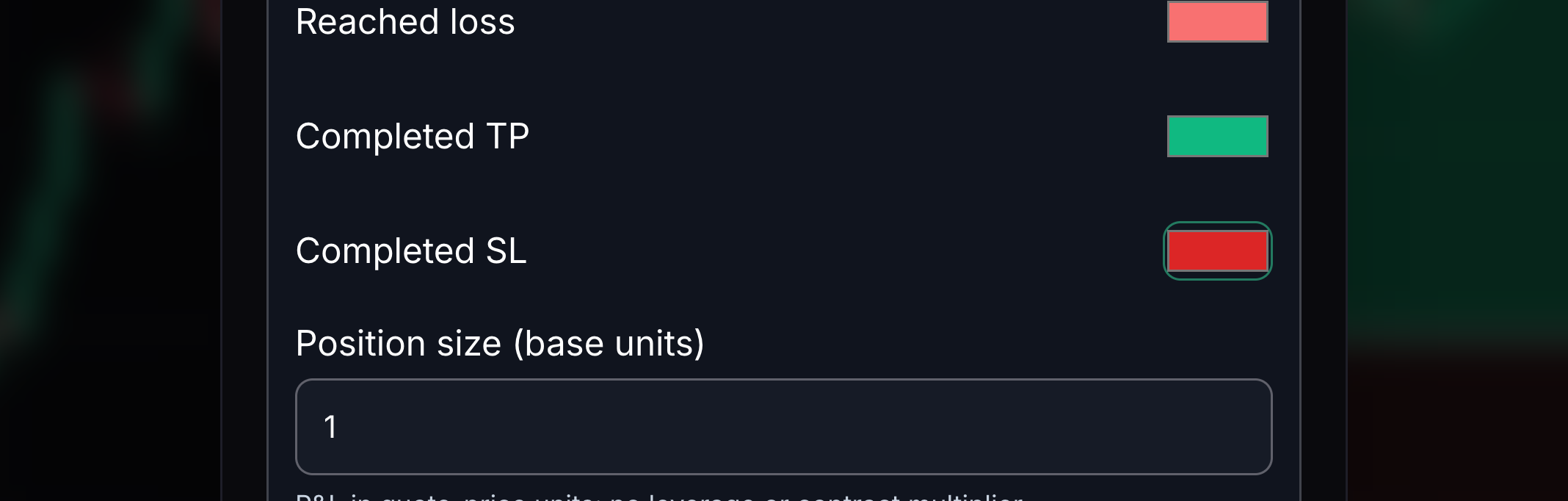
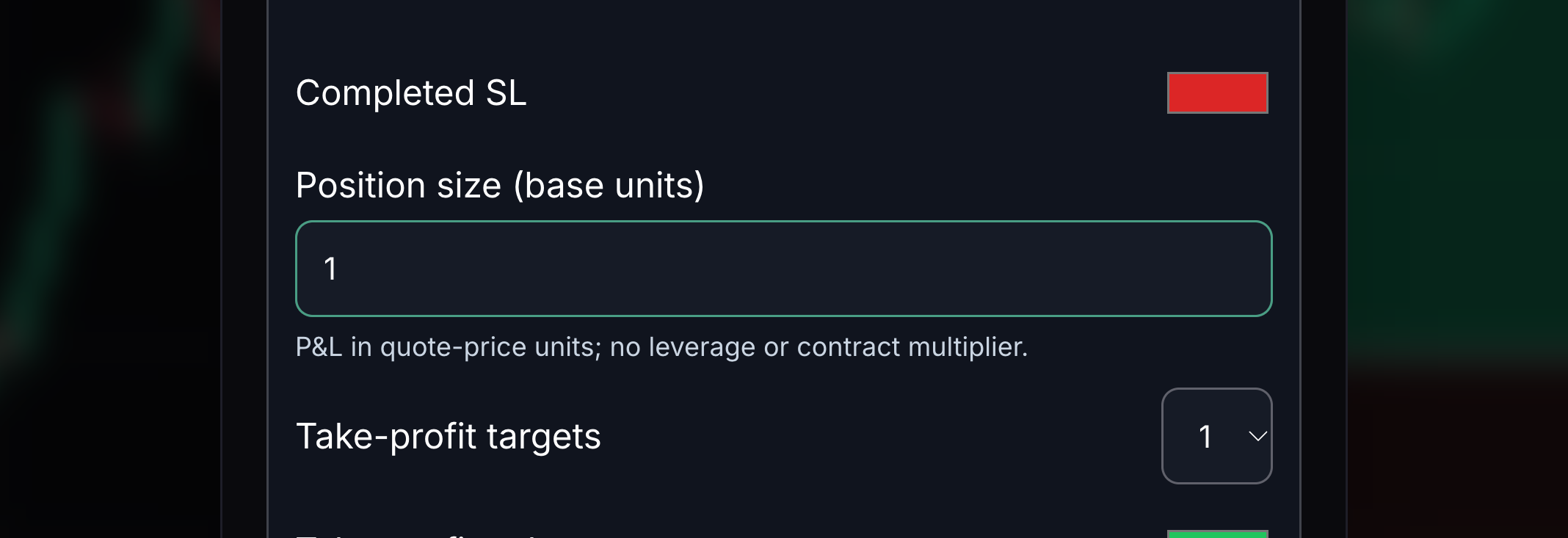
Completed SL color
This colours a completed stop-loss result.
Choose the colour used when a stop is completed.
- 09
Position size in base units
Size is the number of instrument units in the sketch.
Enter a non-negative quantity. Profit and loss use that quantity and the price change.
- 10
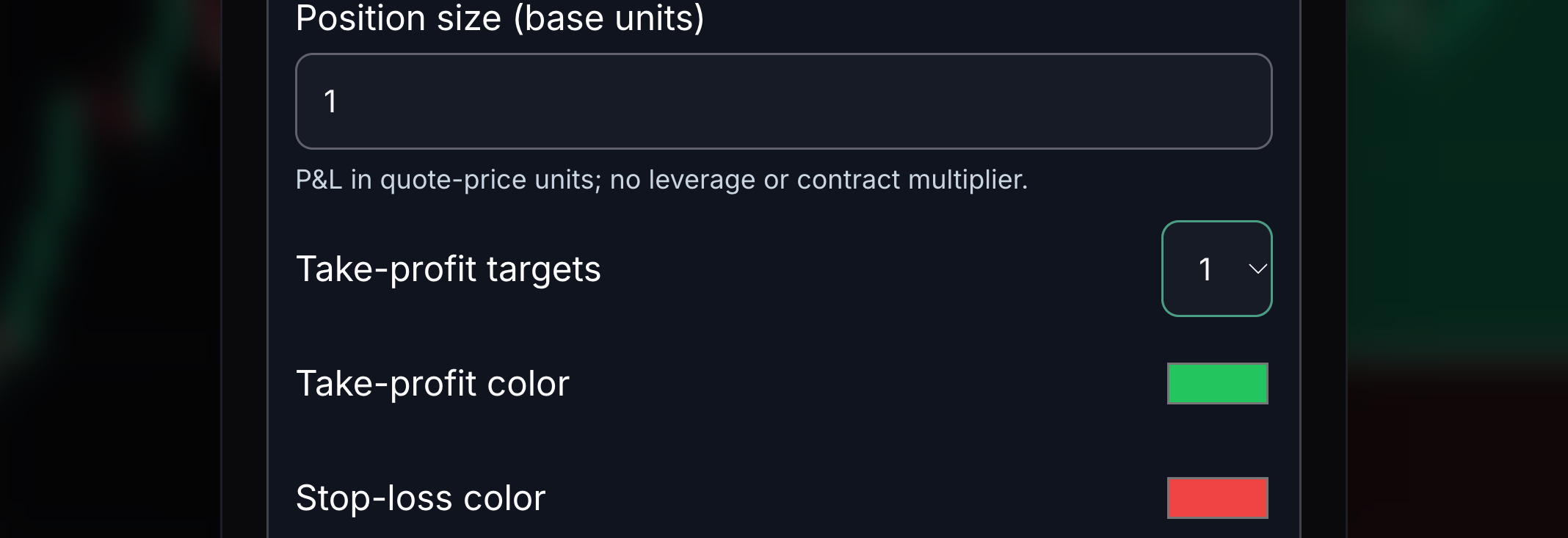
Take-profit target count
A position sketch can include more than one target.
Choose one, two or three targets.
- 11
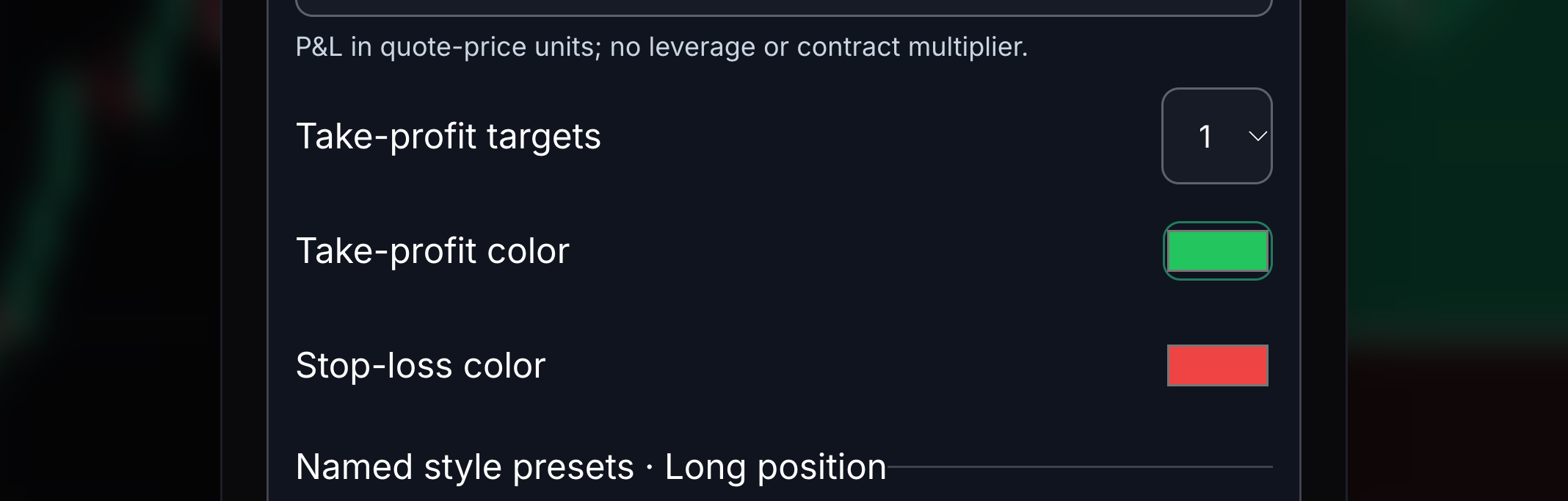
Take-profit color
This colours the target zone of the sketch.
Choose a clear take-profit colour.
- 12
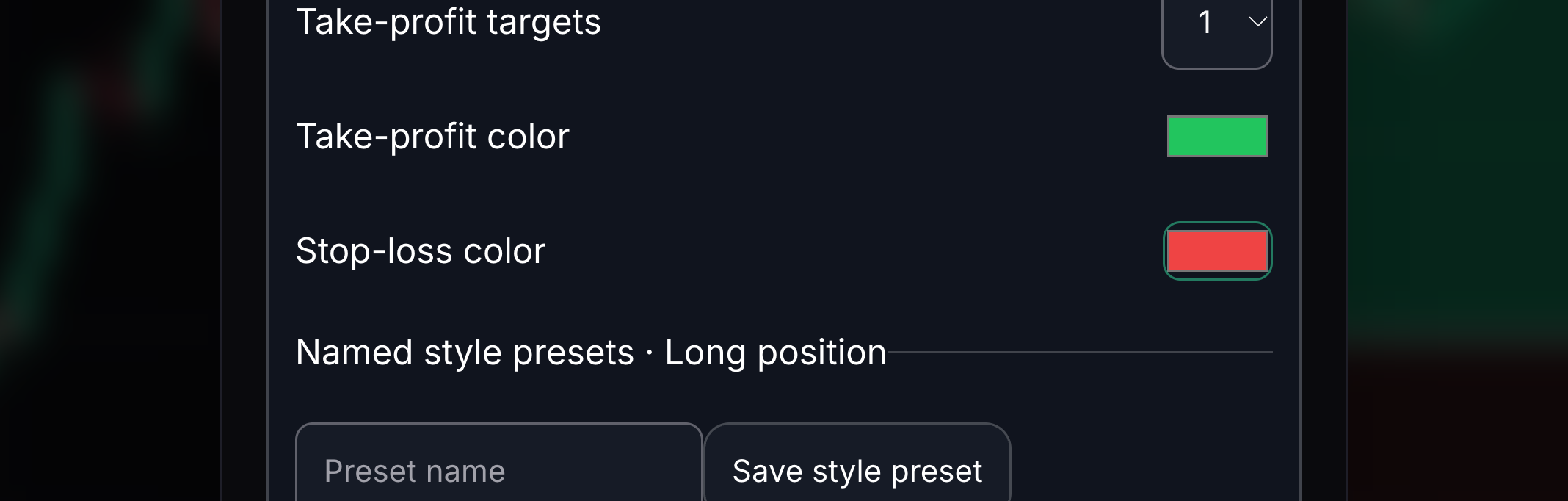
Stop-loss color
This colours the stop zone of the sketch.
Choose a stop-loss colour that differs from the target colour.


Keep learning
Was this helpful?