- 01
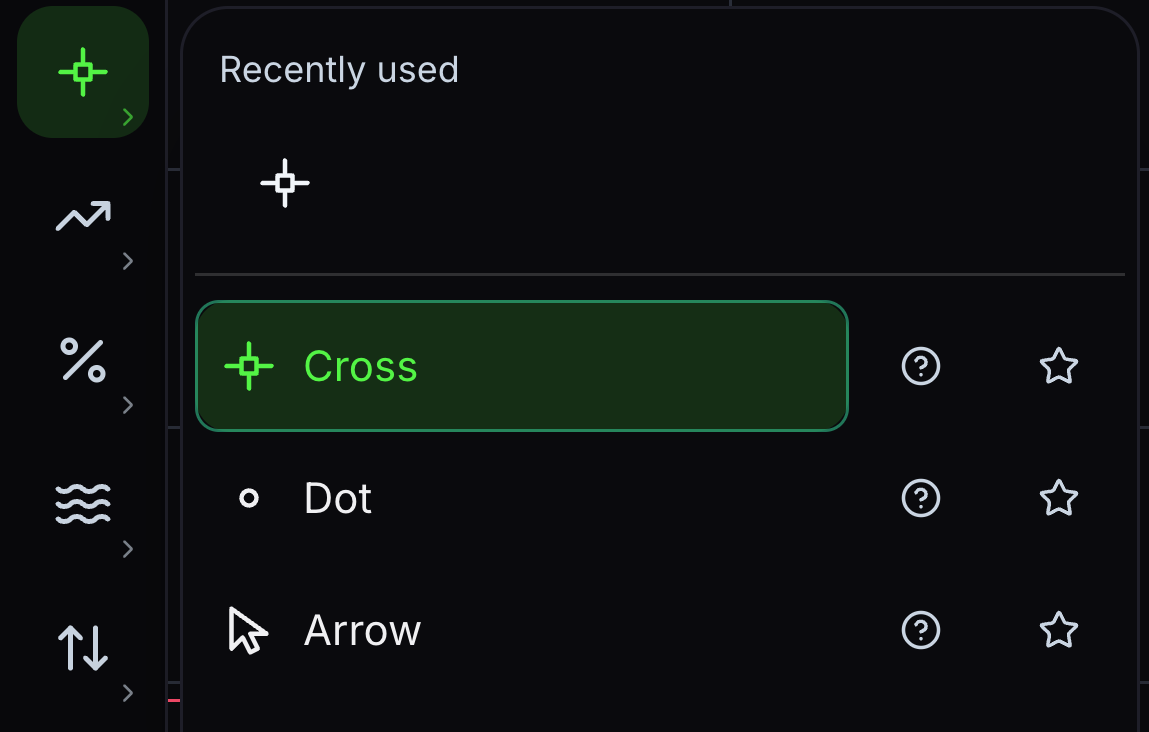
Cross
The default pointer, with a crosshair that reads price and time off both axes.
Move over the chart to read a bar; click a drawing to select it.
- 02
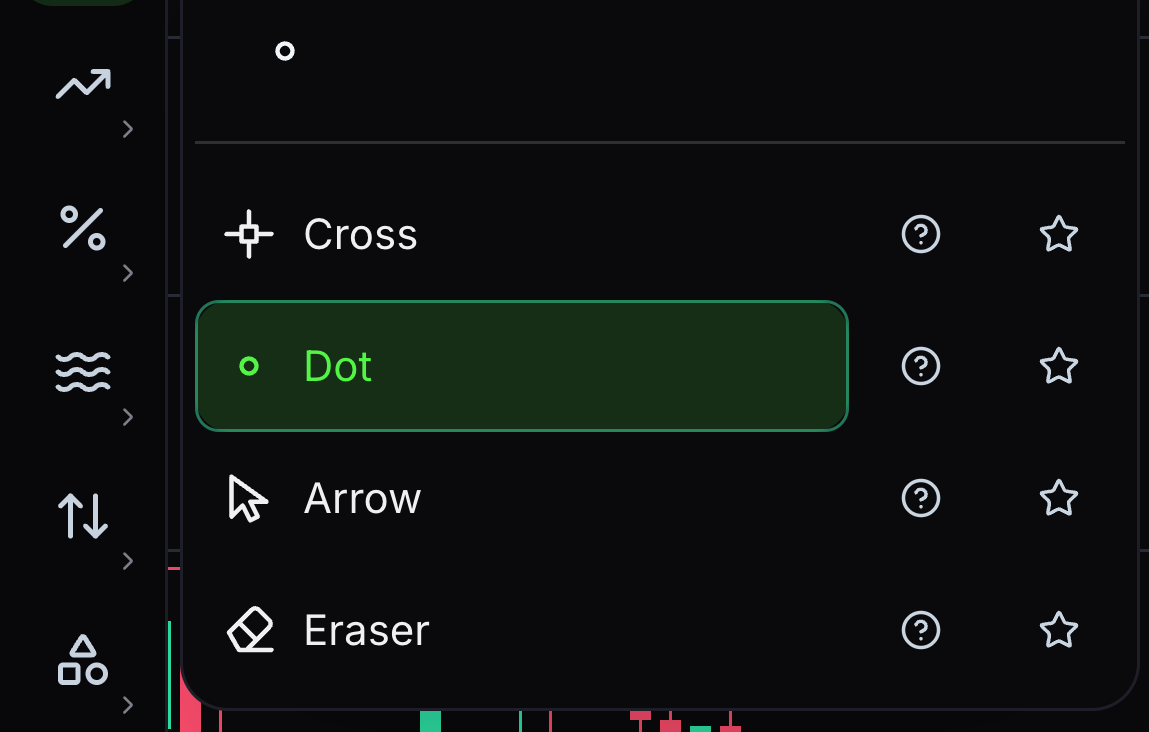
Dot
The crosshair without its lines, for reading a busy chart without covering it.
Behaves exactly like the cross, and hides the two guide lines.
- 03
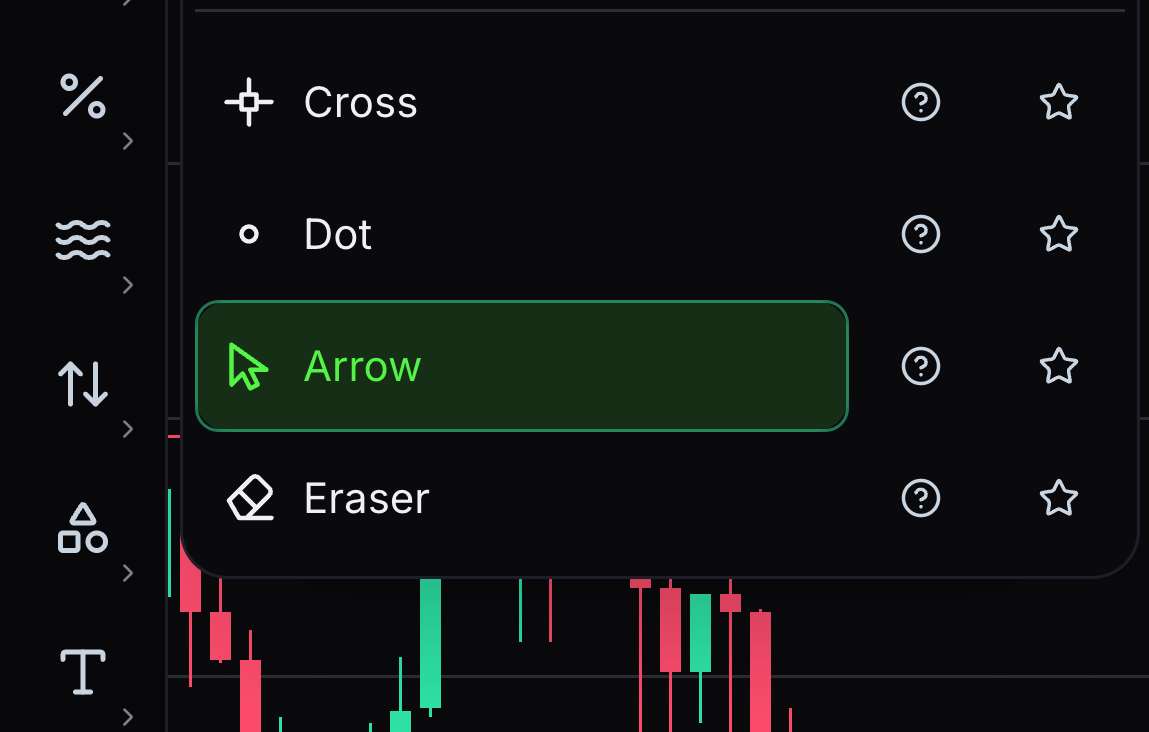
Arrow
A plain arrow pointer with no crosshair and no axis readout at all.
Use it to select and move drawings; the legend holds the last closed bar.
- 04
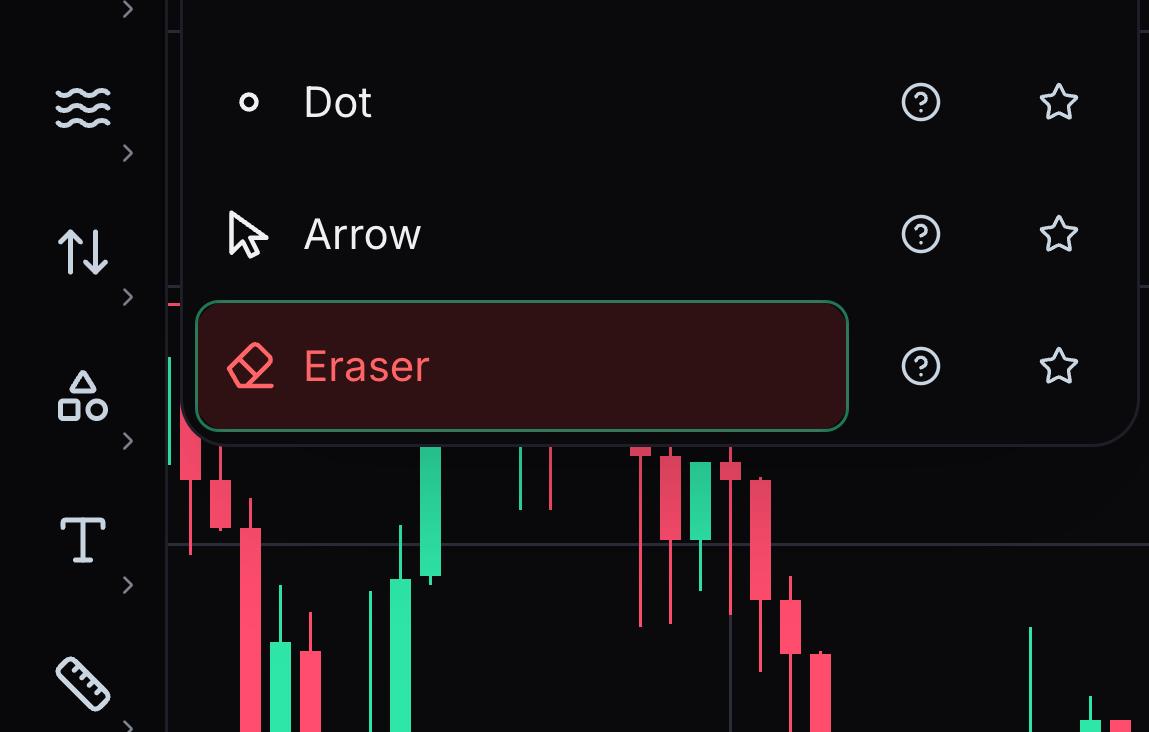
Eraser
Deletes whatever you click, so several drawings can go without reselecting.
Click each drawing you want gone; press Escape to return to the cross.


Keep learning
Was this helpful?