- 01
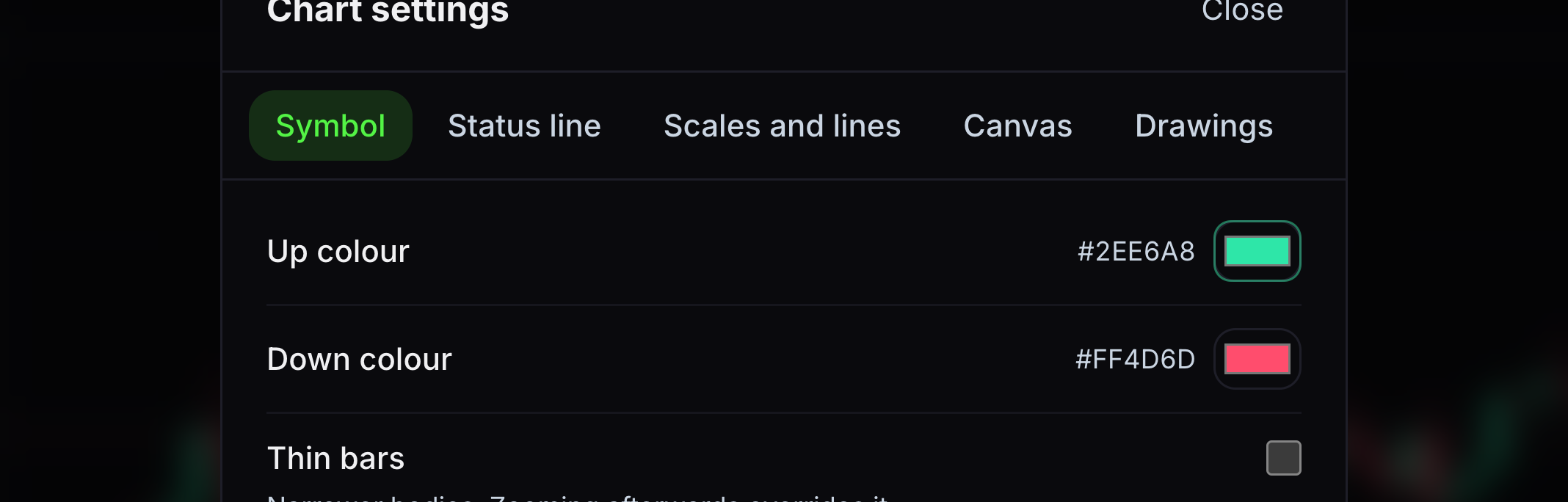
Up colour
This is the colour of a candle that closes above its open.
Choose a new colour.
- 02
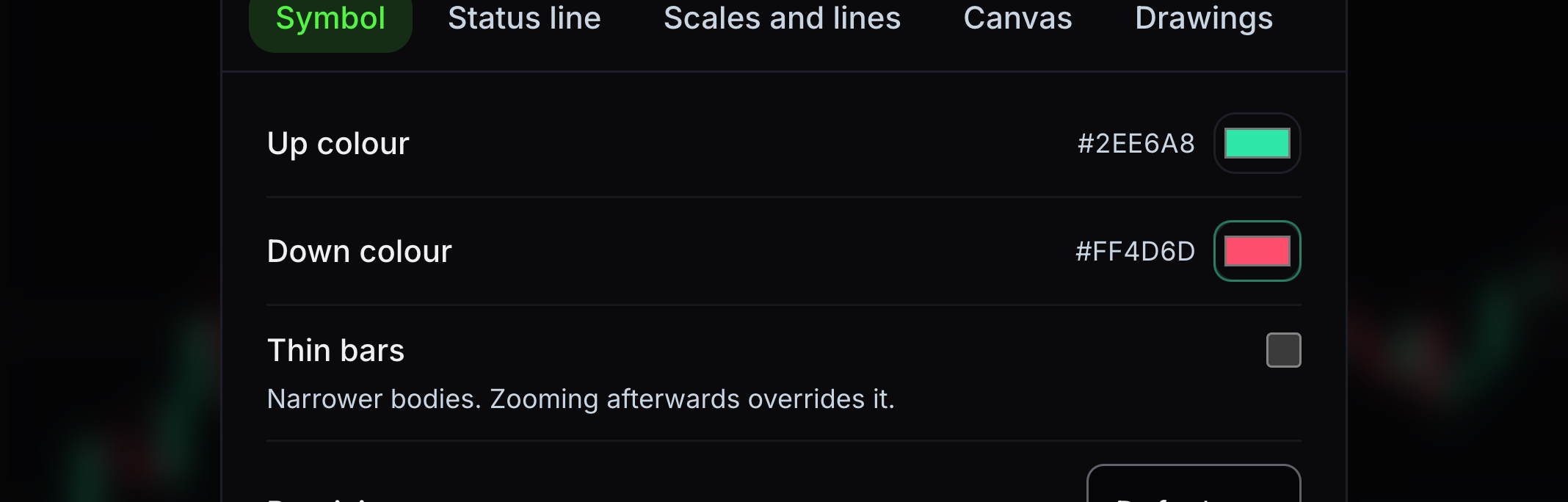
Down colour
This is the colour of a candle that closes below its open.
Choose a contrasting colour.
- 03
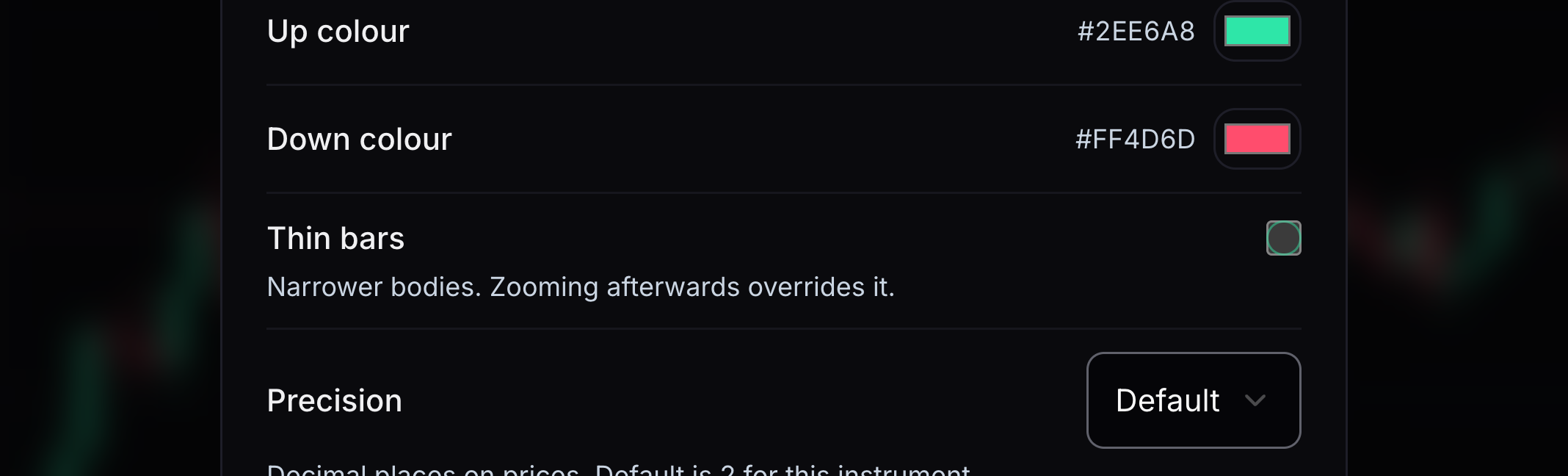
Thin bars
This makes the price bars narrower.
Turn Thin bars on or off.
- 04
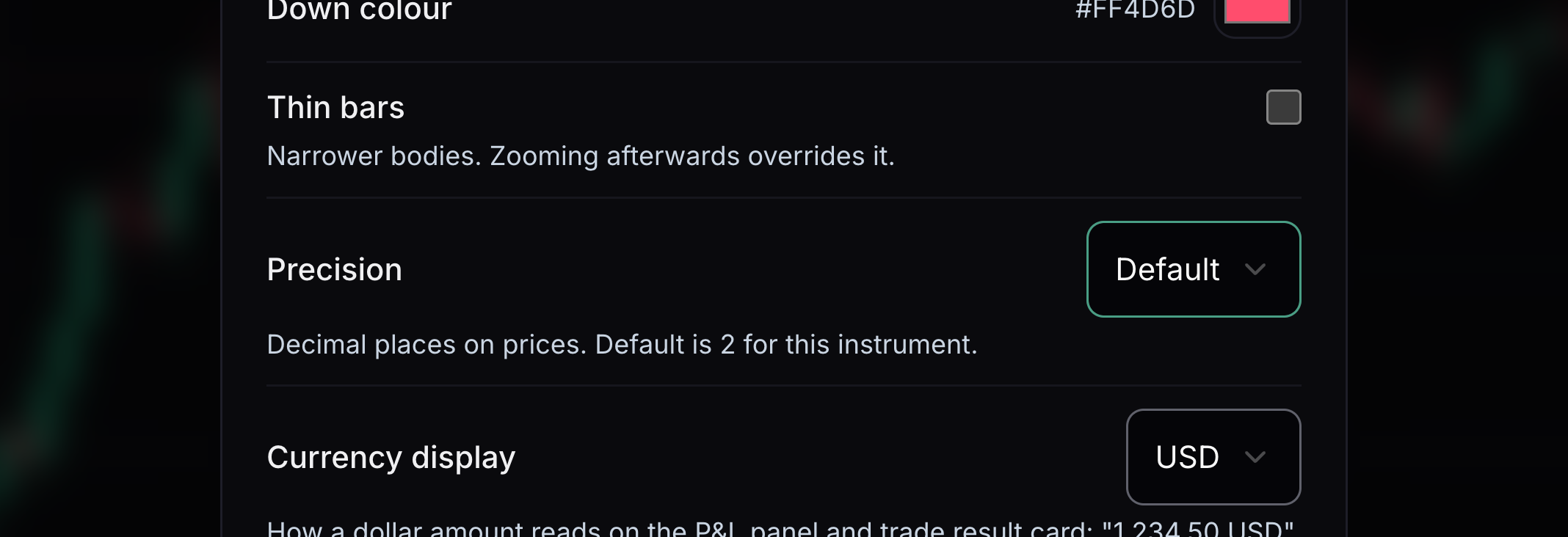
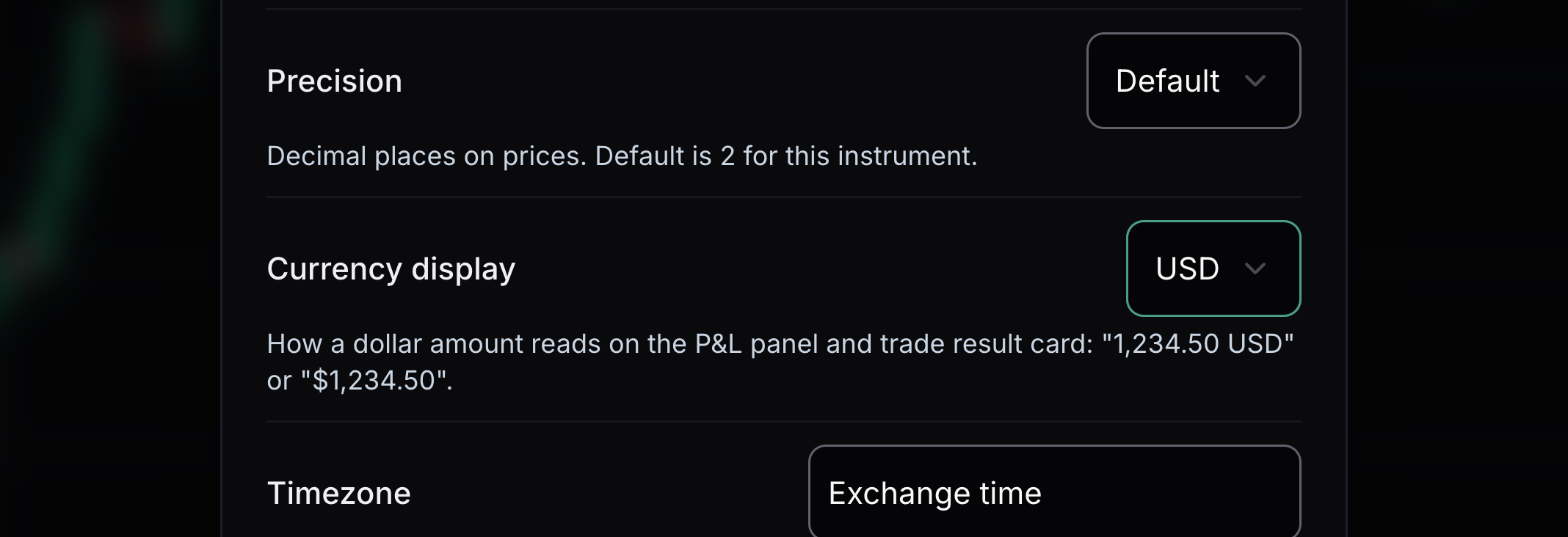
Precision
This controls the number of decimal places in chart prices.
Keep the market default or choose a fixed number.
- 05
Currency display
This changes how money amounts are written. It does not convert prices.
Choose USD or the dollar symbol.
- 06
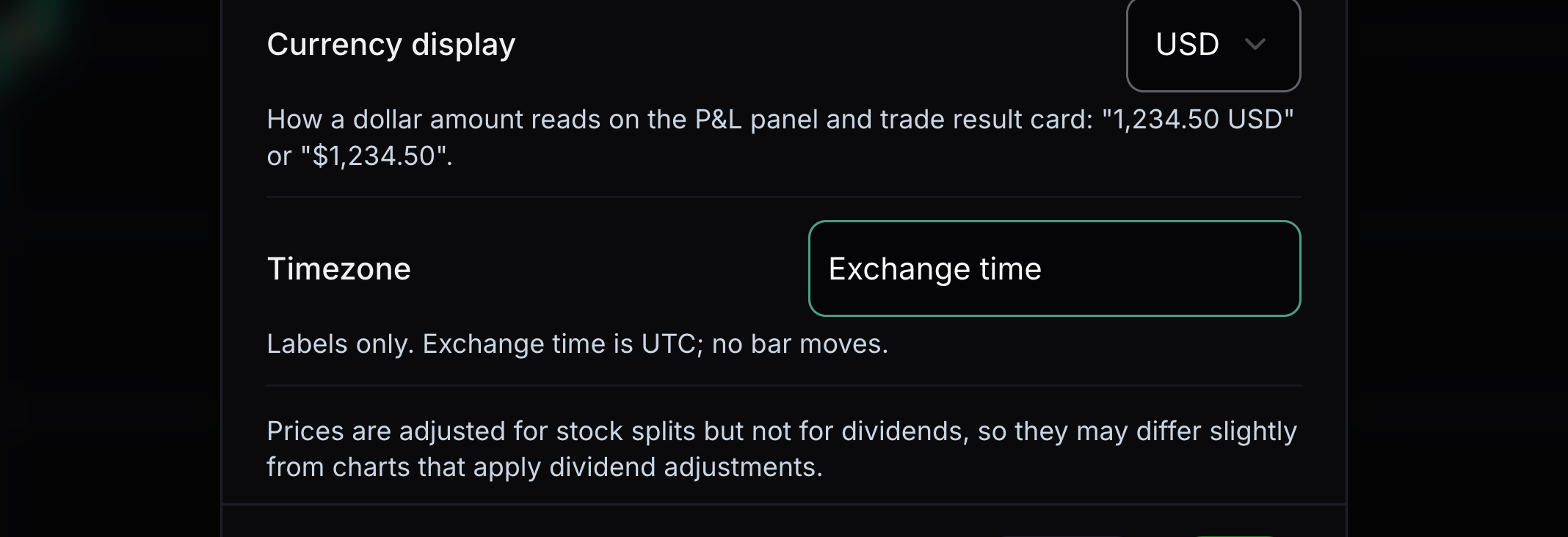
Timezone
This sets the timezone shown for chart times.
Choose Exchange time or another timezone.
- 07
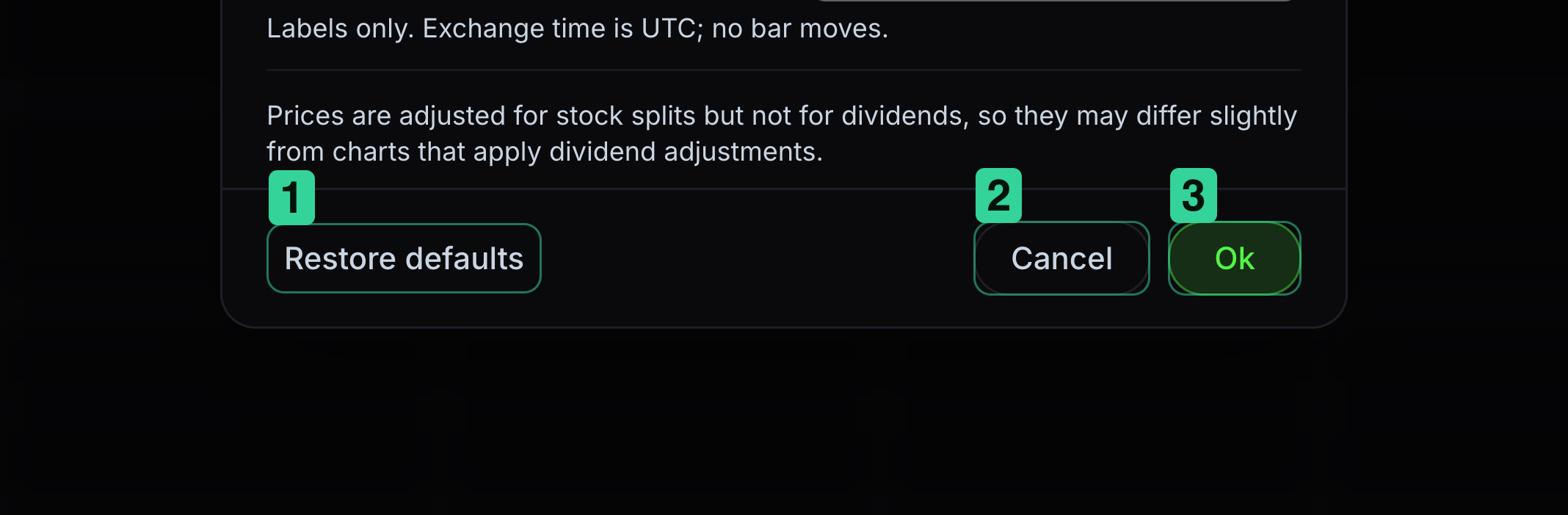
Save or restore settings
Ok saves your changes. Restore defaults puts the original values back in the dialog.
1 Restore defaults resets the choices in the dialog. 2 Cancel leaves without saving. 3 Ok keeps your choices.


Keep learning
Was this helpful?