- 01
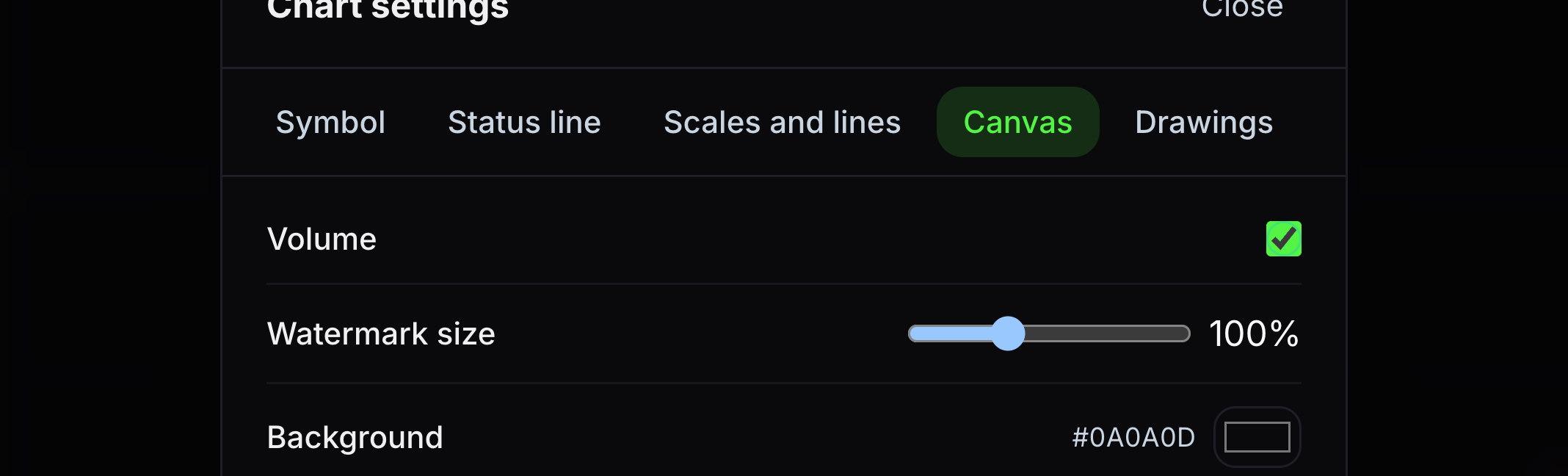
Volume
This shows or hides the volume bars below price.
Turn Volume on or off.
- 02
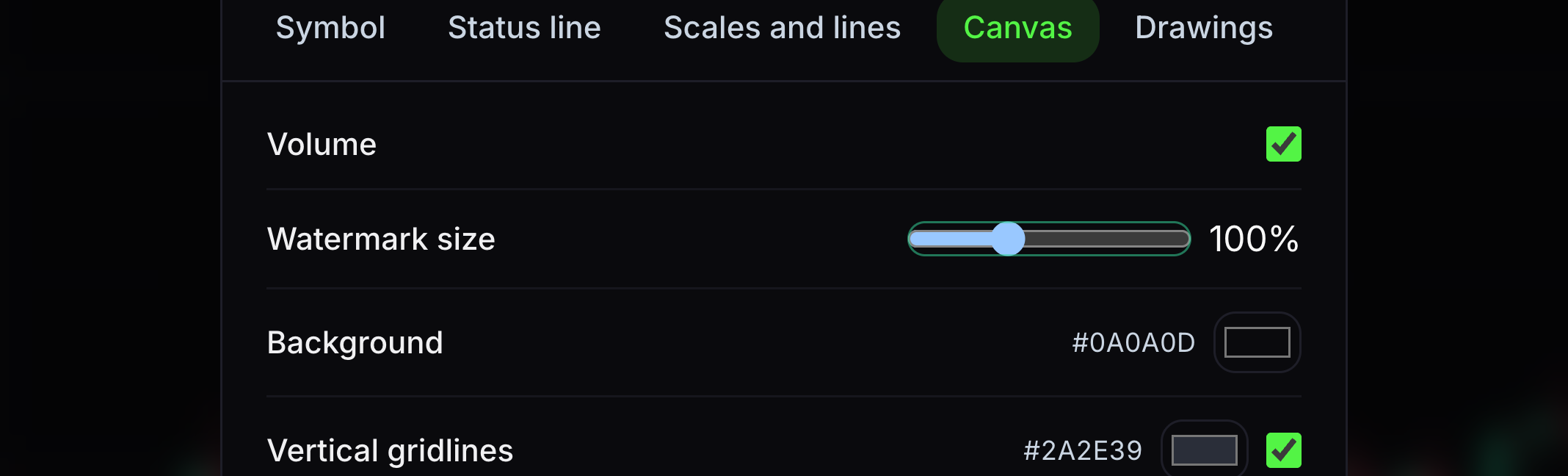
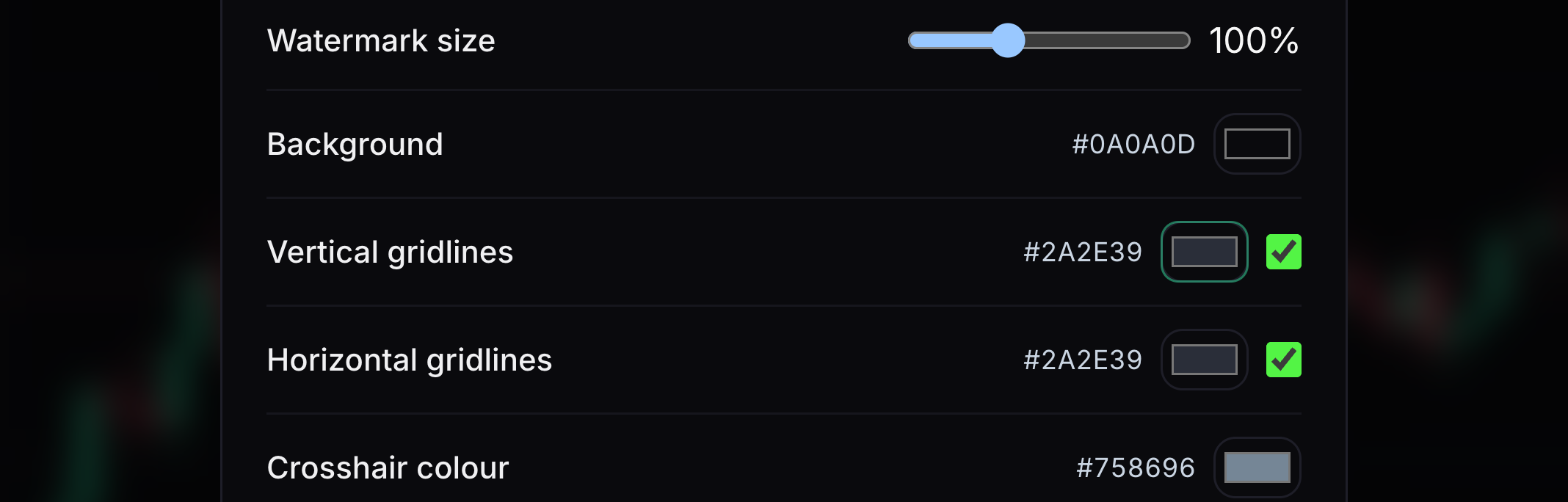
Watermark size
This changes the size of the GainzAlgo mark.
Move the size slider.
- 03
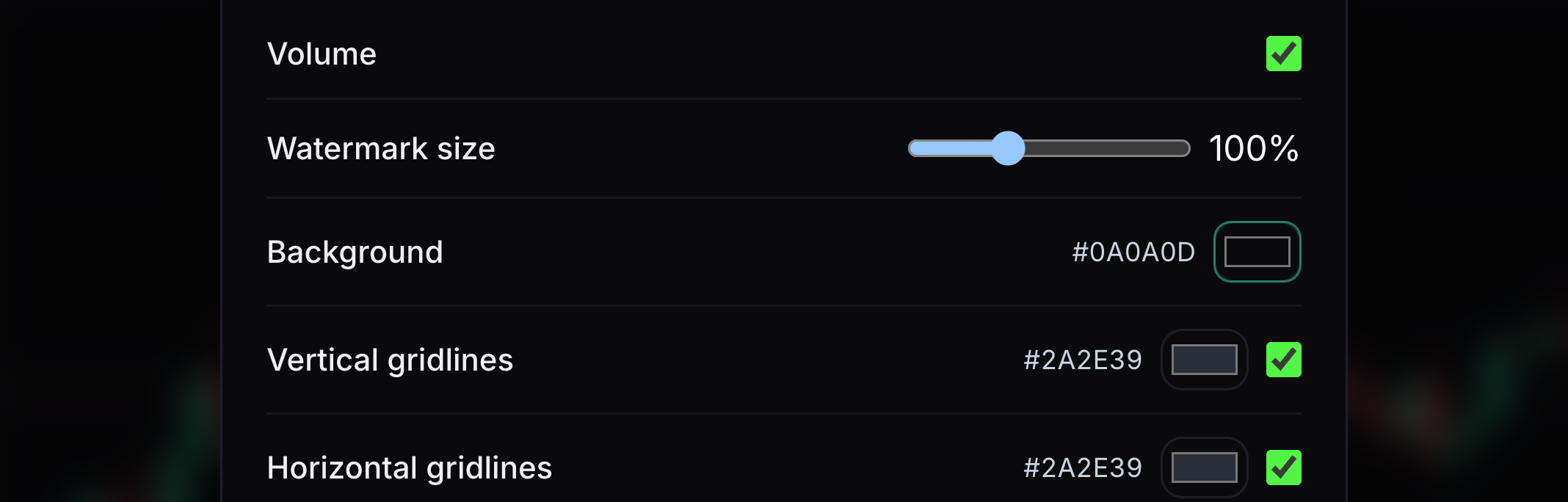
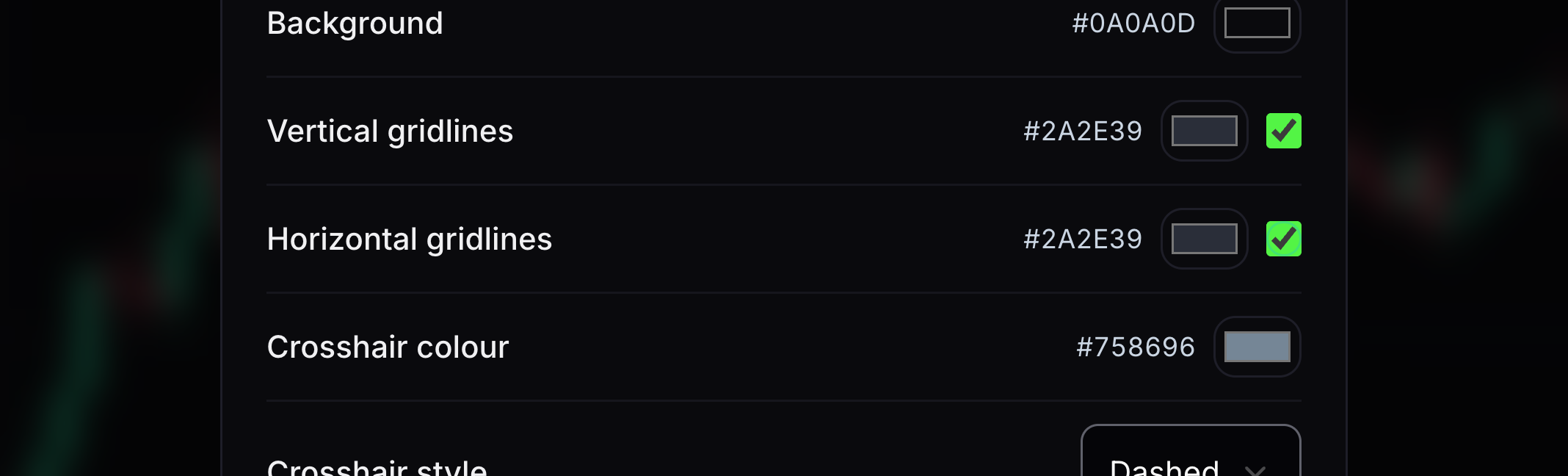
Background
This sets the chart’s background colour.
Choose a background that contrasts with candles and labels.
- 04
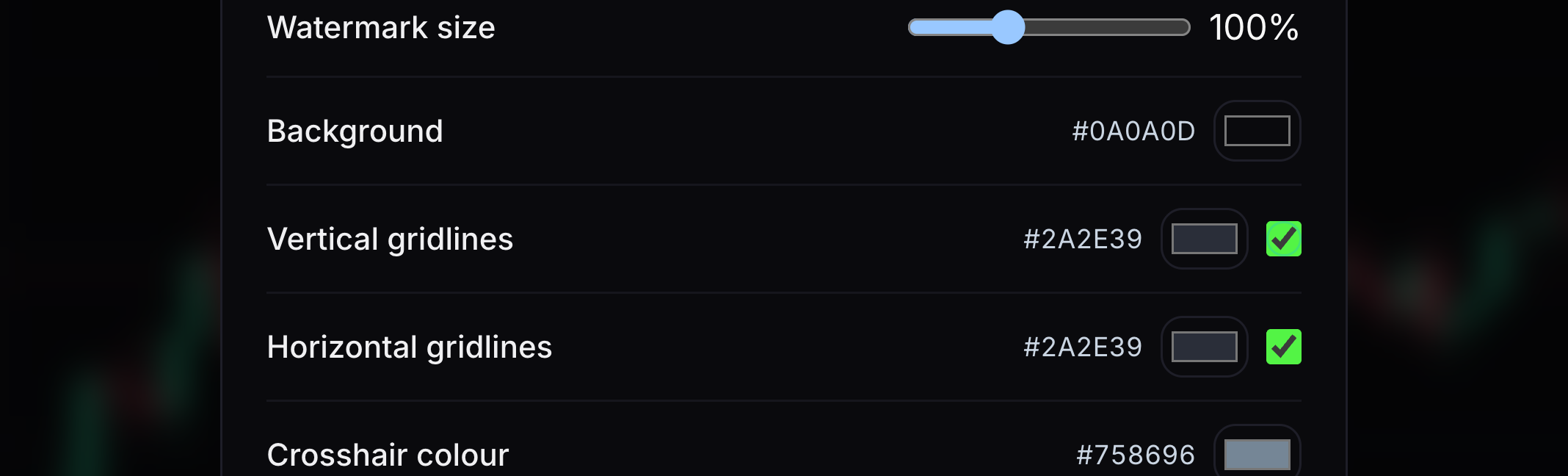
Vertical gridlines
These lines help line up points in time.
Toggle them and choose their colour.
- 05
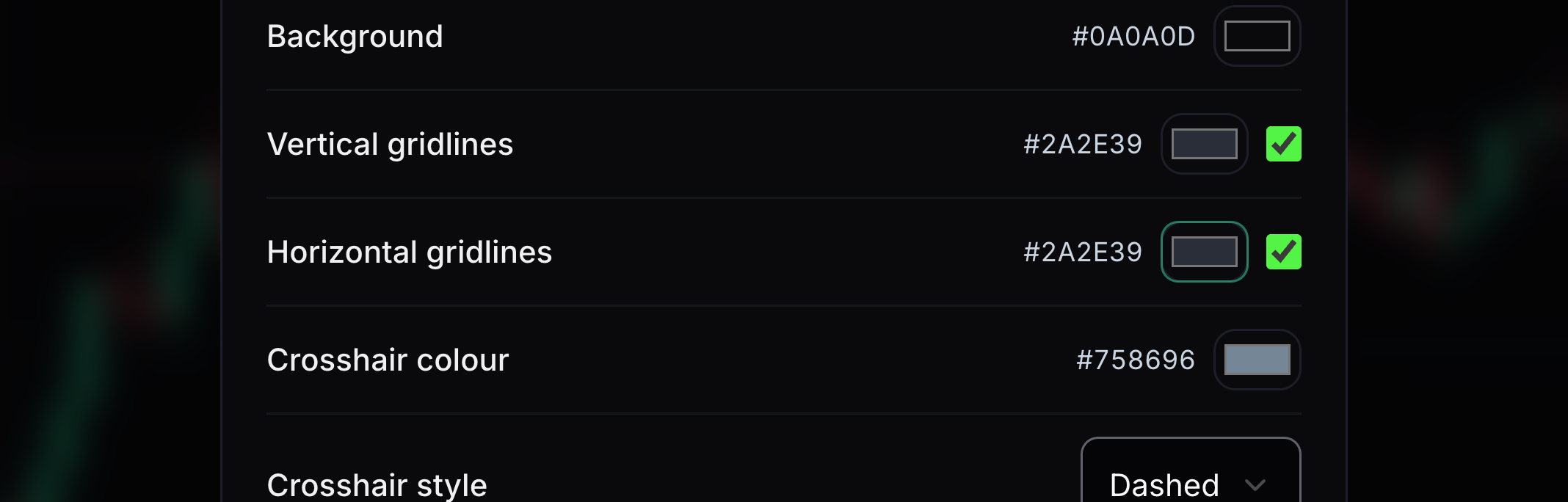
Horizontal gridlines
These lines help line up prices.
Toggle them and choose their colour.
- 06
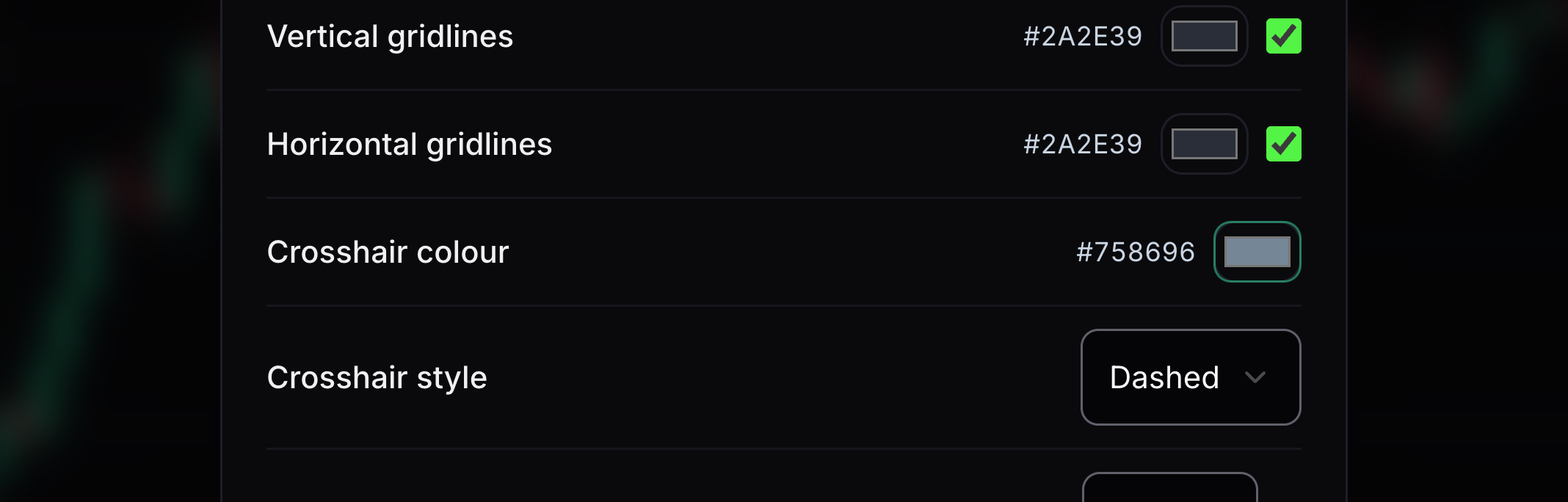
Crosshair colour
This colours the guide lines that follow the pointer.
Choose a colour that is visible on the background.
- 07
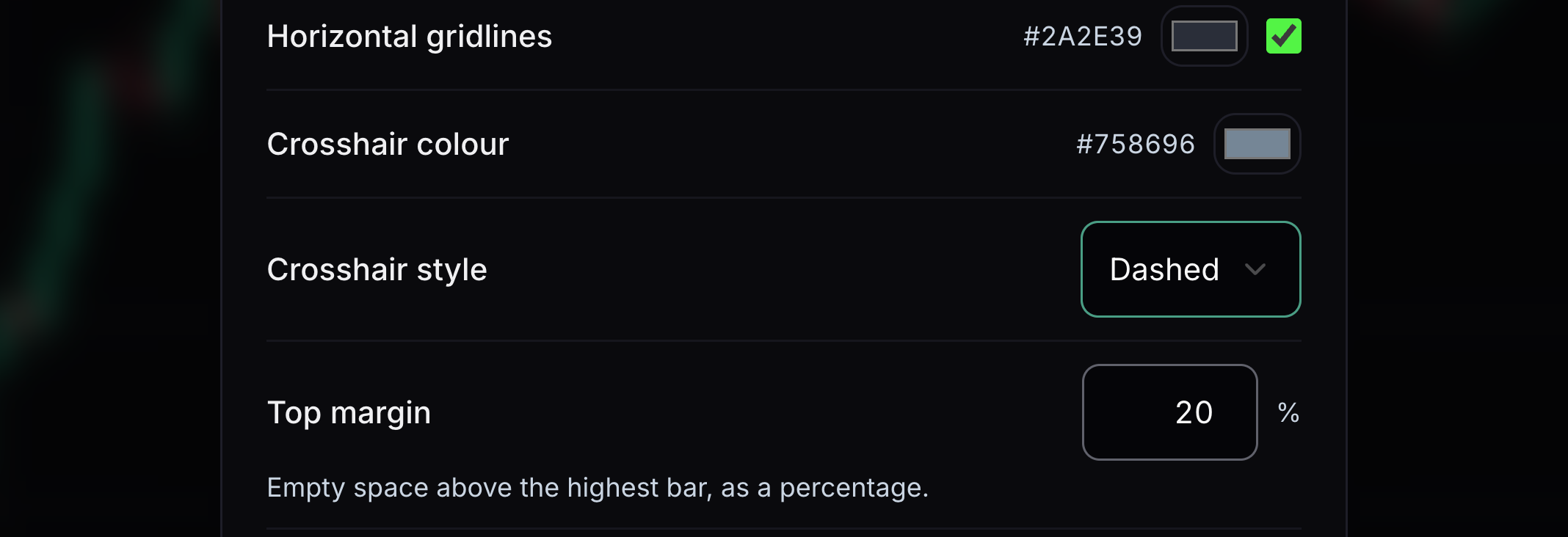
Crosshair style
This changes the pattern of the pointer’s guide lines.
Choose a solid, dashed or dotted line.
- 08
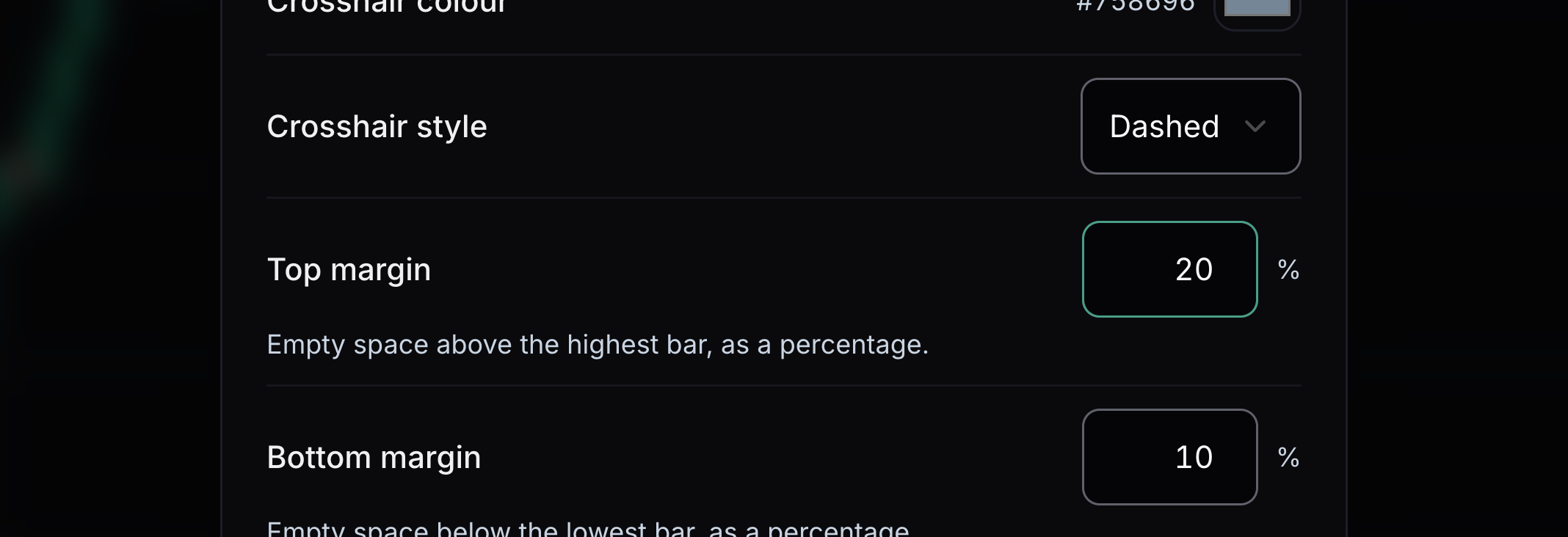
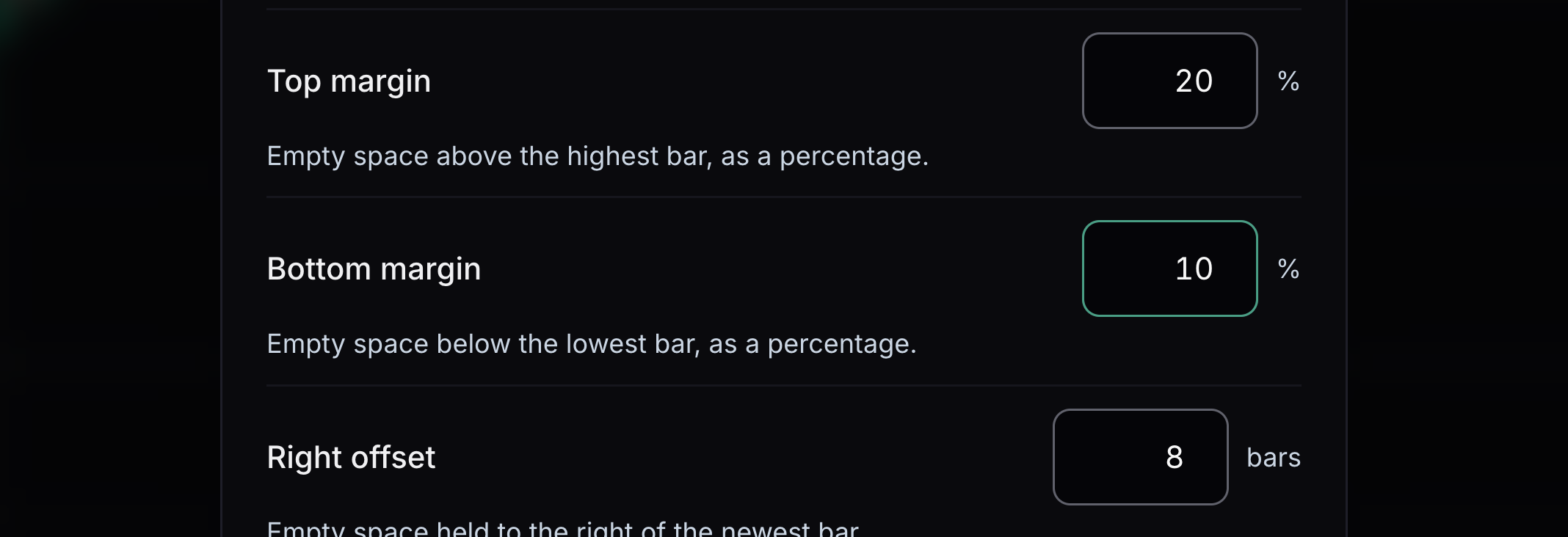
Top margin
This adds empty space above price.
Increase the top margin to move price away from the top edge.
- 09
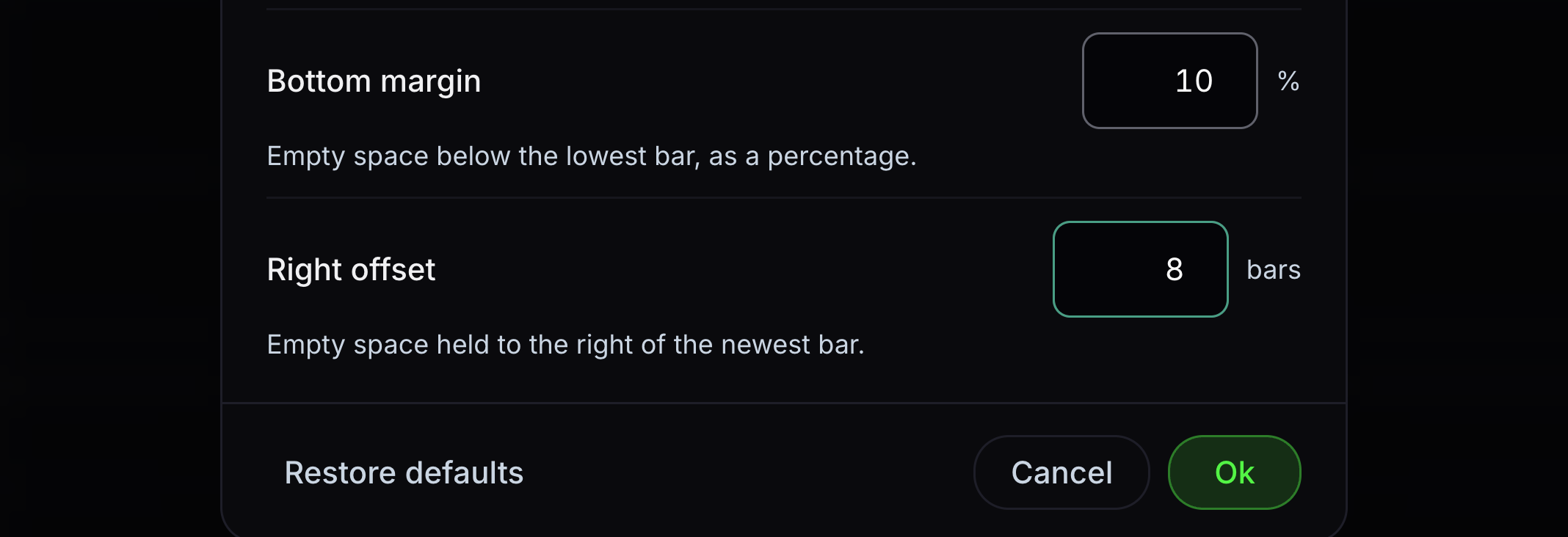
Bottom margin
This adds empty space below price.
Increase the bottom margin to move price away from the bottom edge.
- 10
Right offset
This adds space after the latest candle.
Increase the number of empty bars on the right.
- 11
Vertical gridline colour
This colour sets the appearance of vertical lines on the chart.
Choose a muted colour that you can see against the background.
- 12
Horizontal gridline colour
This colour sets the appearance of horizontal lines on the chart.
Choose a muted colour that you can see against the background.
- 13
Save or restore settings
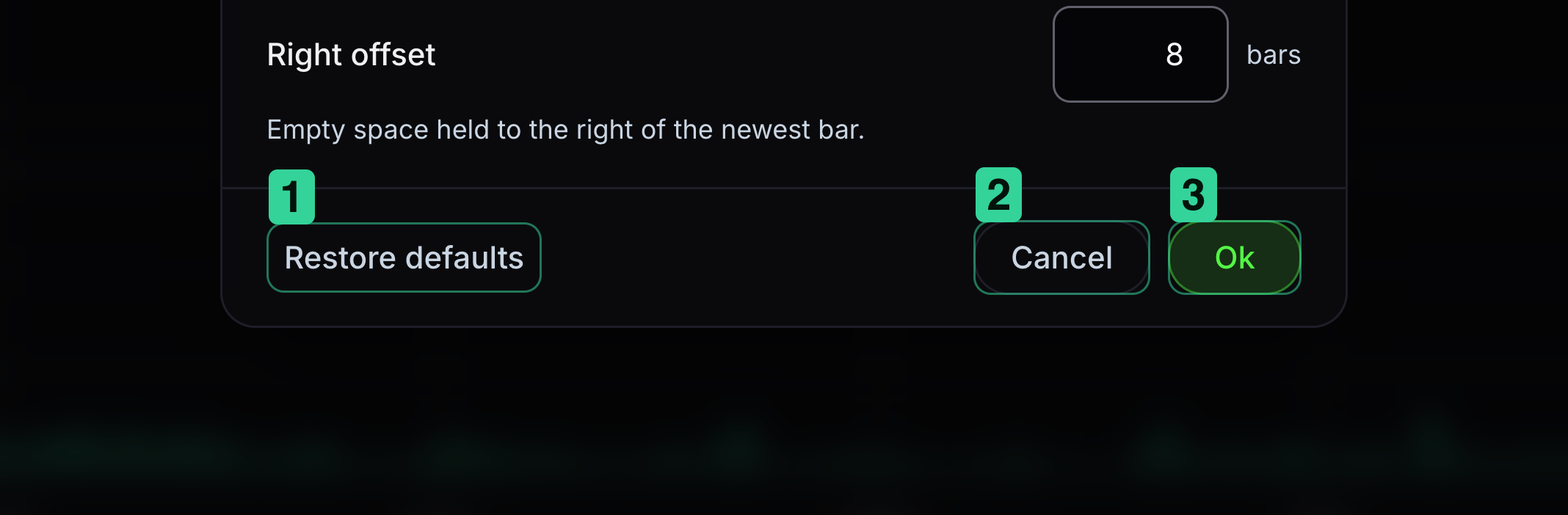
Ok saves your changes. Restore defaults puts the original values back in the dialog.
1 Restore defaults resets the choices in the dialog. 2 Cancel leaves without saving. 3 Ok keeps your choices.


Keep learning
Was this helpful?