- 01
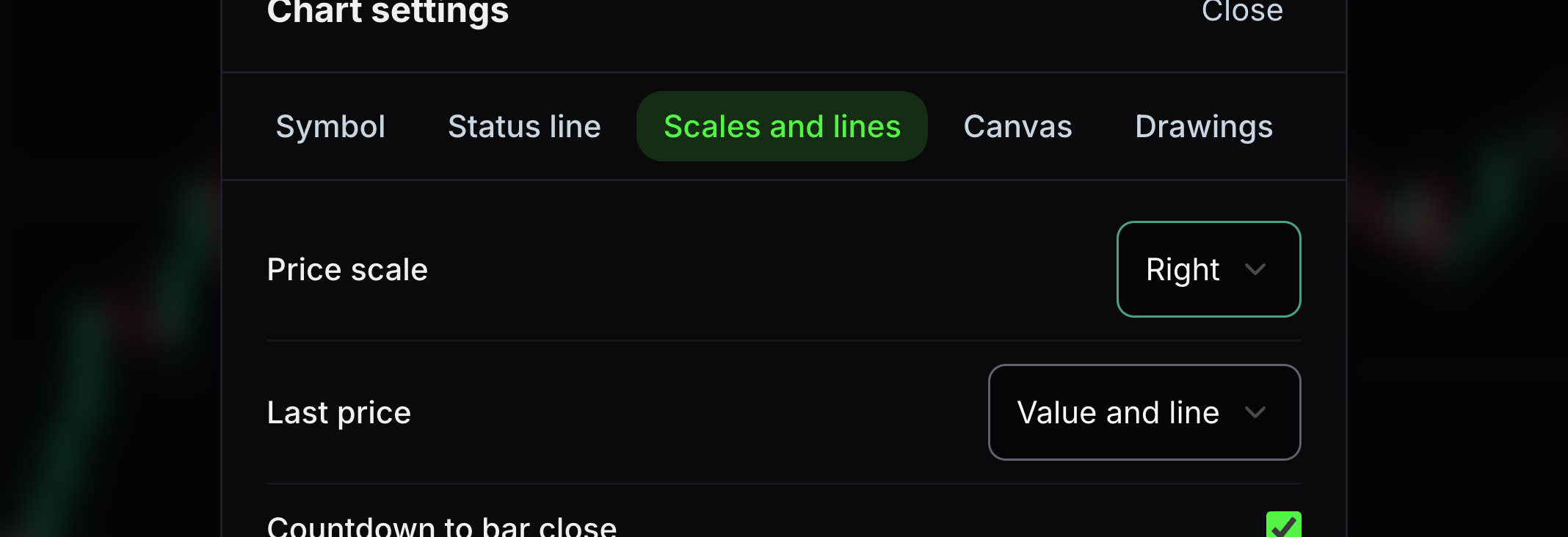
Price scale
This chooses which side displays the vertical price numbers.
Choose Right, Left or Both.
- 02
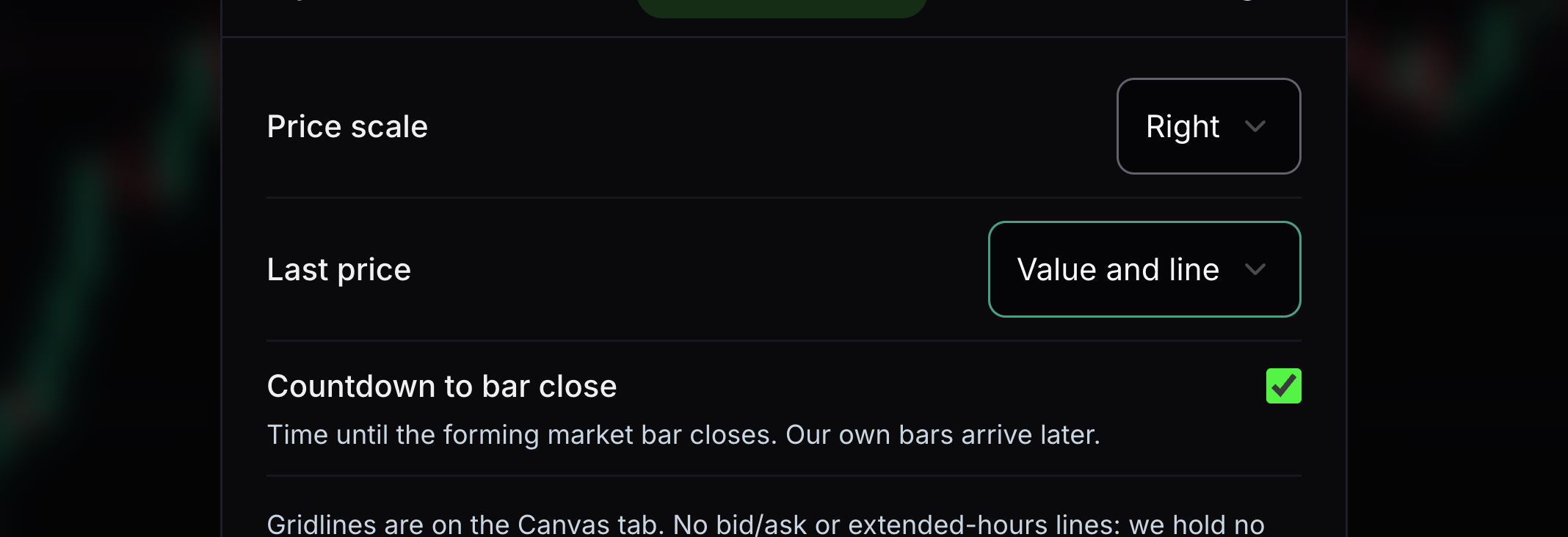
Last price
This controls the label and line for the latest price.
Choose value and line, value only, line only or hidden.
- 03
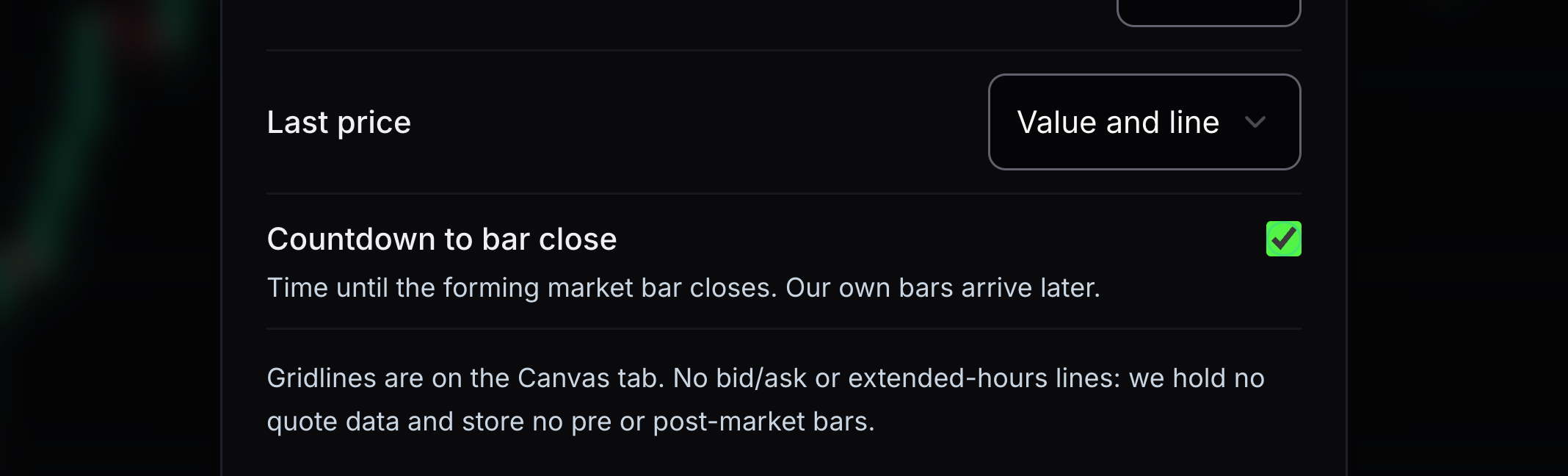
Countdown to bar close
This shows how long remains before the current candle ends.
Turn it on with the last-price value visible.
- 04
Save or restore settings
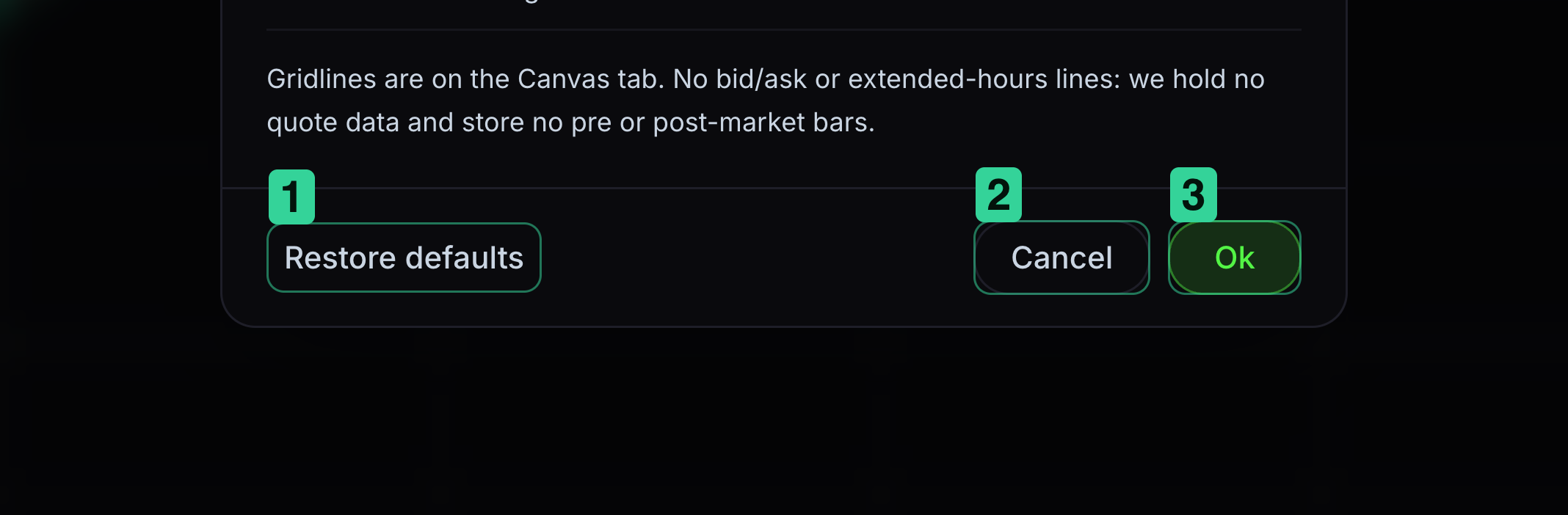
Ok saves your changes. Restore defaults puts the original values back in the dialog.
1 Restore defaults resets the choices in the dialog. 2 Cancel leaves without saving. 3 Ok keeps your choices.


Keep learning
Was this helpful?