- 01
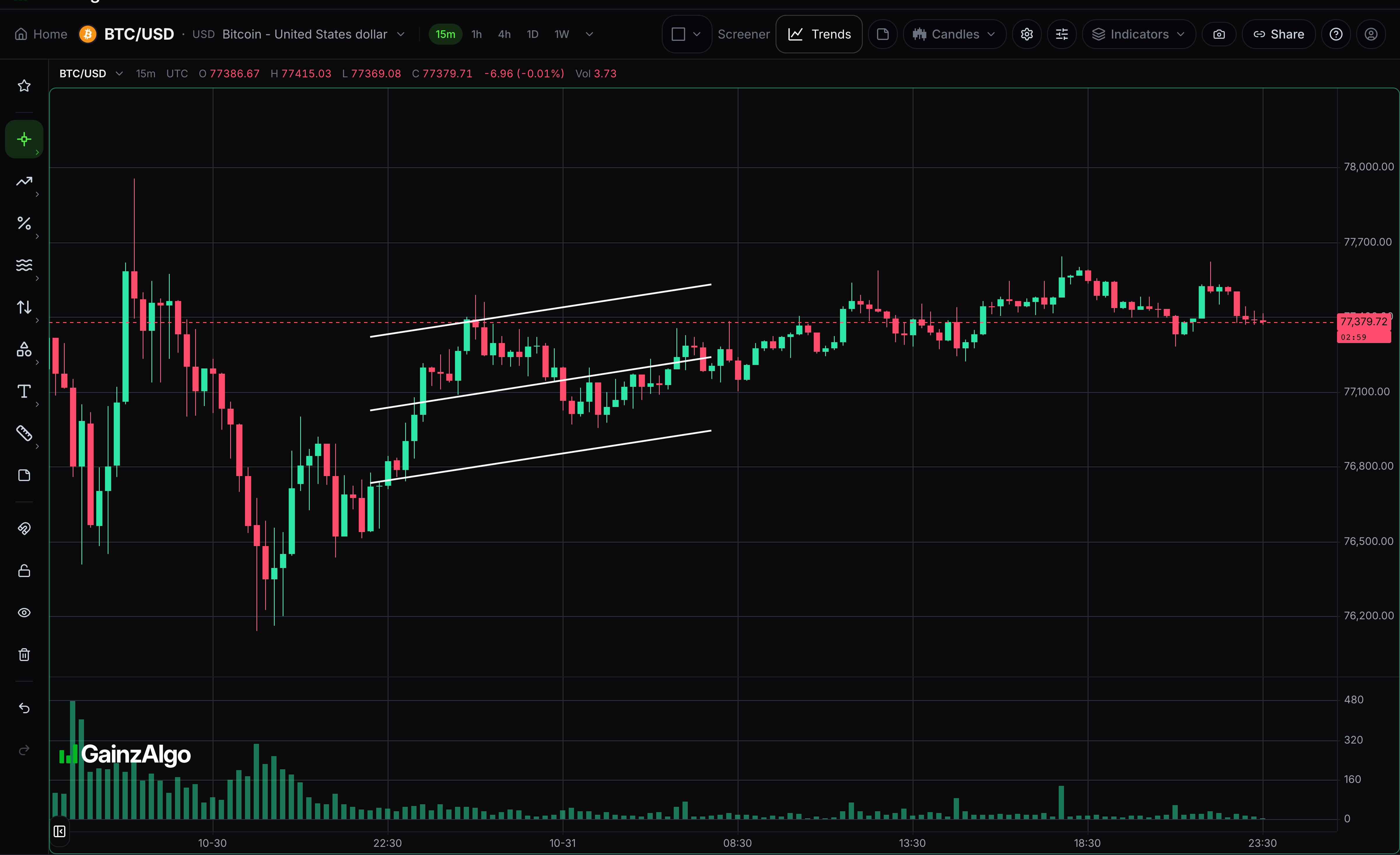
Regression channel (2σ)
A best-fit line through loaded closing prices, with a band showing two standard deviations: a measure of how spread out those prices are.
Click two timestamps to fit loaded candle closes. Select the drawing to move it or drag its points. Press Delete to remove the selected drawing.
- 02
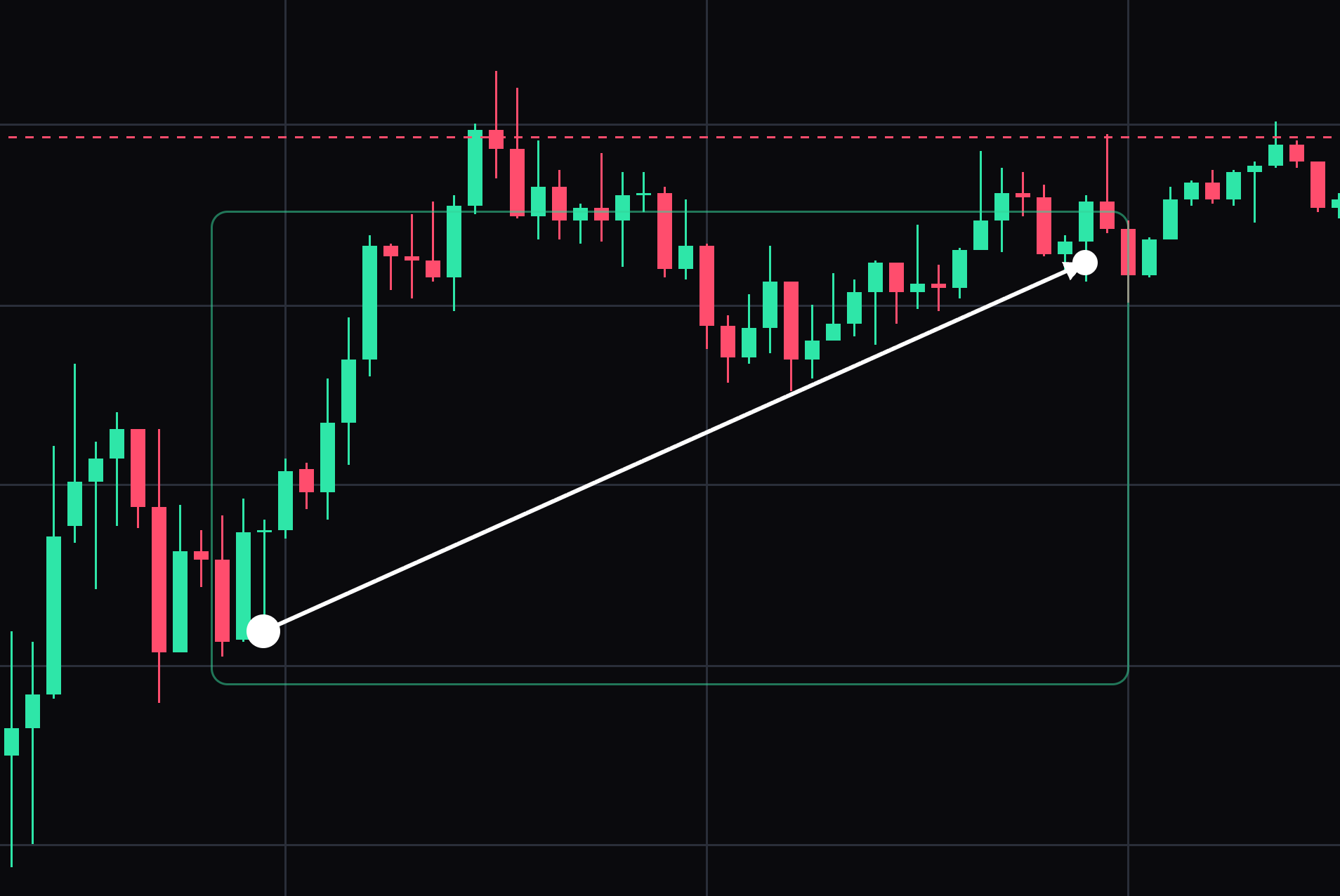
Arrow line
Connect two anchors with a directional arrow.
Click the tail, then the arrow tip. Select the drawing to move it or drag its points. Press Delete to remove the selected drawing.
- 03
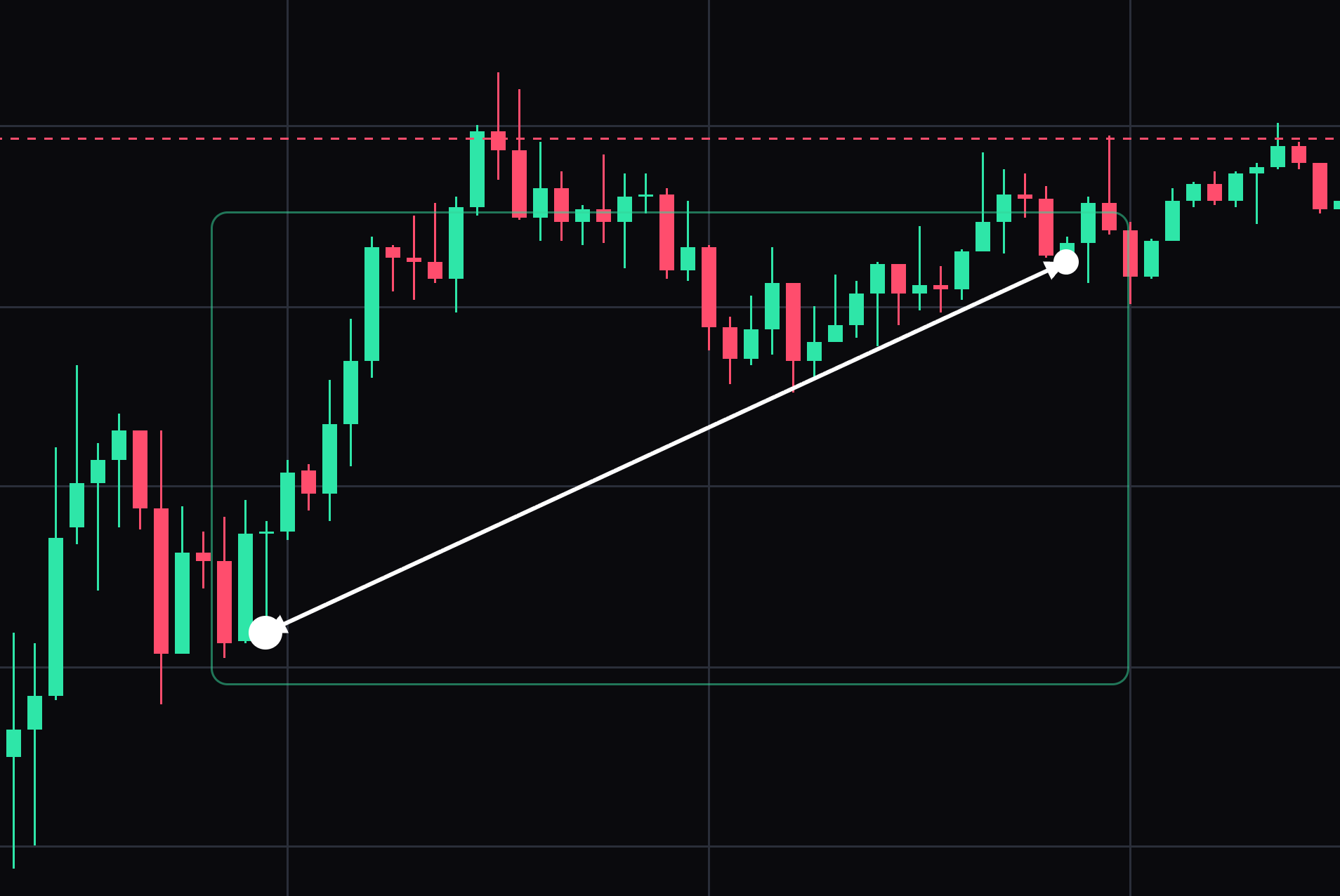
Double arrow
Mark a two-ended relationship with arrows at both ends.
Click the two arrow tips. Select the drawing to move it or drag its points. Press Delete to remove the selected drawing.
- 04
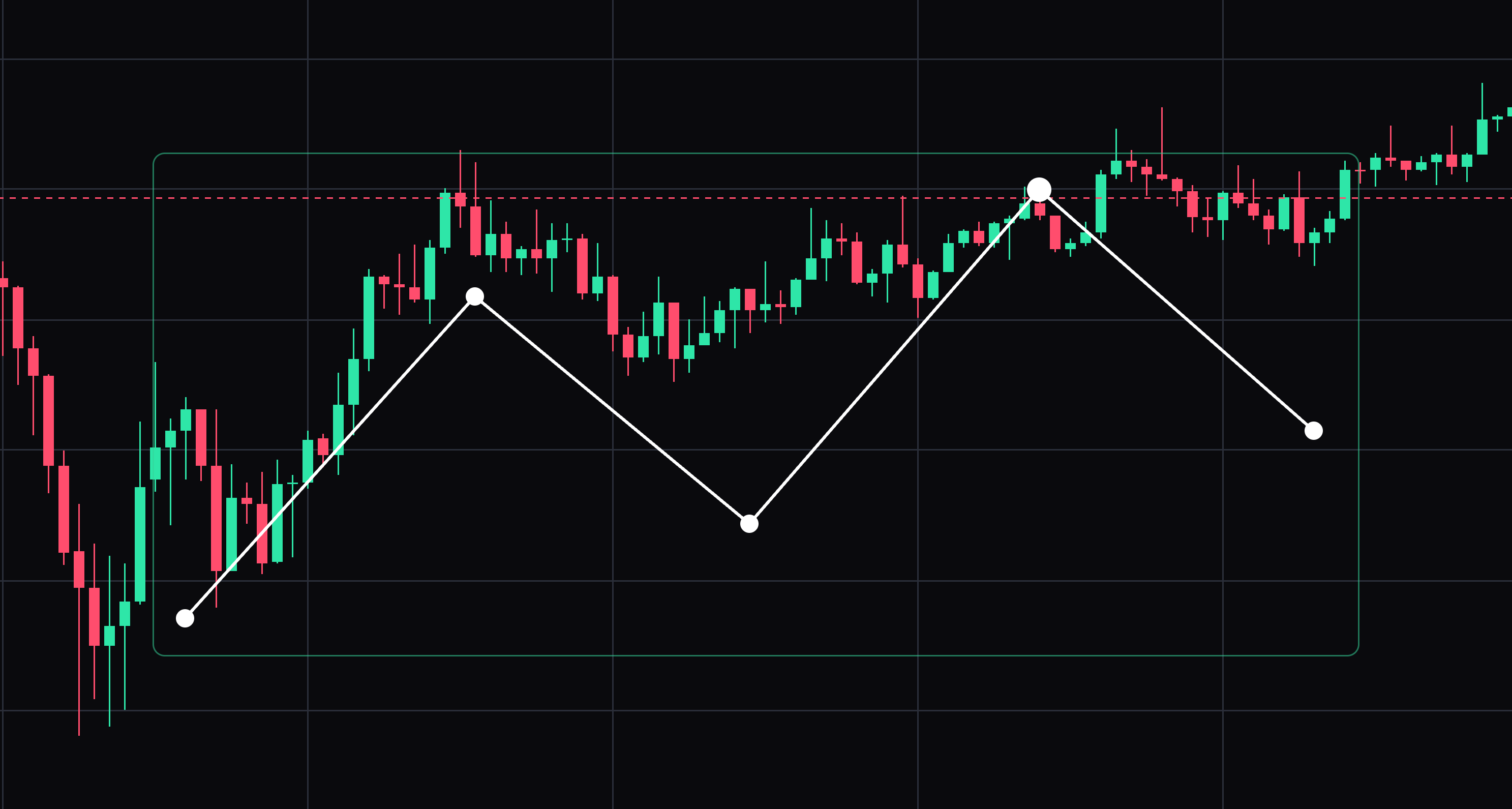
Polyline (5 points)
Connect five selected vertices with a path.
Click five vertices in order. Select the drawing to move it or drag its points. Press Delete to remove the selected drawing.
- 05
Projection path (5 points)
Sketch a five-point scenario, including points in future chart space.
Click five scenario points, including future chart space. Select the drawing to move it or drag its points. Press Delete to remove the selected drawing.
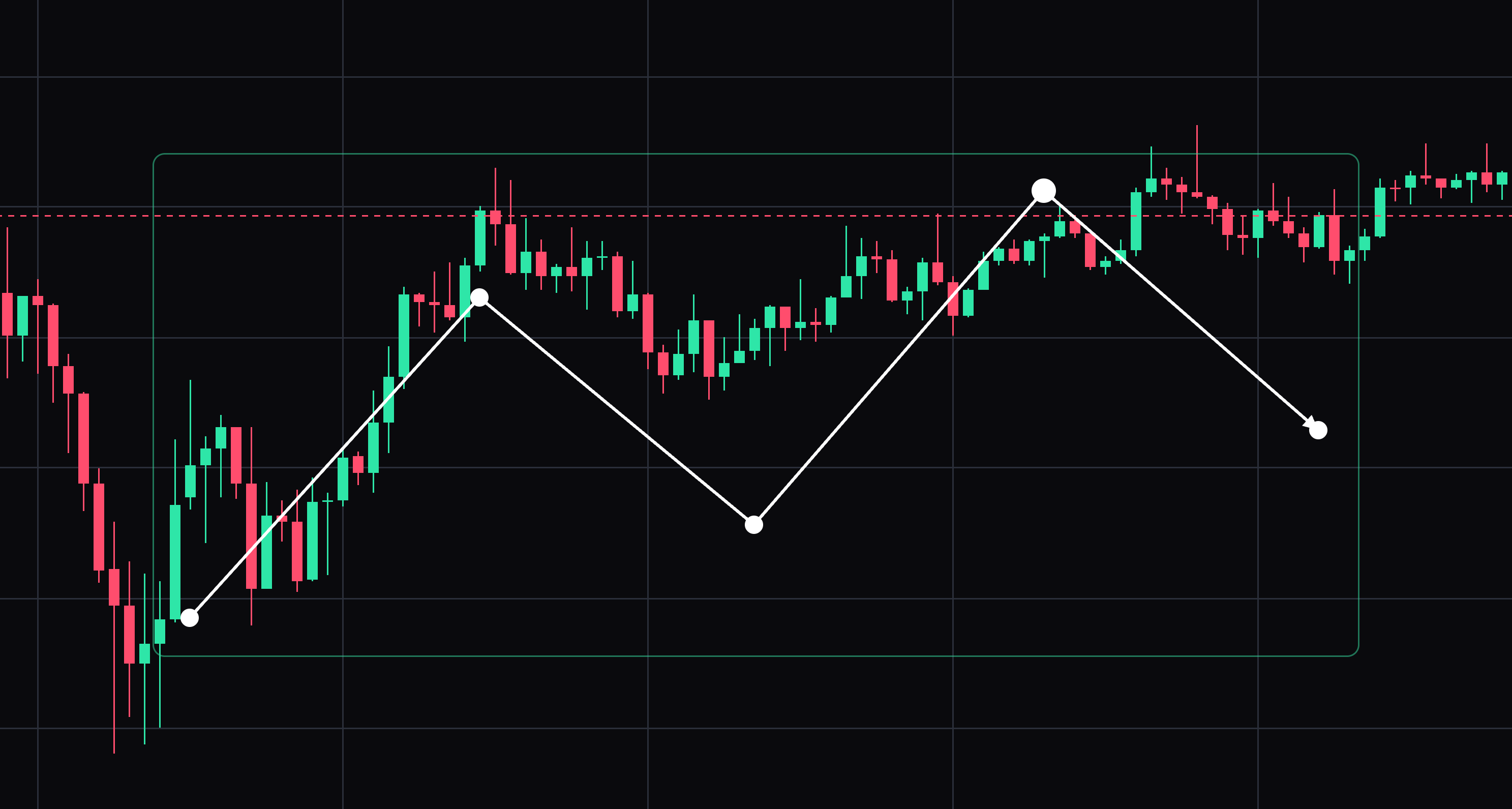
- 06
Trend line
A straight line between two points, the usual way to mark support or resistance.
Click where the line starts, then click where it ends. Select the drawing to move it or drag its points. Press Delete to remove the selected drawing.
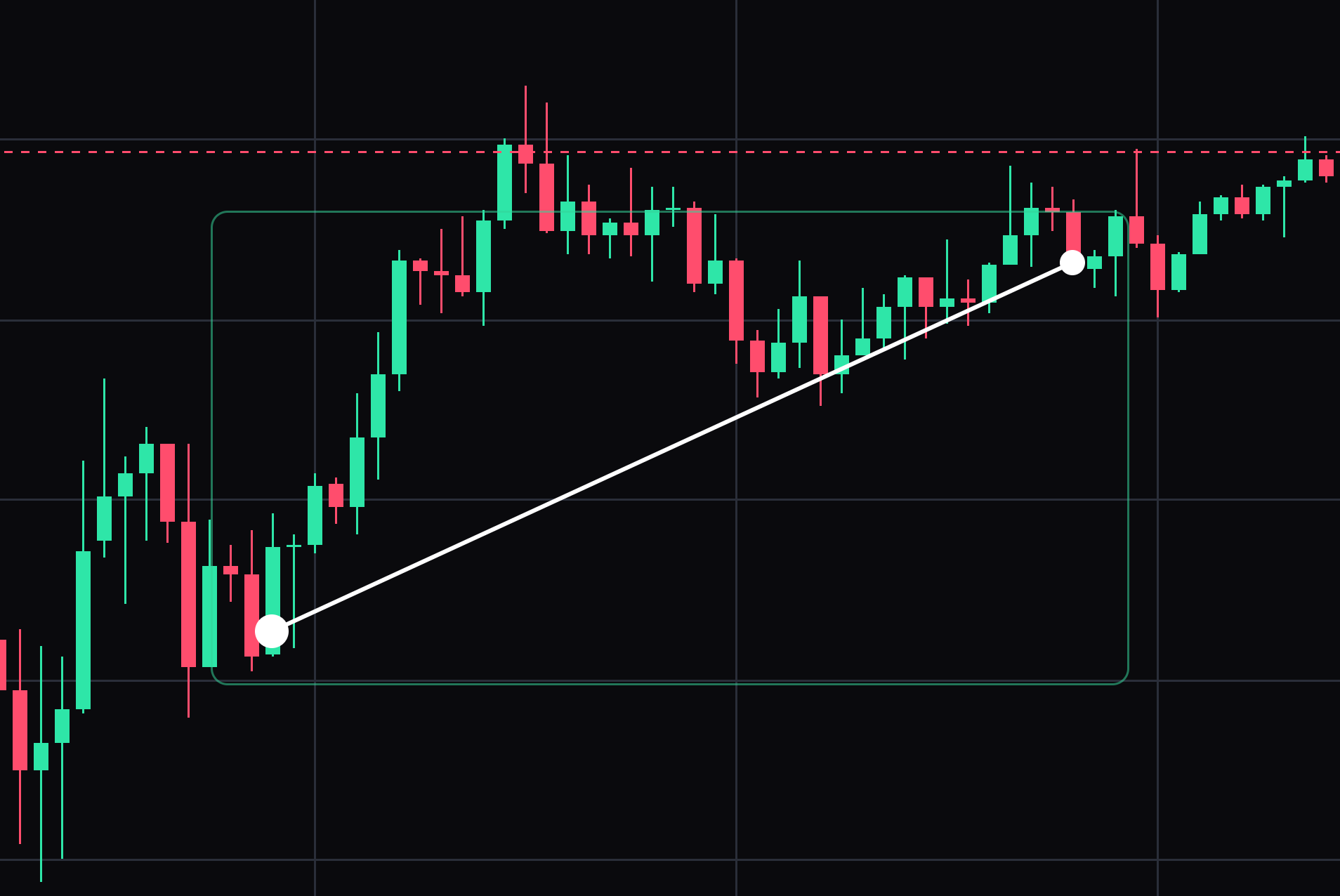
- 07
Ray
A line from a point through a second point and onward to the right edge.
Click the anchor, then click the direction to send it forward. Select the drawing to move it or drag its points. Press Delete to remove the selected drawing.
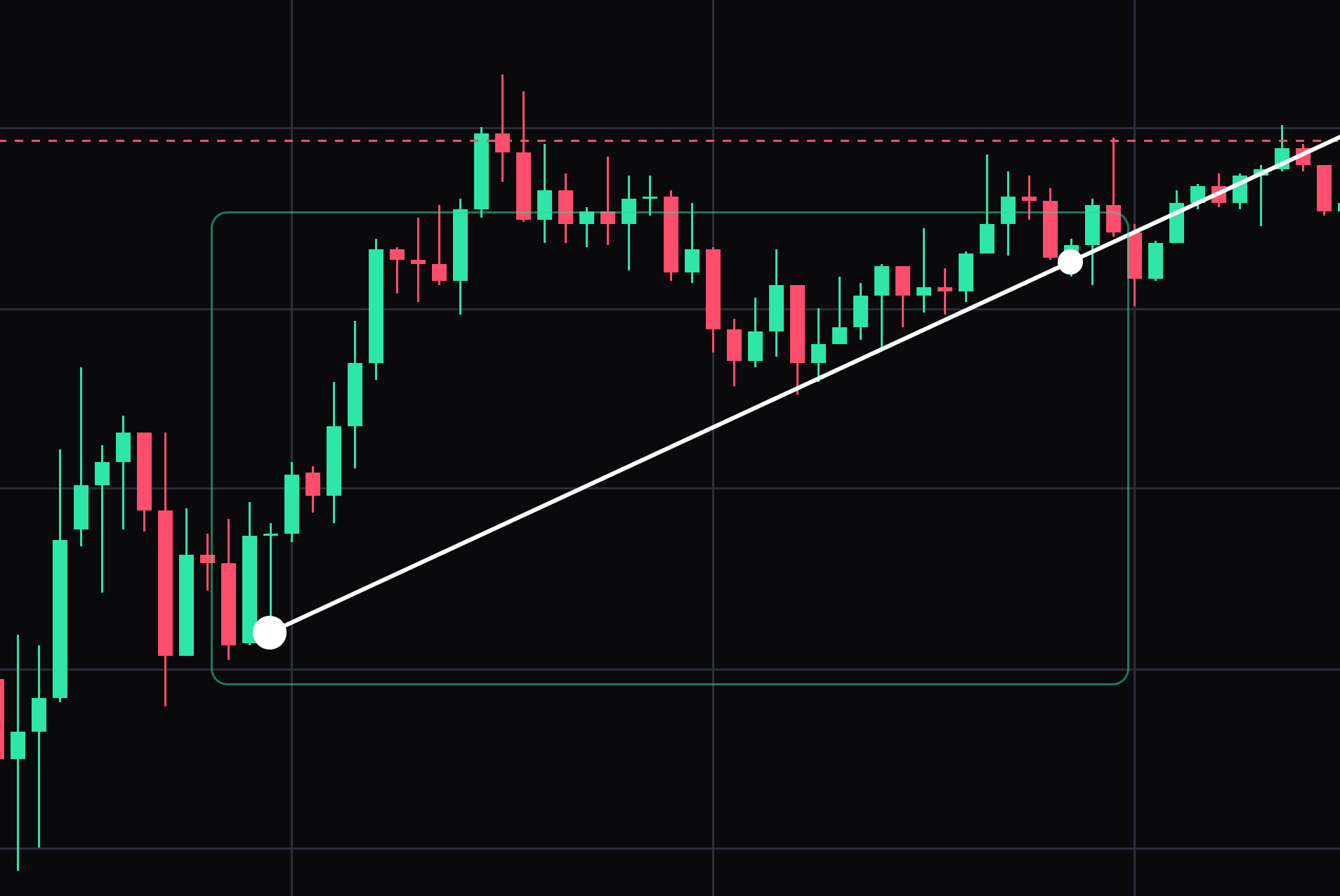
- 08
Extended line
A line through two points that carries on past both of them, in both directions.
Click two points; the line extends beyond each of them. Select the drawing to move it or drag its points. Press Delete to remove the selected drawing.
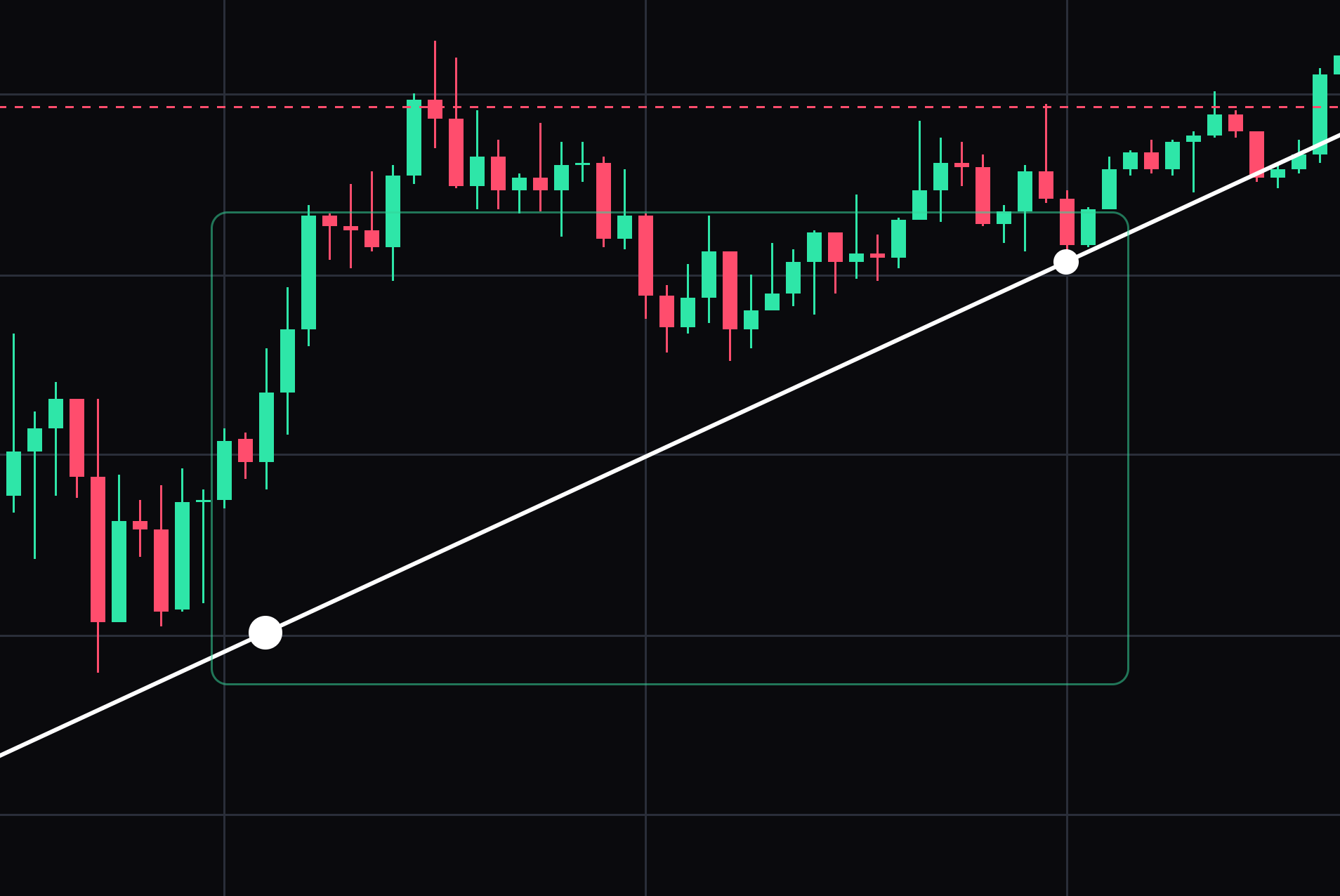
- 09
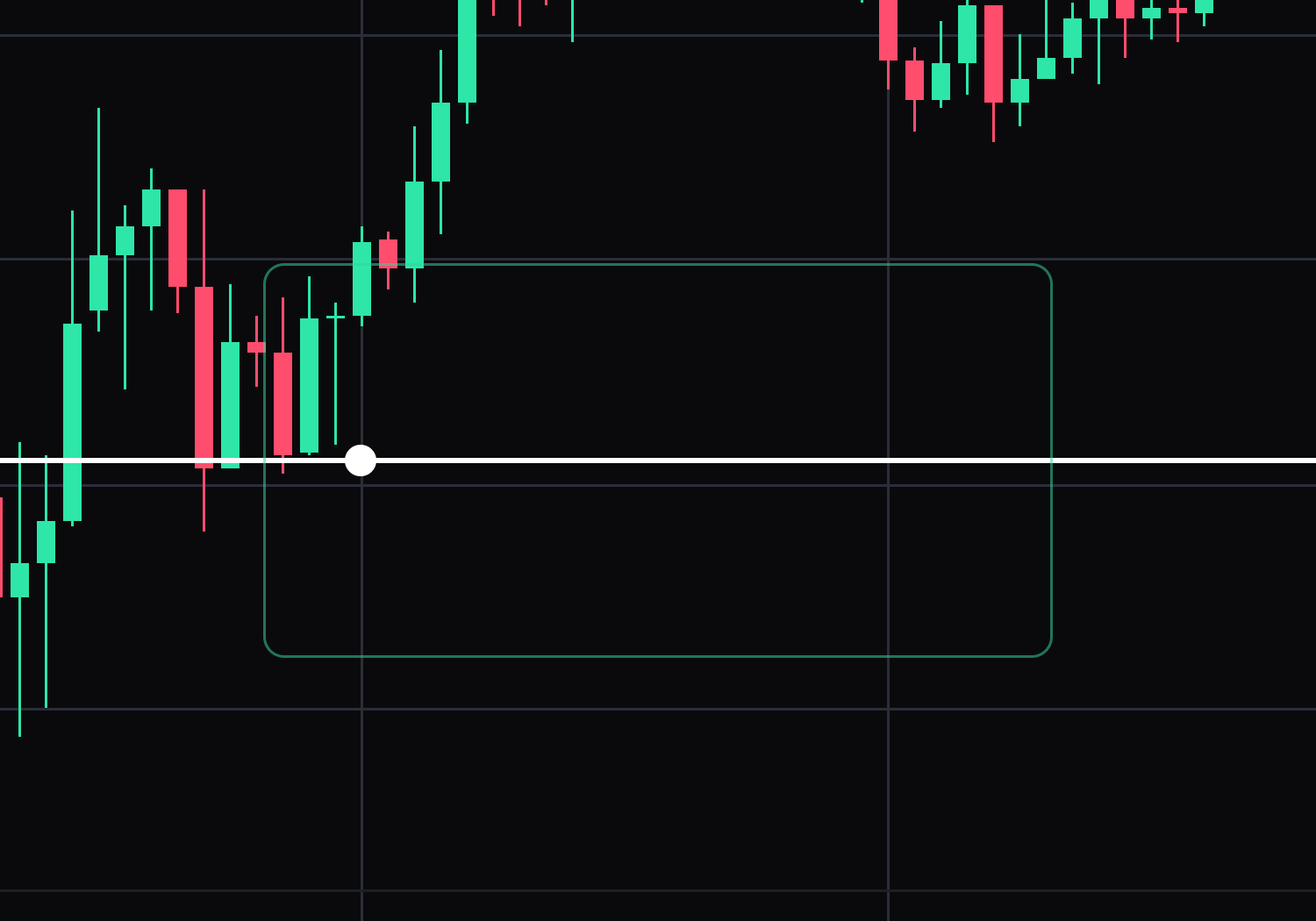
Horizontal line
A price level across the whole chart, for a round number or a prior high.
Click once at the price you want marked. Select the drawing to move it or drag its points. Press Delete to remove the selected drawing.
- 10
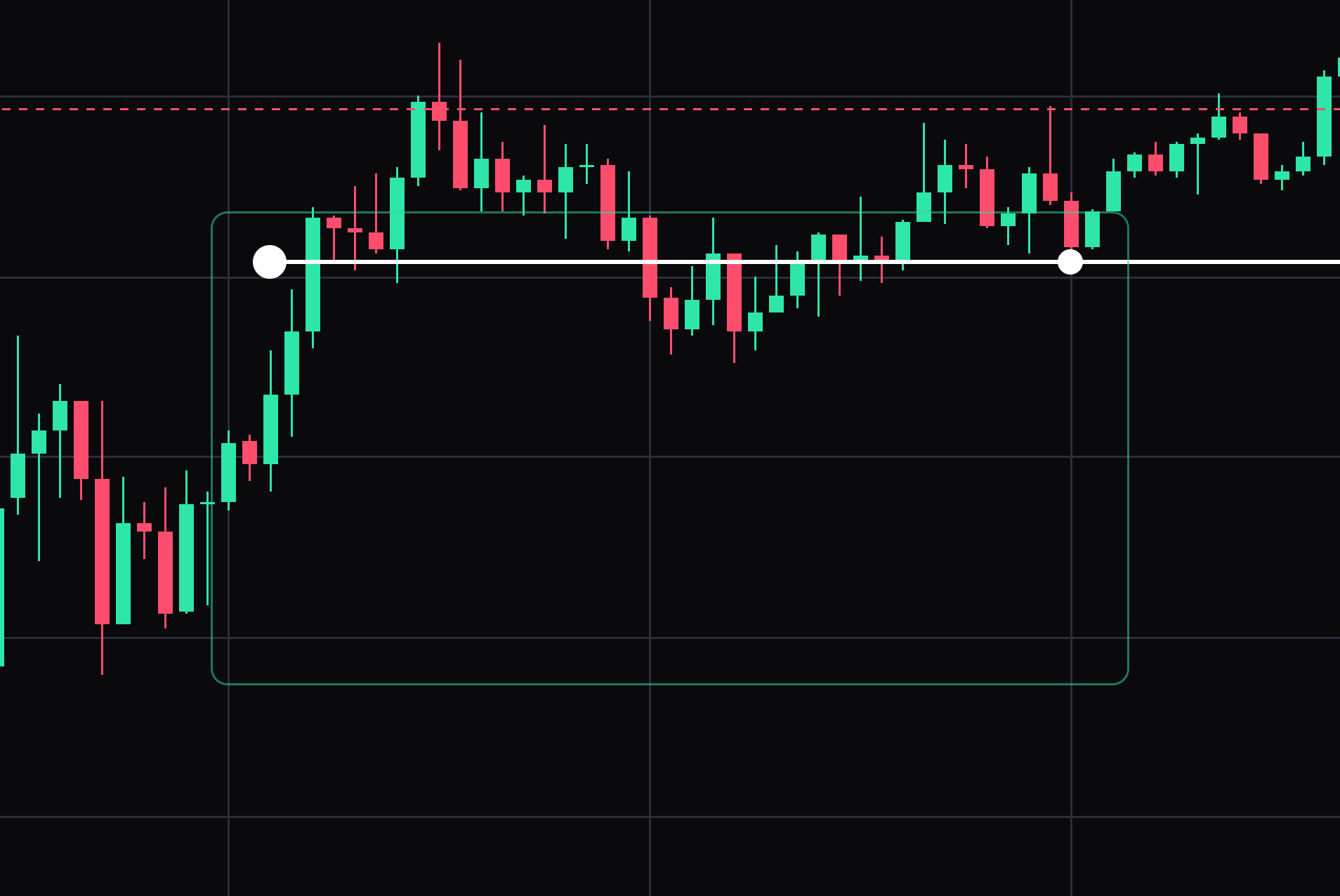
Horizontal ray
A price level that starts at one bar and runs one way only.
Click the bar it starts from, then click to the side it should run. Select the drawing to move it or drag its points. Press Delete to remove the selected drawing.
- 11
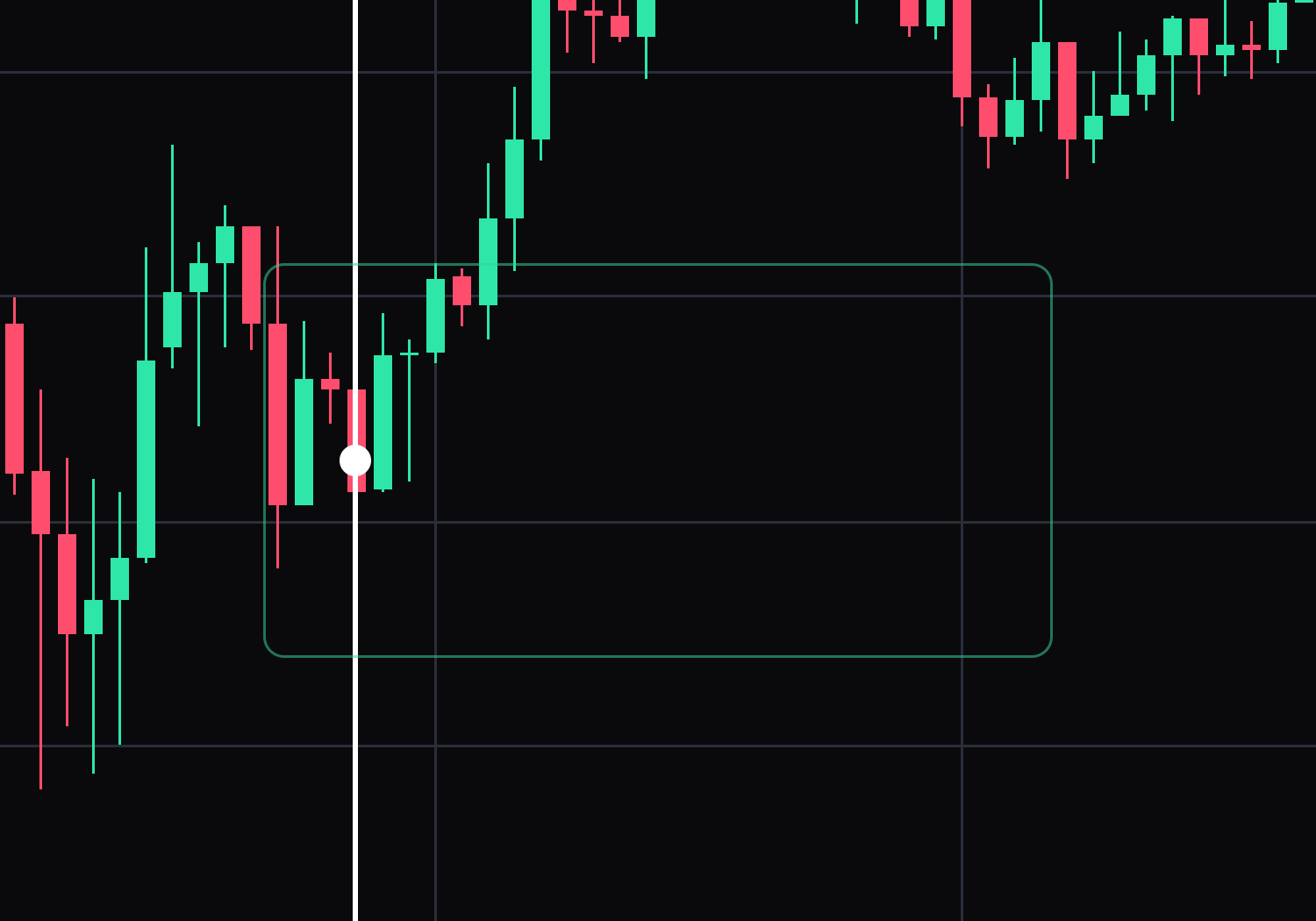
Vertical line
A time marker down the whole chart, for an open, a close or an event.
Click once on the bar you want marked. Select the drawing to move it or drag its points. Press Delete to remove the selected drawing.
- 12
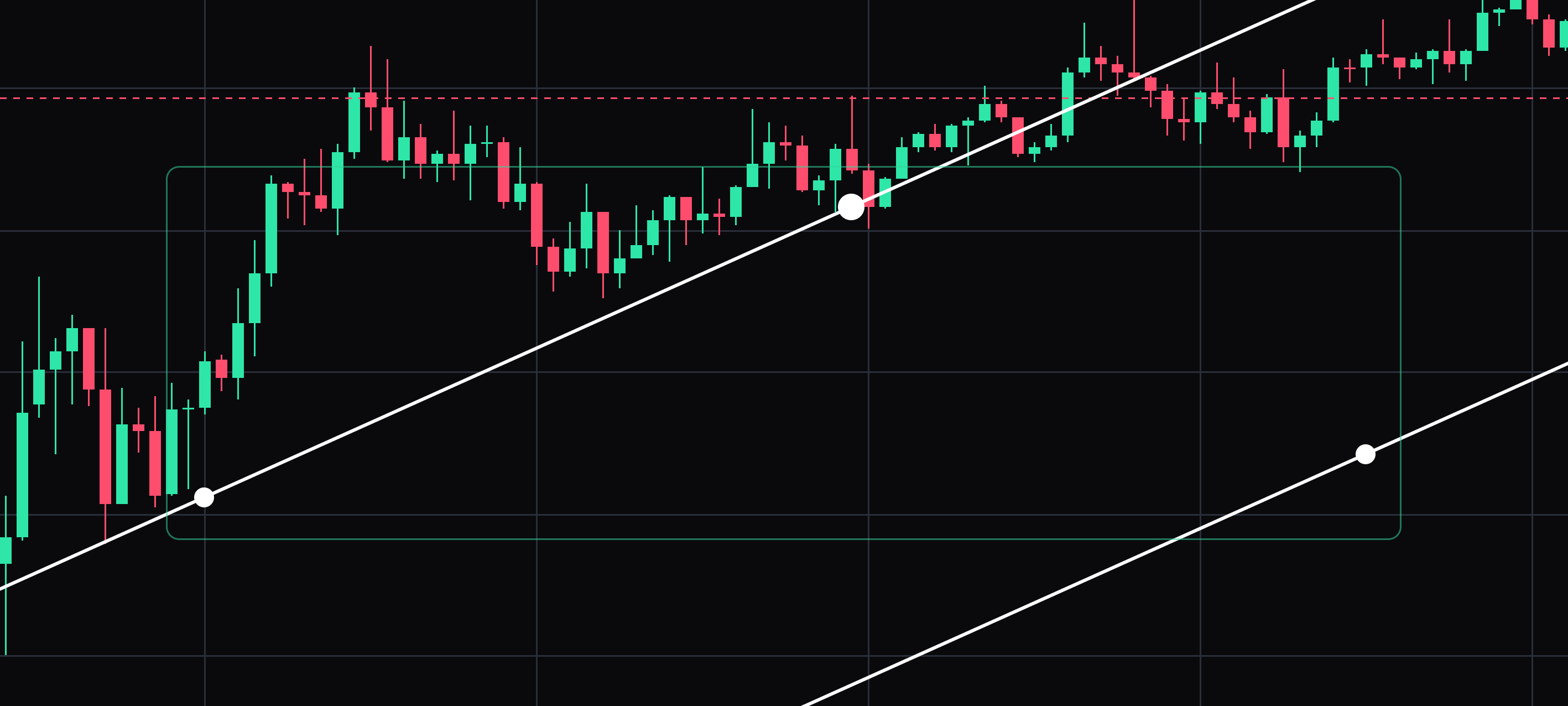
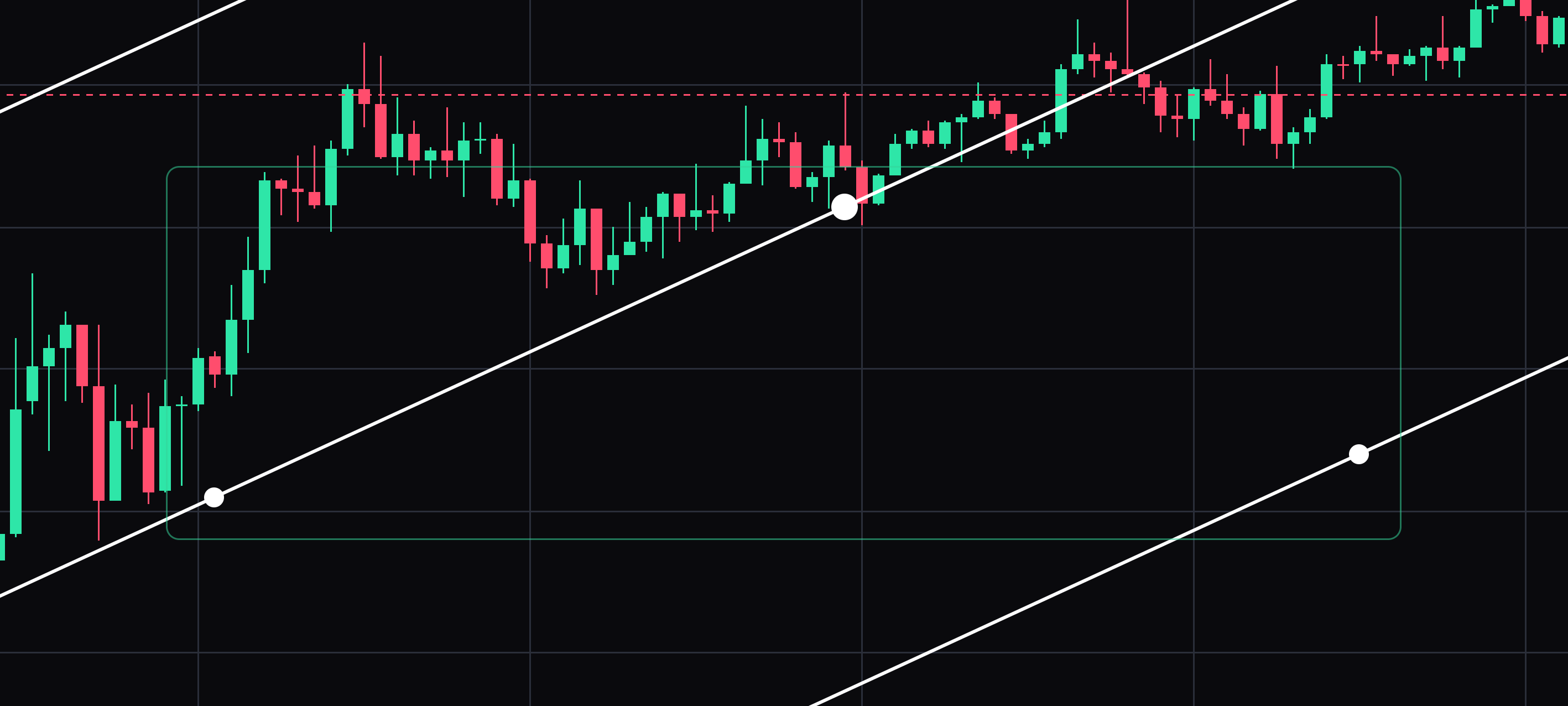
Parallel channel
Two parallel lines, for a trend that is running between a floor and a ceiling.
Click twice to draw the first line, then once more to set the channel width. Select the drawing to move it or drag its points. Press Delete to remove the selected drawing.
- 13
Price channel
A channel that marks a price band along a chosen direction.
Click twice to draw the first edge, then once more to set the opposite edge. Select the drawing to move it or drag its points. Press Delete to remove the selected drawing.


Keep learning
Was this helpful?