- 01
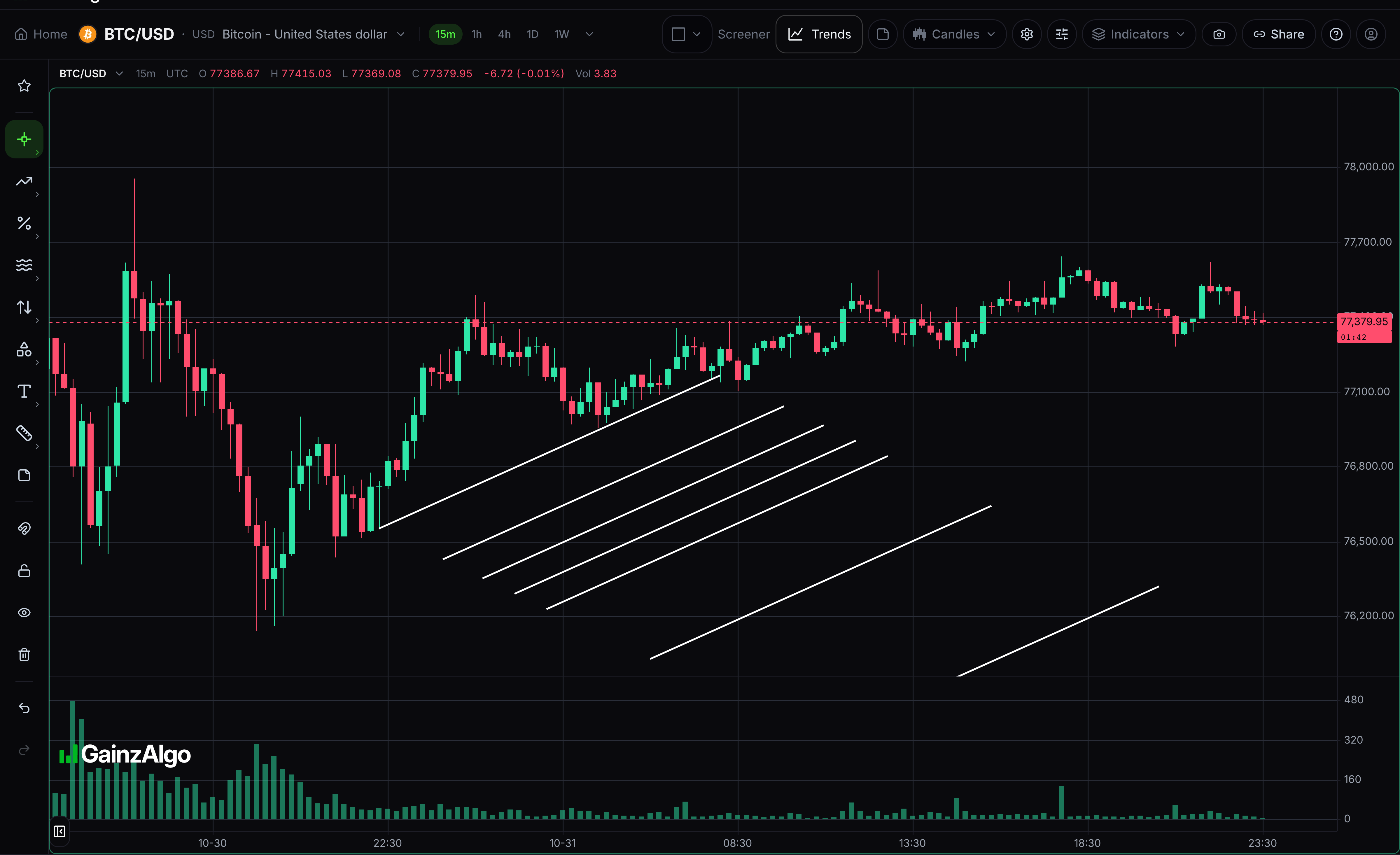
Fibonacci channel
Project parallel Fibonacci channel levels from your chosen baseline and width.
Click the baseline endpoints, then set channel width. Select the drawing to move it or drag its points. Press Delete to remove the selected drawing.
- 02
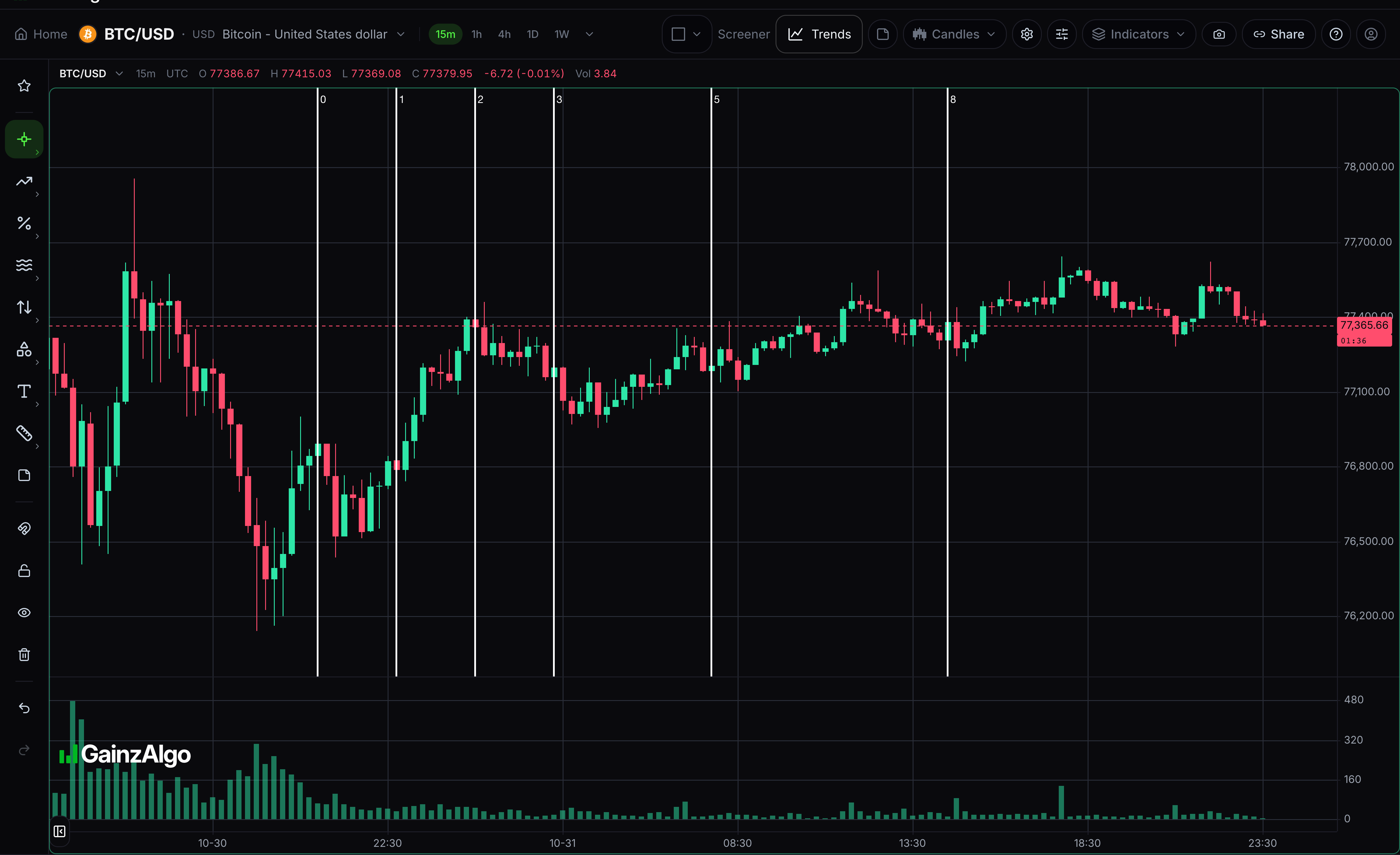
Fibonacci time zones
Project vertical time markers at Fibonacci multiples of your chosen interval.
Click the origin and one time interval. Select the drawing to move it or drag its points. Press Delete to remove the selected drawing.
- 03
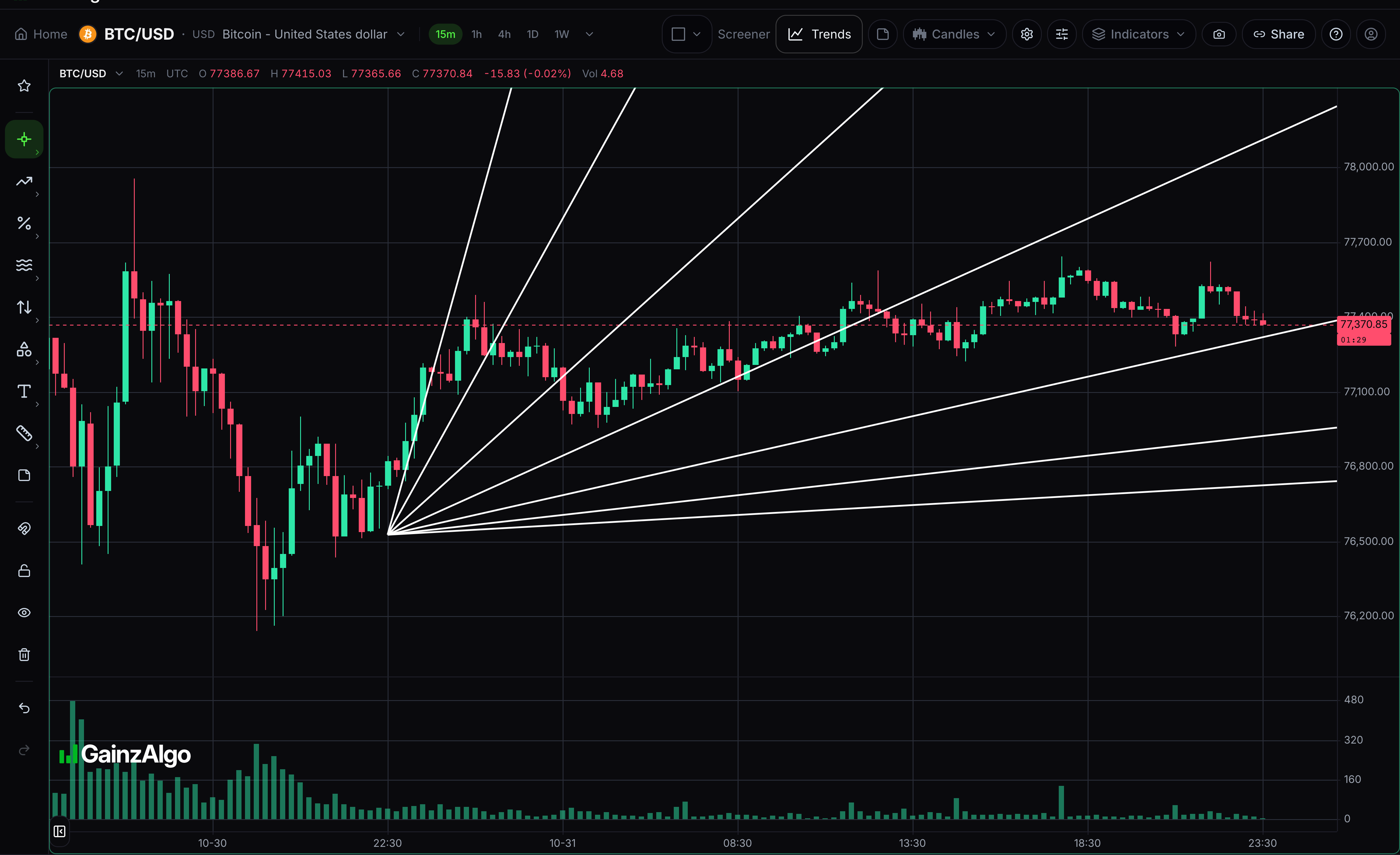
Gann fan
Draw a fan of reference lines from the origin and chosen 1:1 reference point.
Click the origin, then the 1:1 reference point. Select the drawing to move it or drag its points. Press Delete to remove the selected drawing.
- 04
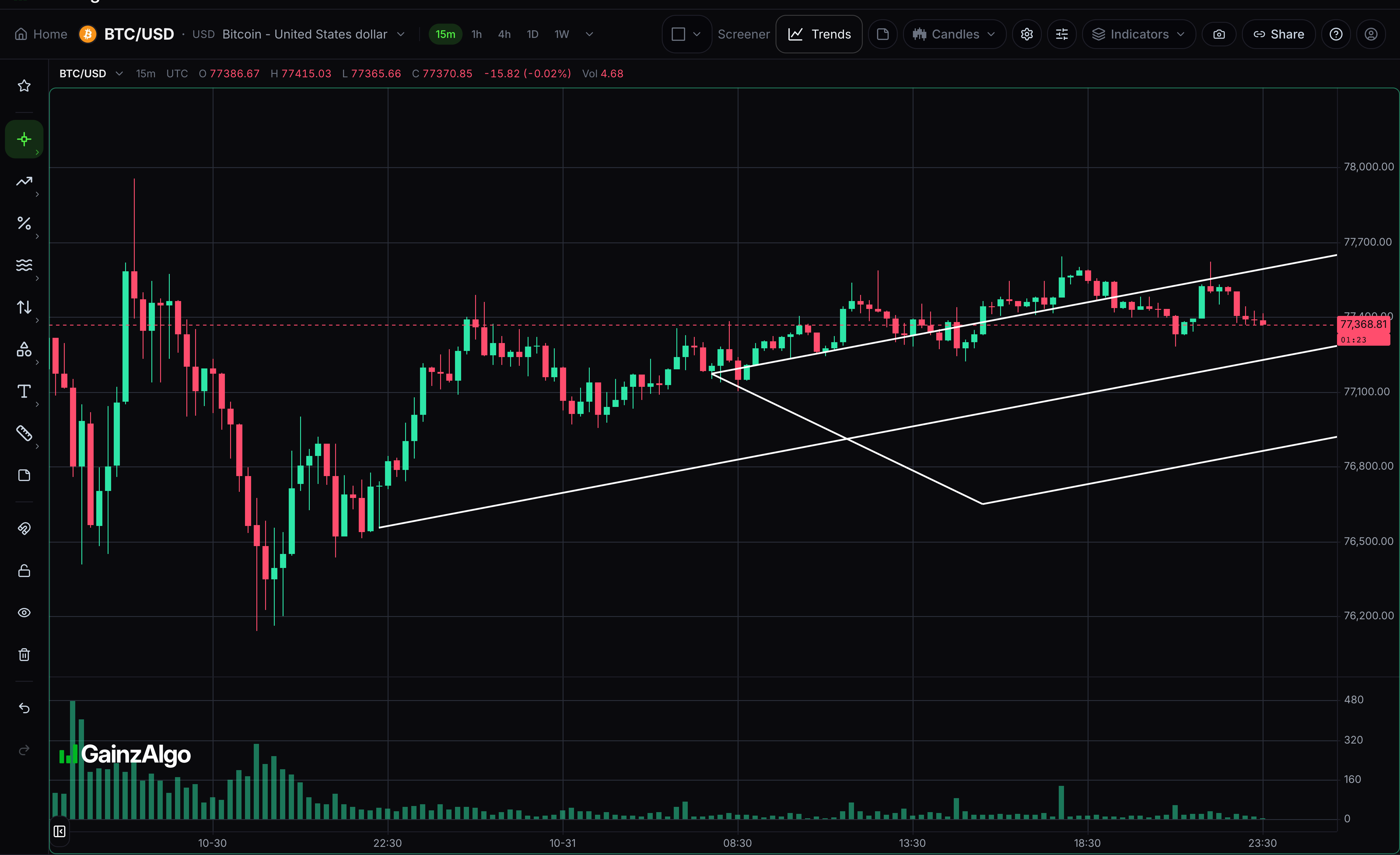
Andrews pitchfork
Draw a median line and parallel references from three chosen swing points.
Click the origin, then two swing endpoints. Select the drawing to move it or drag its points. Press Delete to remove the selected drawing.
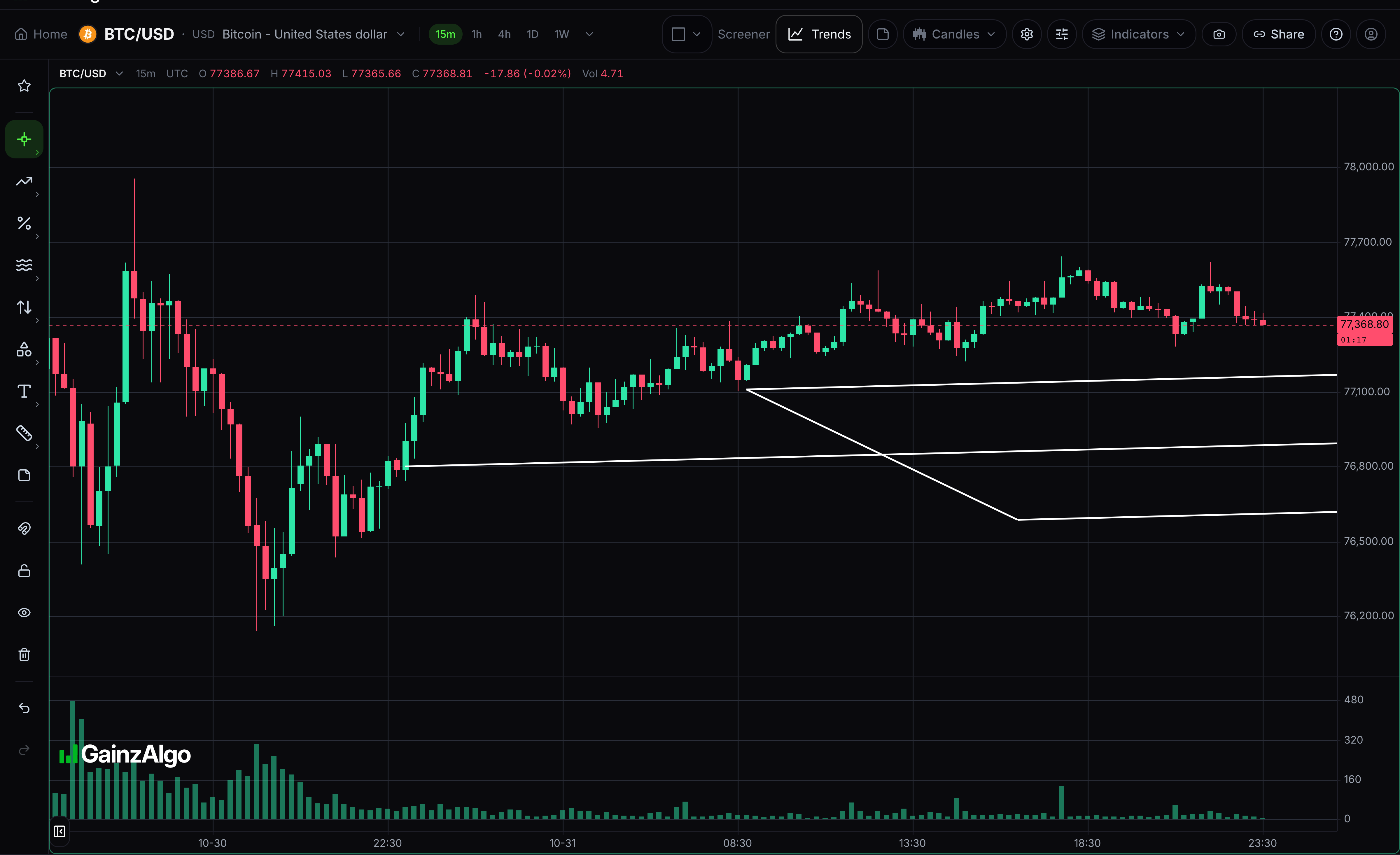
- 05
Schiff pitchfork
Draw the pitchfork variant with a shifted origin, using the three swing points you select.
Click the origin, then two swing endpoints. Select the drawing to move it or drag its points. Press Delete to remove the selected drawing.
- 06
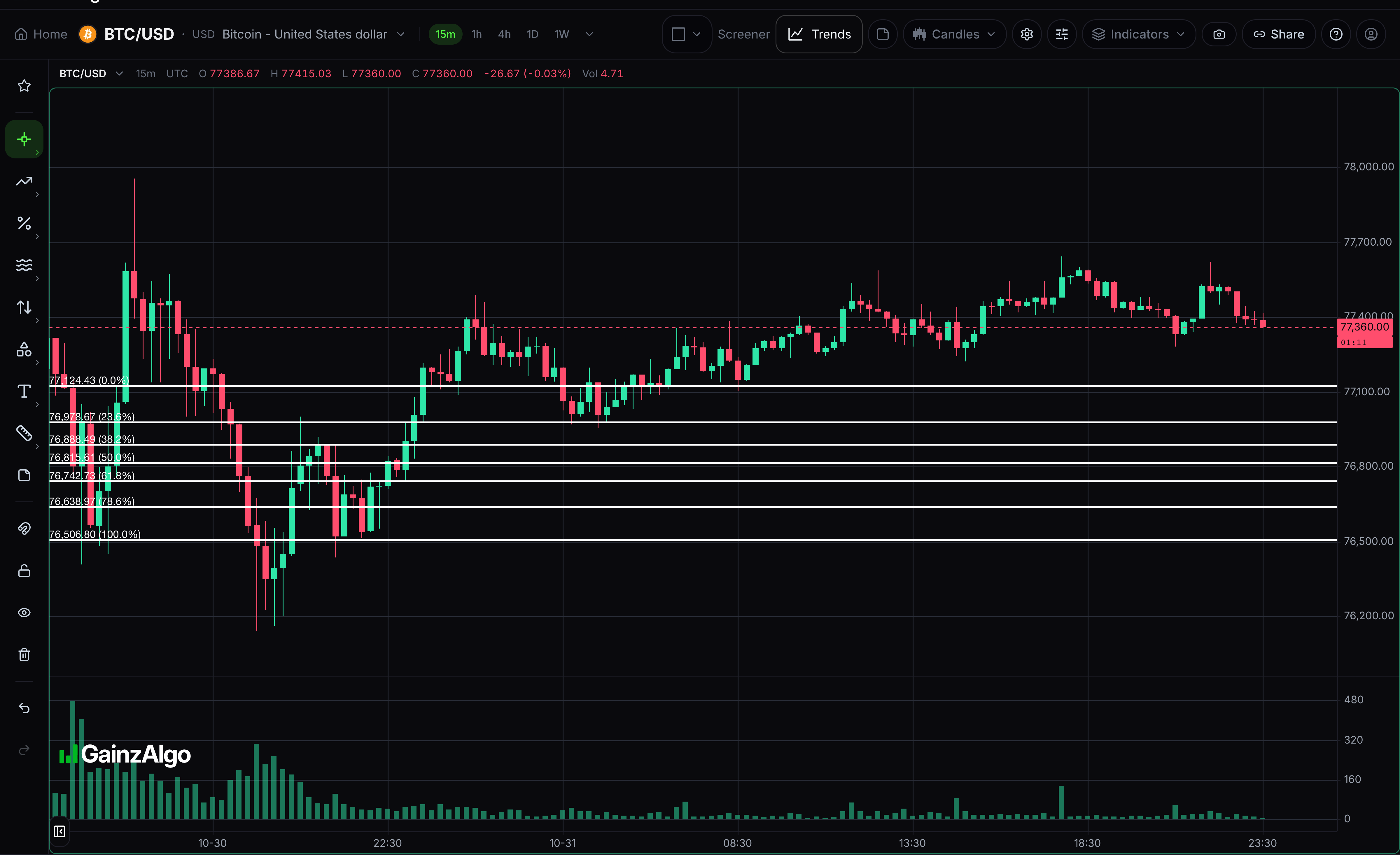
Fib retracement
Retracement levels between a swing low and a swing high.
Click the start of the move, then its end; the levels fill in between. Select the drawing to move it or drag its points. Press Delete to remove the selected drawing.
- 07
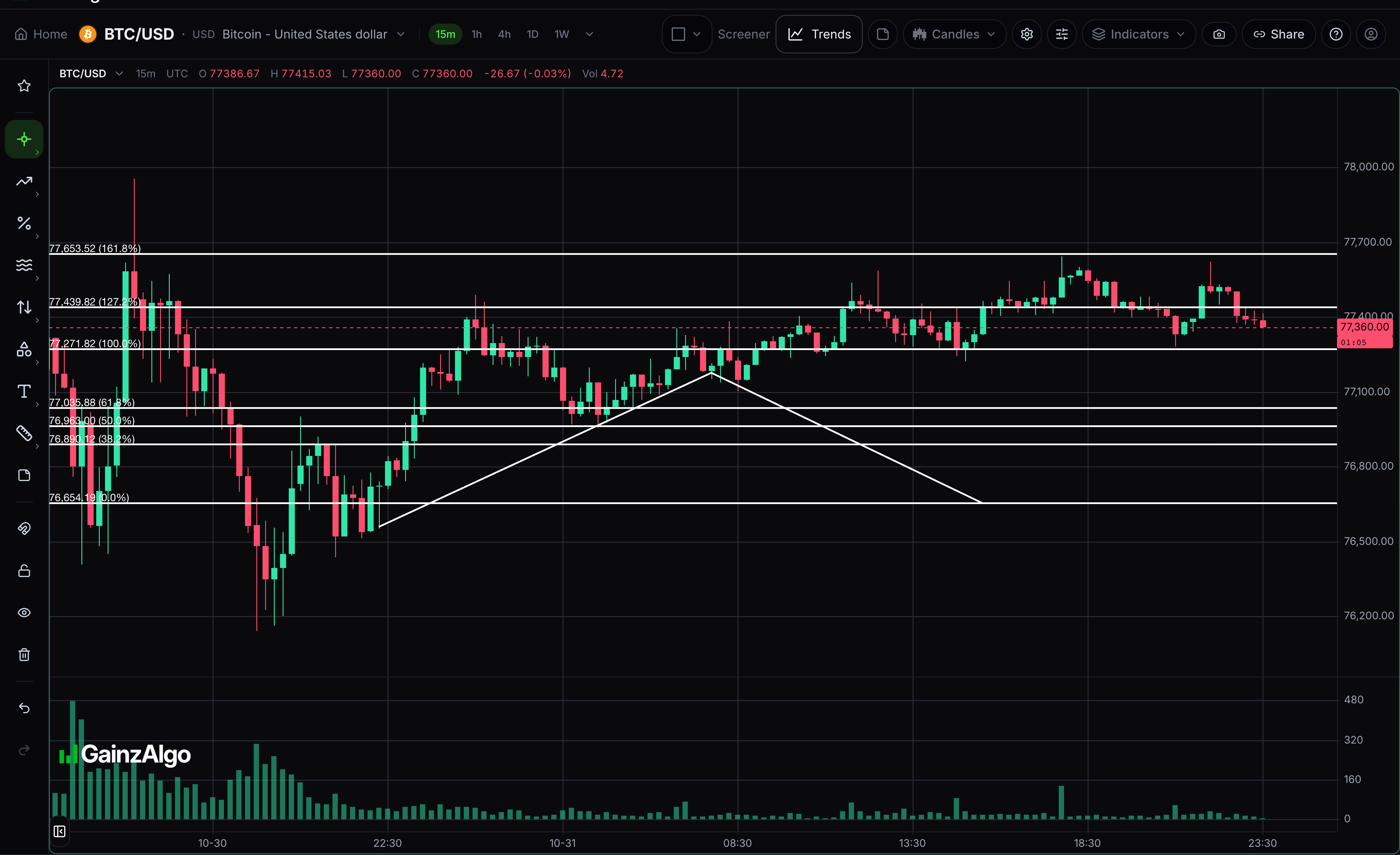
Fib extension
Projected levels beyond the end of a move, for targets rather than pullbacks.
Click the move's start, its end, then the pullback it retraced to. Select the drawing to move it or drag its points. Press Delete to remove the selected drawing.


Keep learning
Was this helpful?