- 01
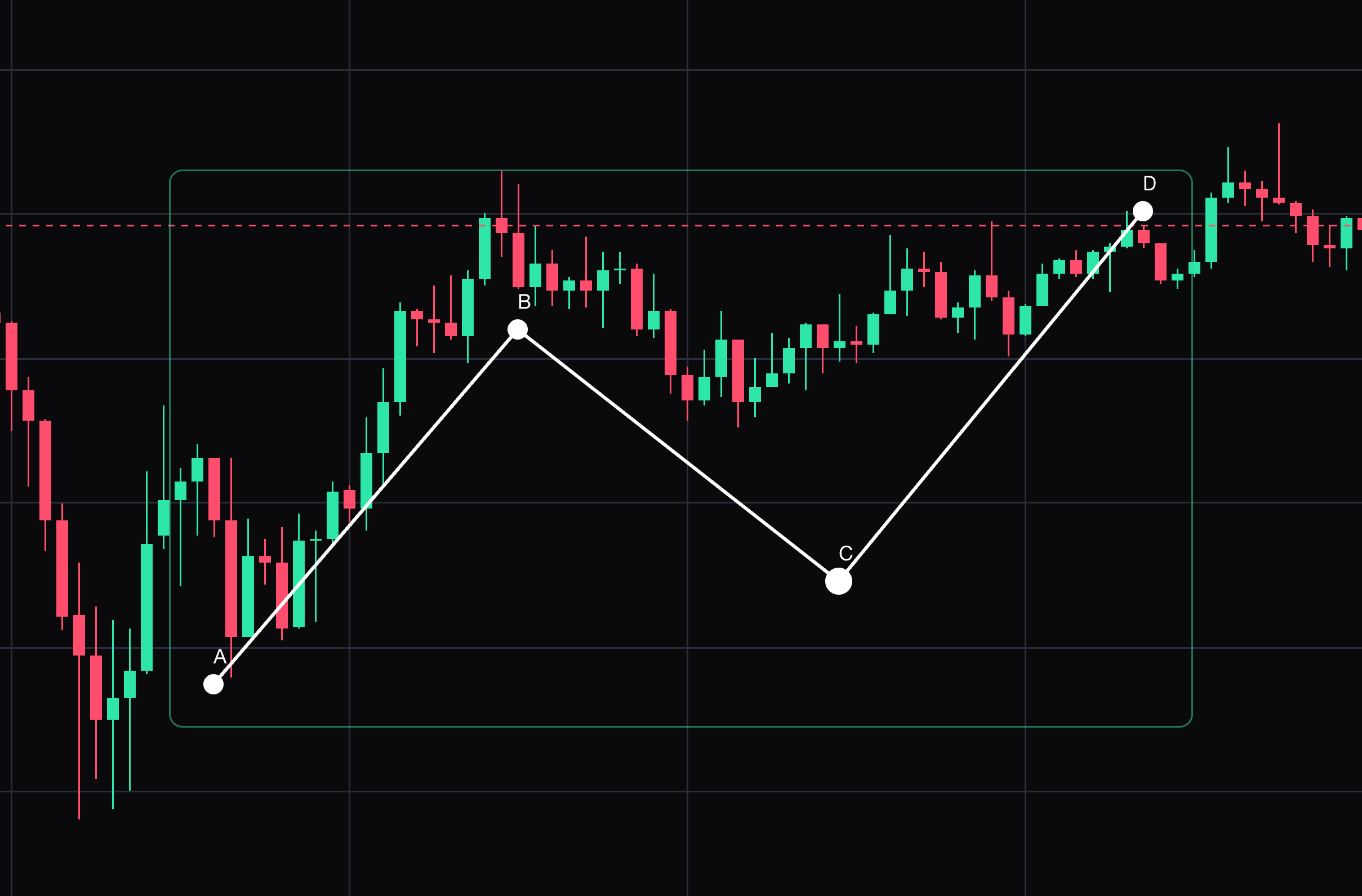
ABCD pattern
Label four manually selected turning points A, B, C and D.
Click A, B, C and D in order. Select the drawing to move it or drag its points. Press Delete to remove the selected drawing.
- 02
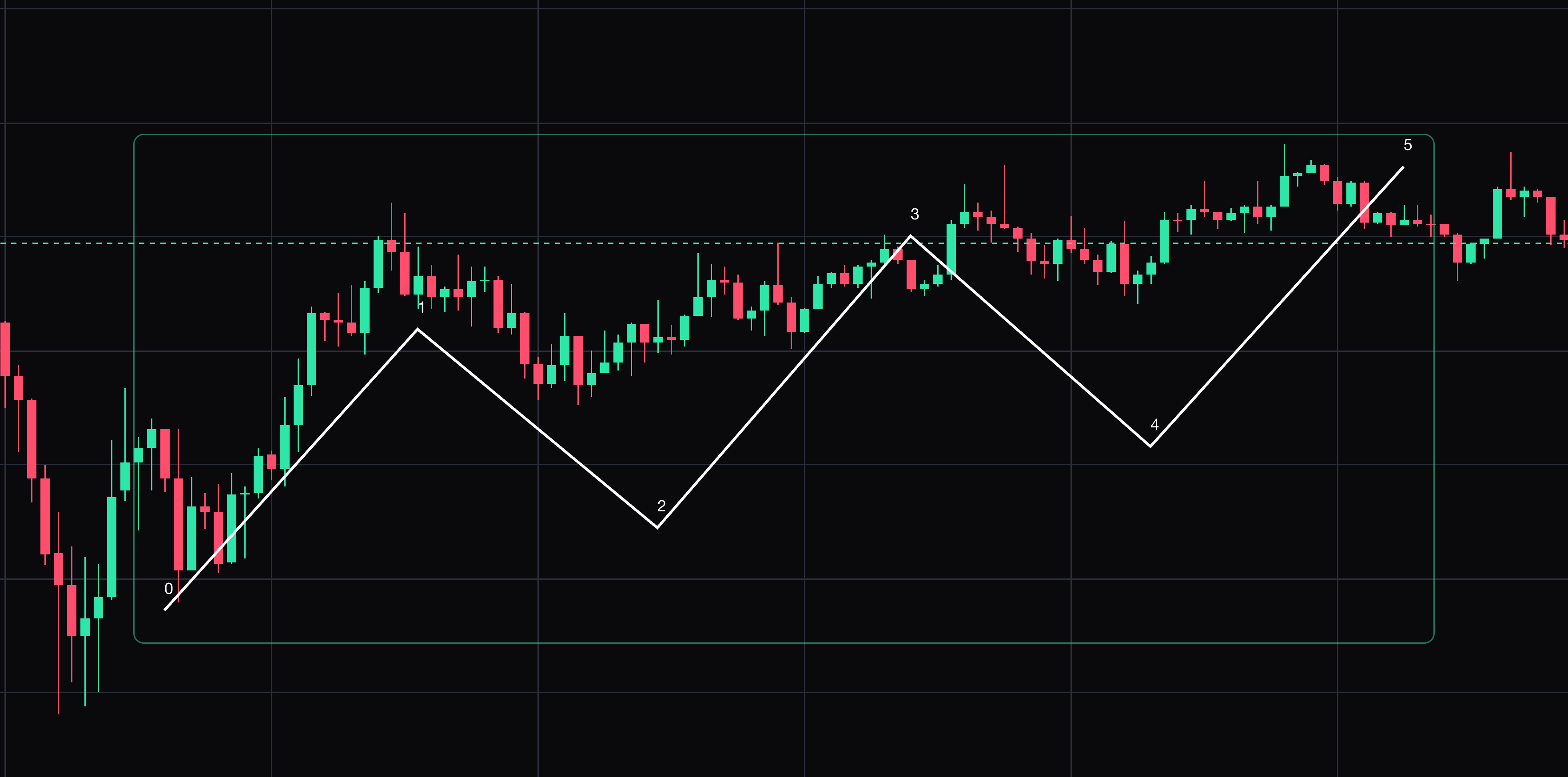
Elliott impulse wave
Label an impulse-wave sketch using the origin and five chosen endpoints.
Click the origin and five wave endpoints. Select the drawing to move it or drag its points. Press Delete to remove the selected drawing.
- 03
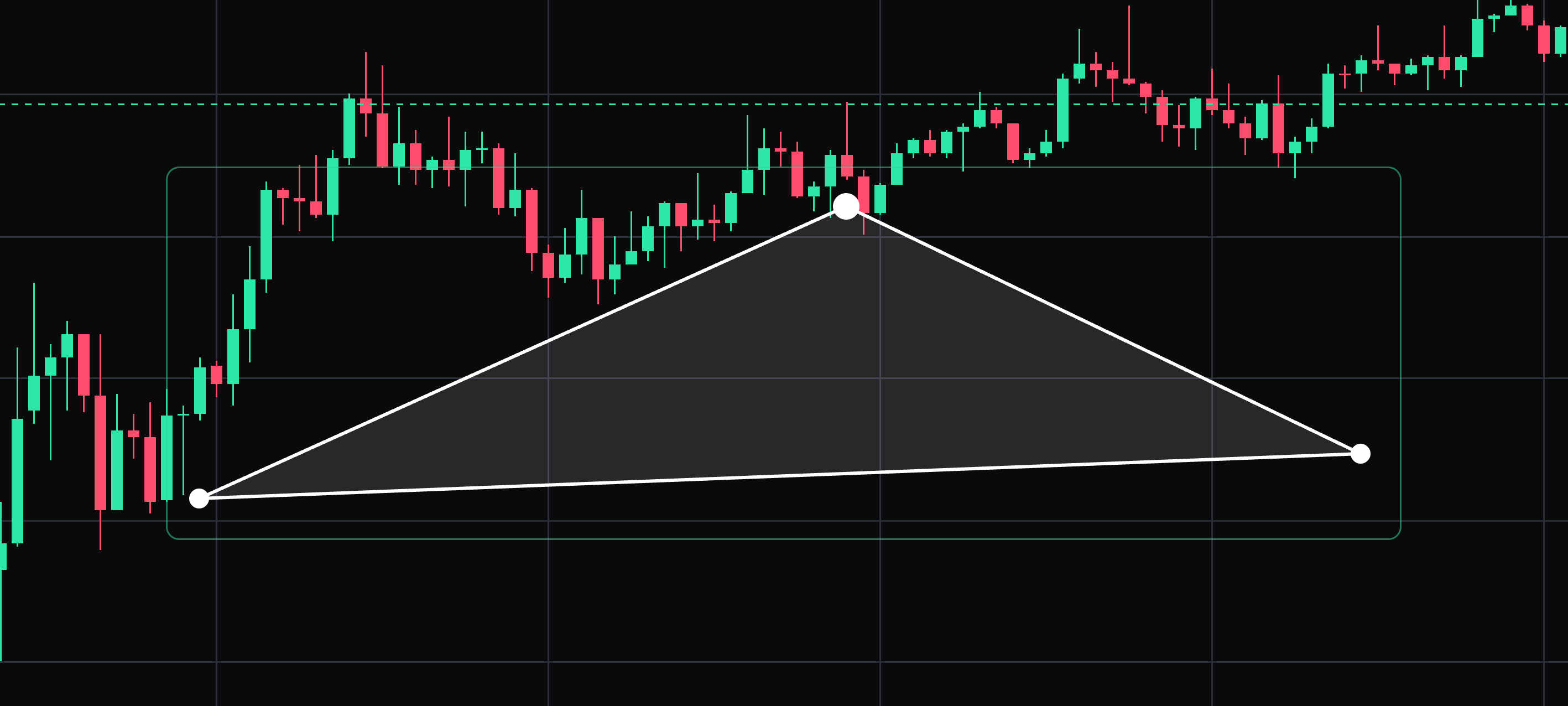
Triangle pattern
Outline a manually selected triangle pattern from three vertices.
Click the three vertices. Select the drawing to move it or drag its points. Press Delete to remove the selected drawing.
- 04
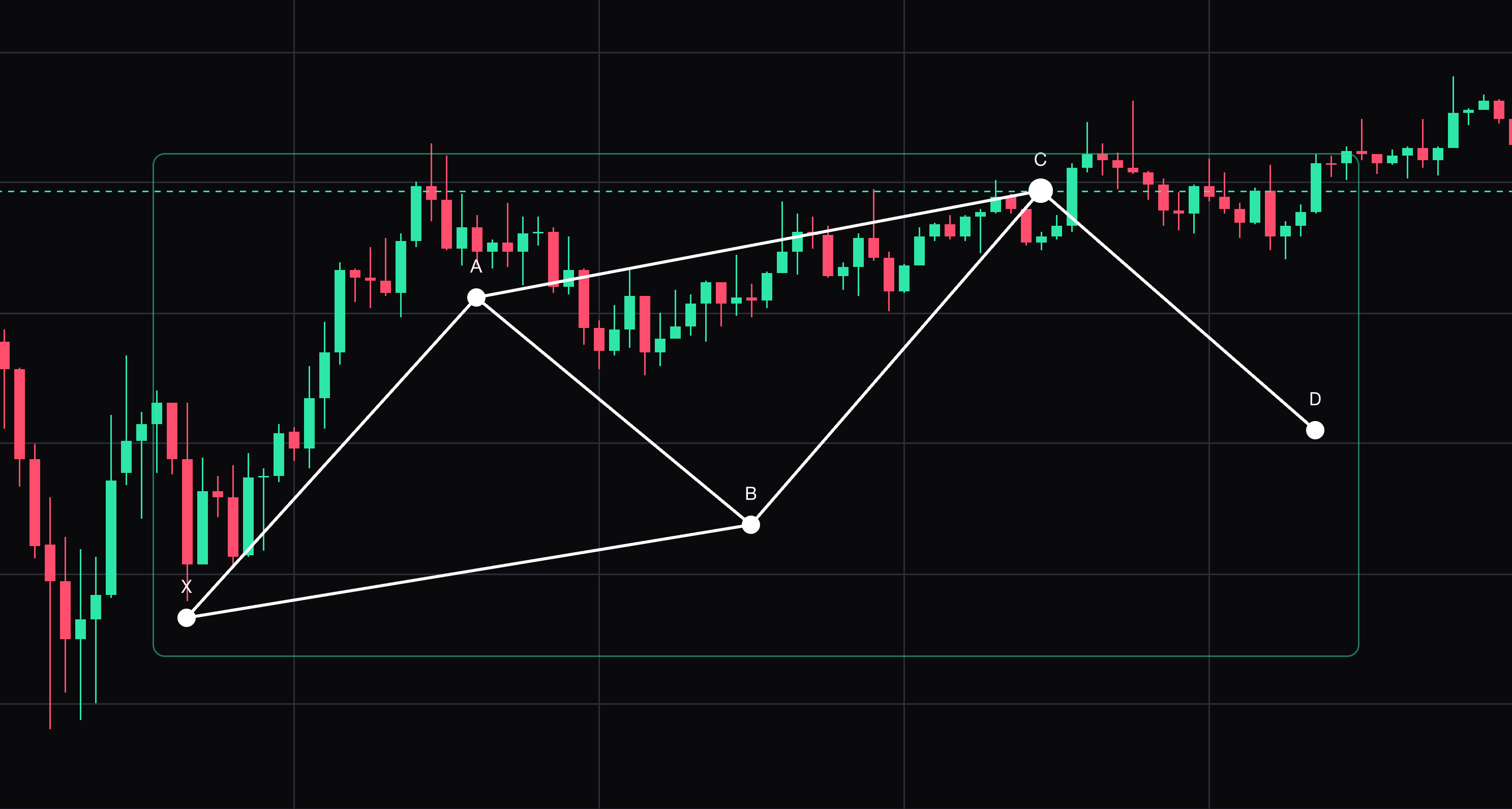
XABCD pattern
A five-point harmonic pattern with its legs labelled X, A, B, C and D.
Click each of the five turning points in order. Select the drawing to move it or drag its points. Press Delete to remove the selected drawing.
- 05
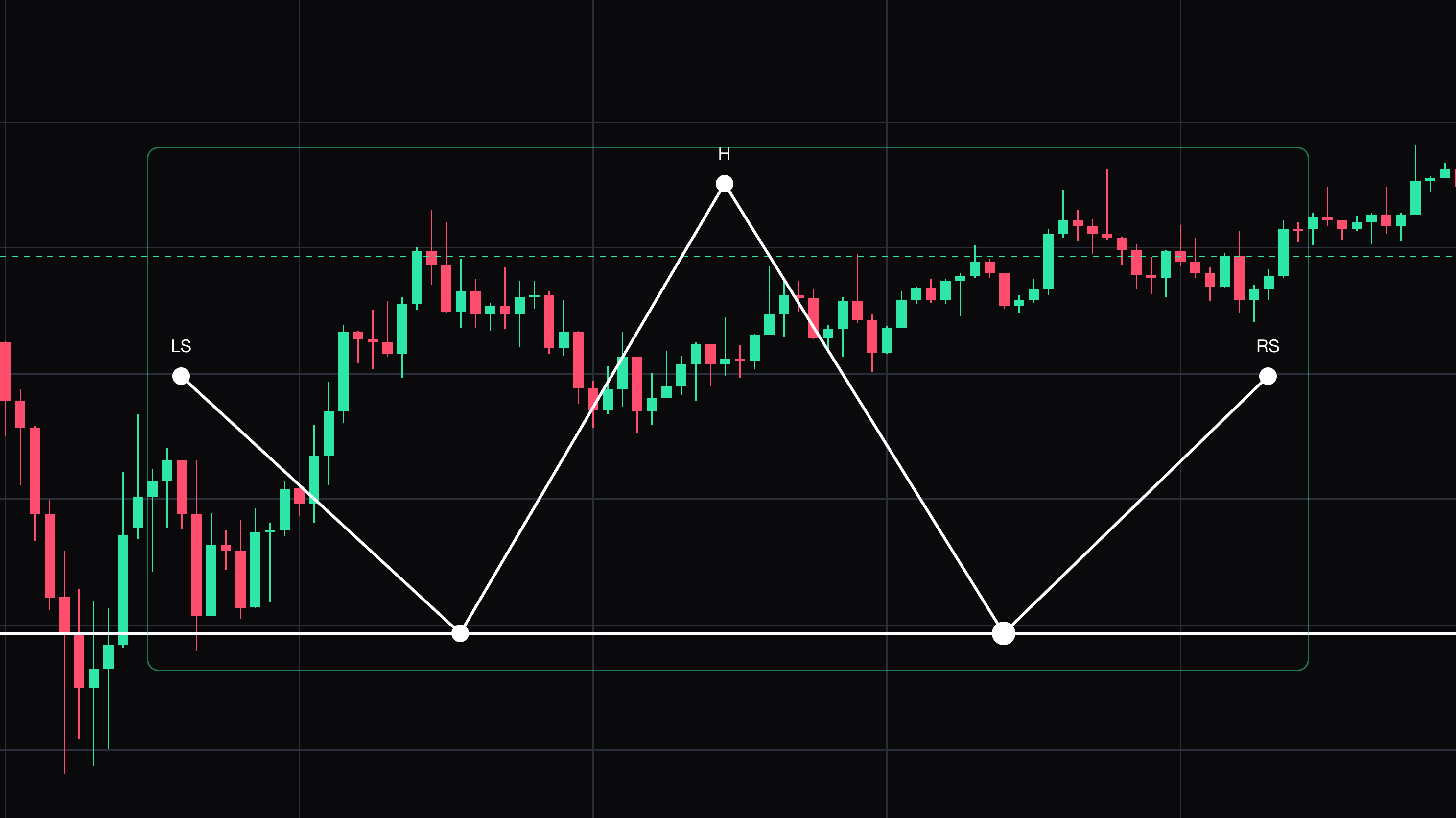
Head and shoulders
A labelled reversal pattern: left shoulder, head, right shoulder and neckline.
Click the five points that form the shoulders, the head and the neckline. Select the drawing to move it or drag its points. Press Delete to remove the selected drawing.


Keep learning
Was this helpful?