- 01
Start replay
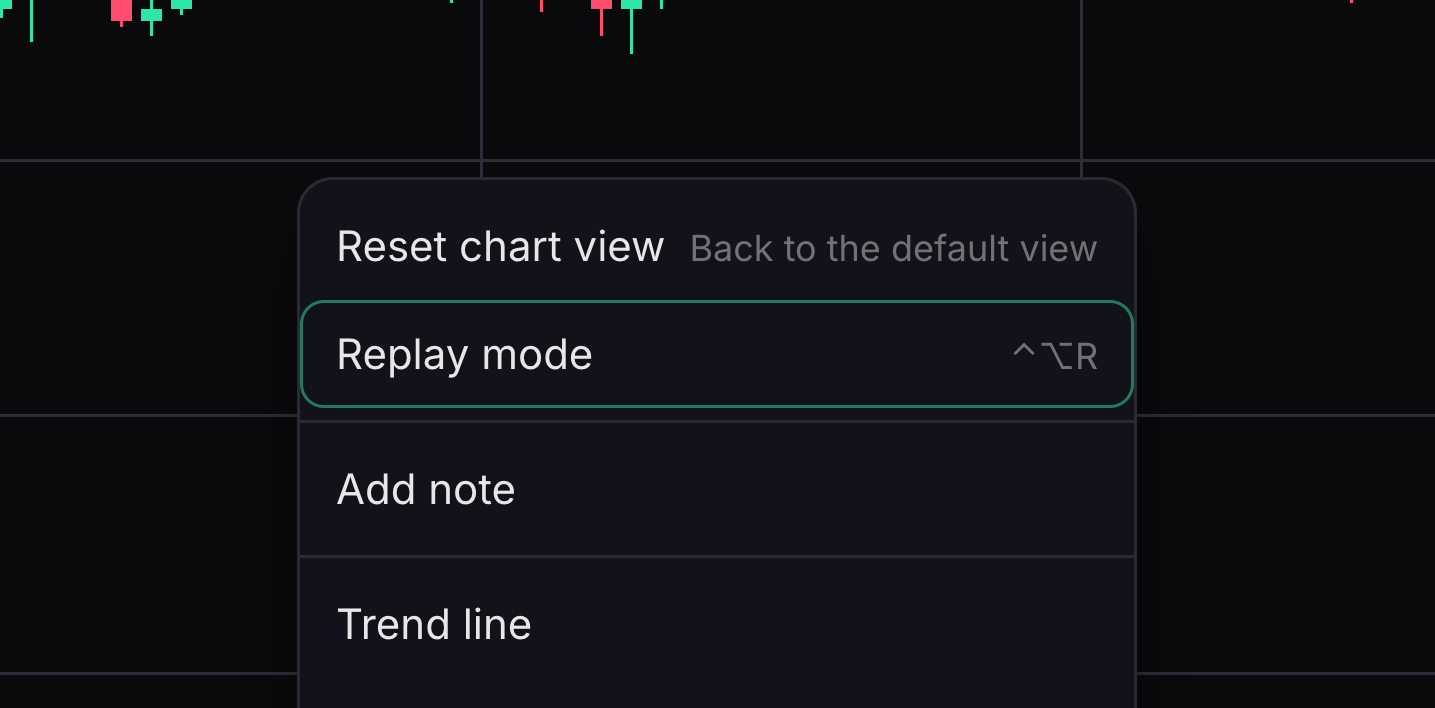
Replay reveals earlier candles in sequence.
Right-click the chart and choose Replay mode, then select a starting candle. On a phone, open Chart options and choose Replay from a bar.
- 02
Control playback
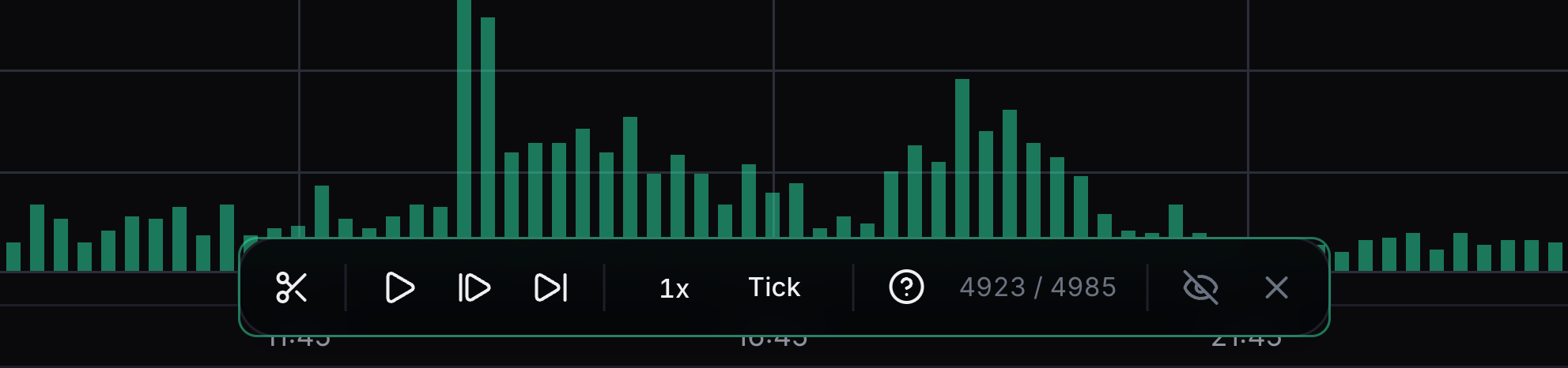
The floating replay bar controls how candles appear.
Play or pause, change speed or advance one candle at a time.
- 03
Open Trading
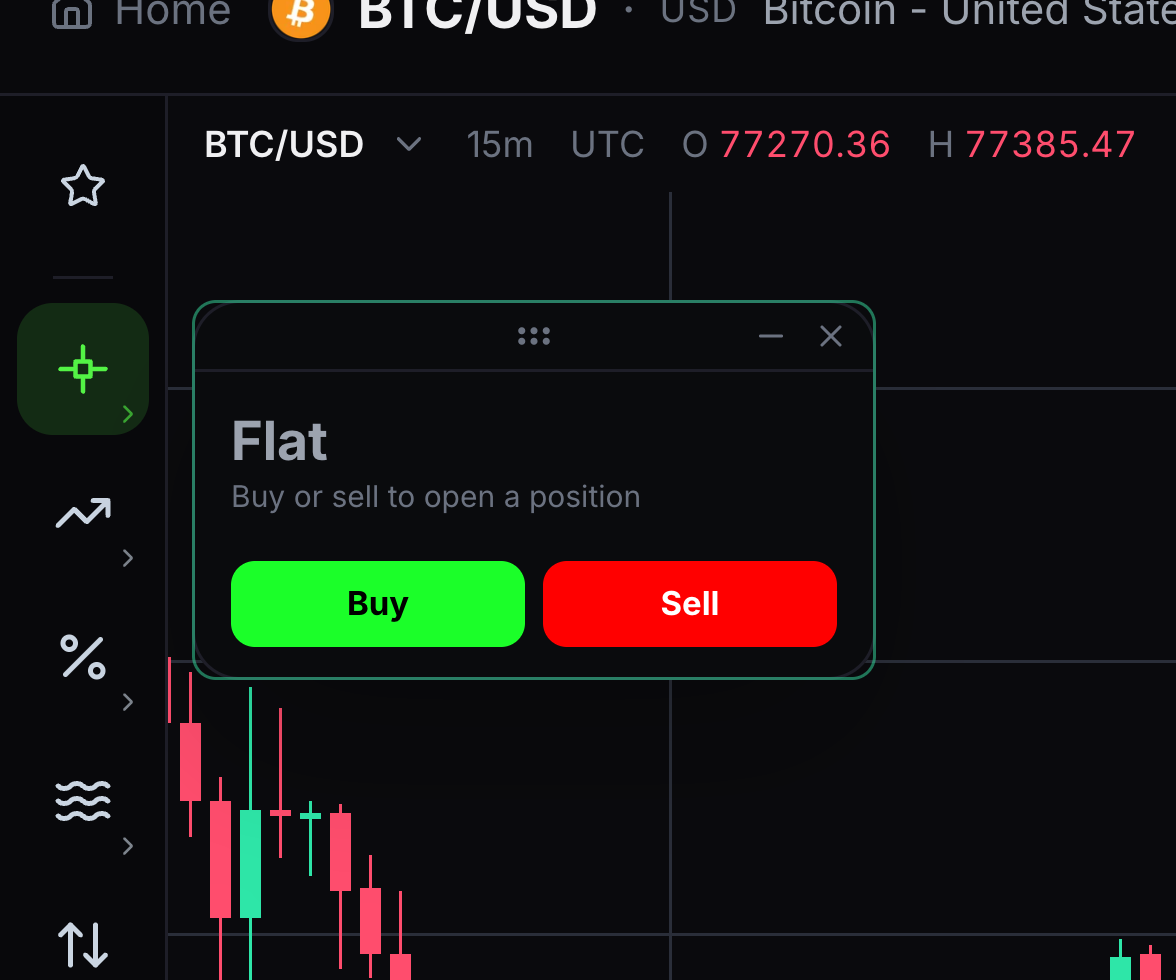
Trading opens the paper-trading panel for a simulated position.
Right-click the chart and choose Trading.
- 04
Review a practice order
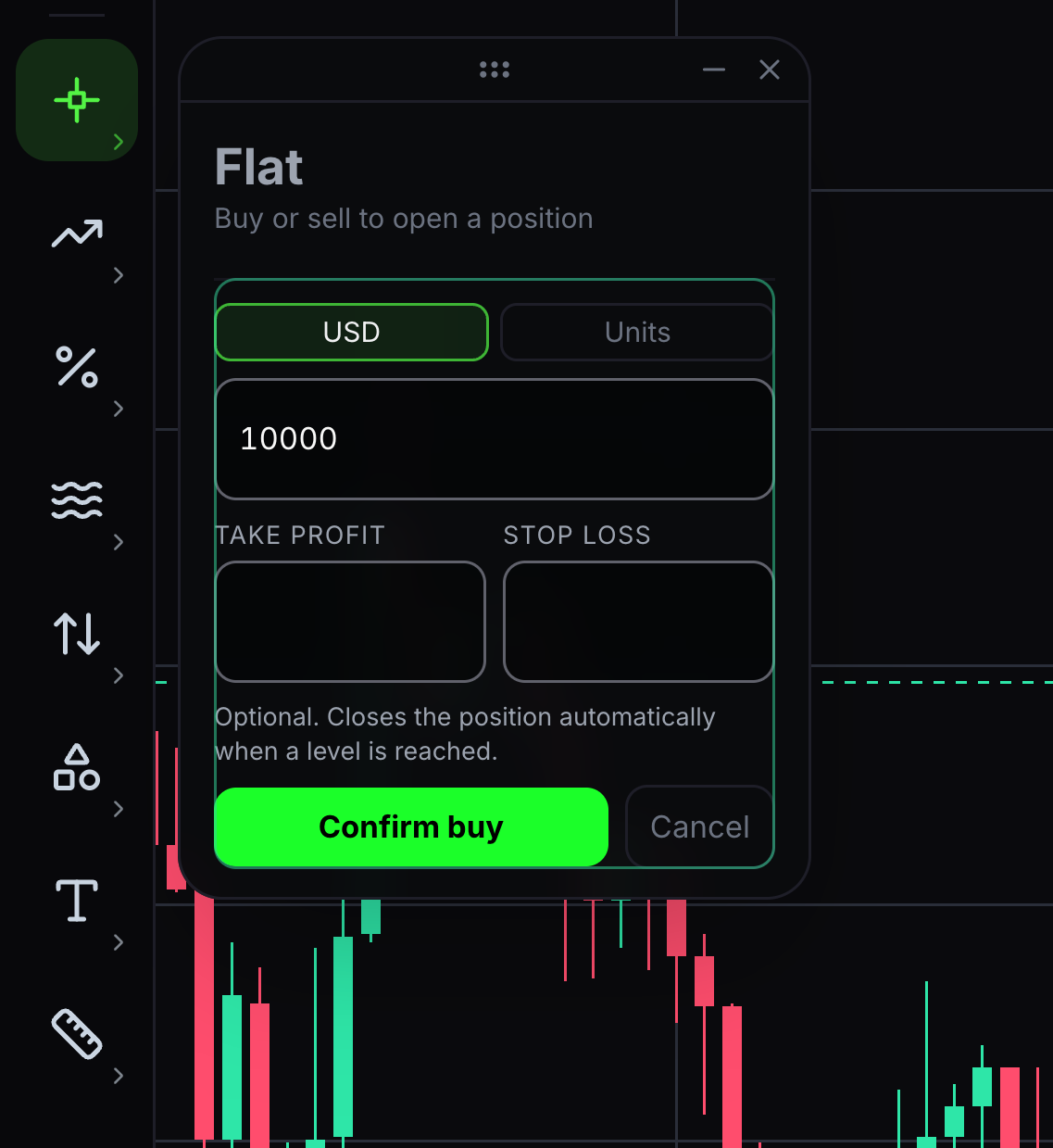
Buy practices an upward position; Sell practices a downward position.
Choose Buy or Sell, review size and optional TP/SL, then confirm the simulated trade. TP is take-profit and SL is stop-loss.
- 05
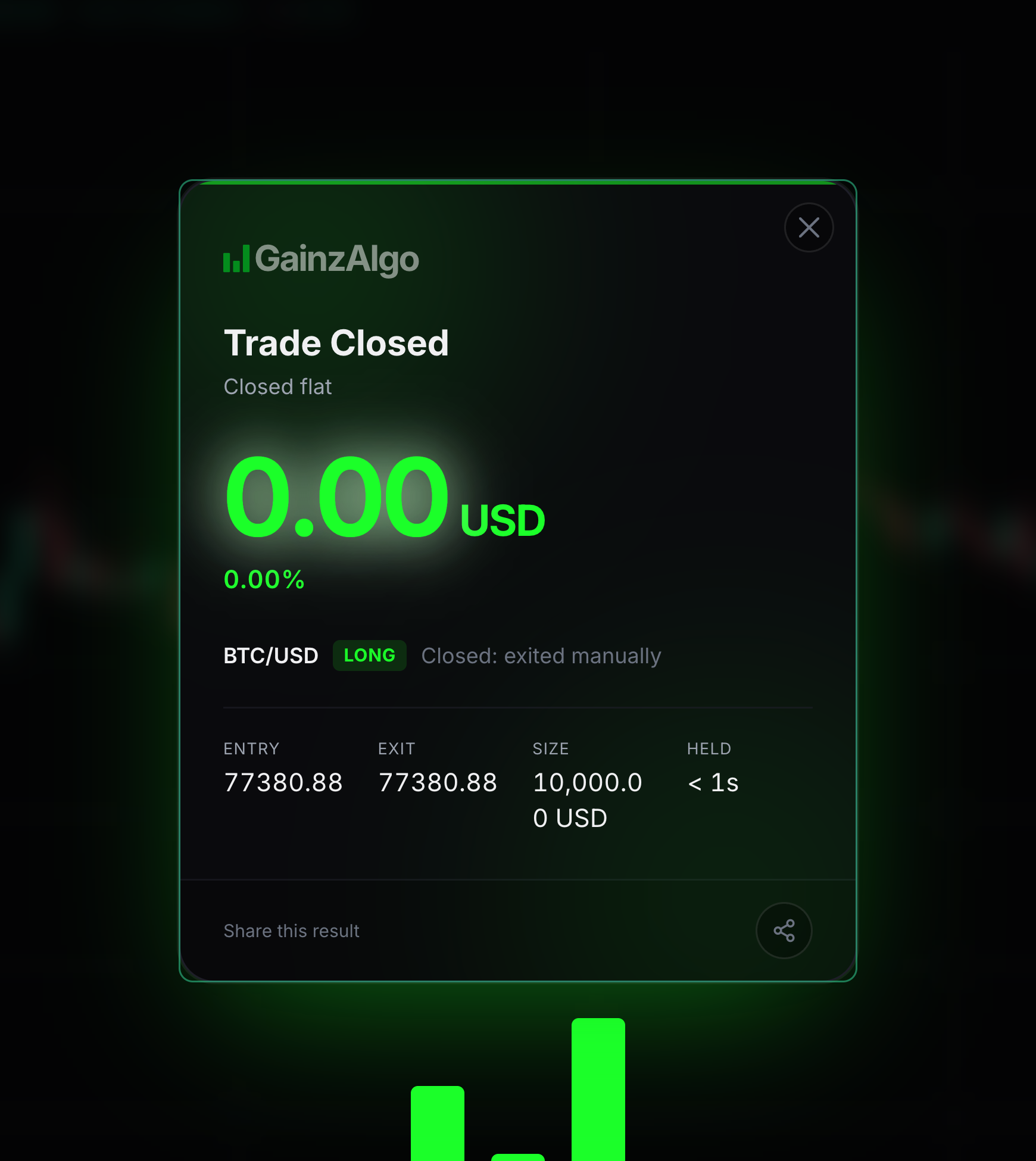
Close and read the result
Closing ends the simulated position. PnL means profit and loss.
Choose Close, then review the entry, exit and result card.


Keep learning
Was this helpful?