- 01
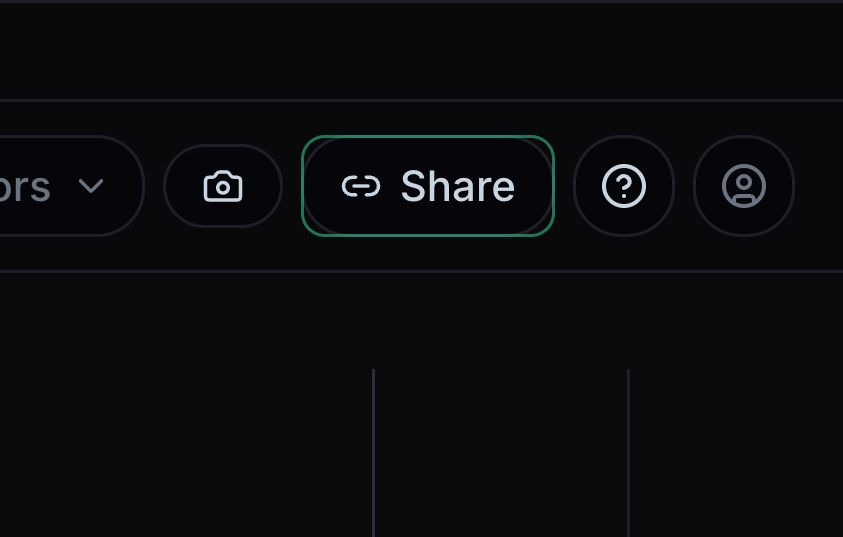
Share a link
Share copies a link to your chart view.
Choose Share and copy the link. Check the chart before sending it.
- 02
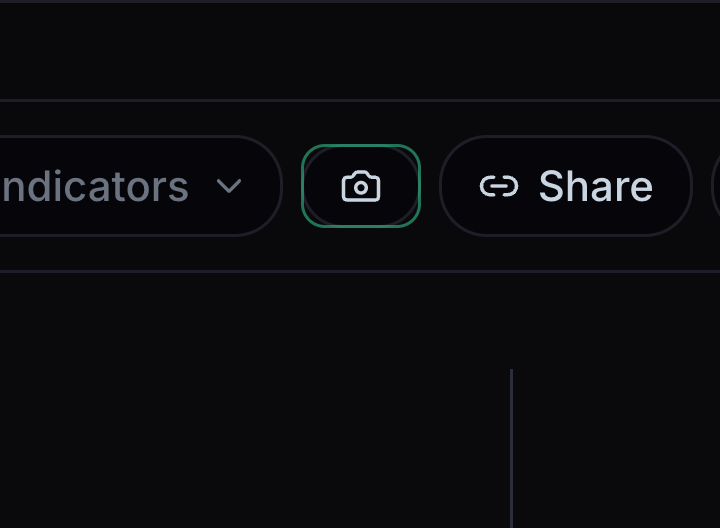
Save a screenshot
The camera saves a picture of the chart.
Choose the camera button when the chart is ready. On a small screen, turn your phone sideways to reach the camera.
- 03
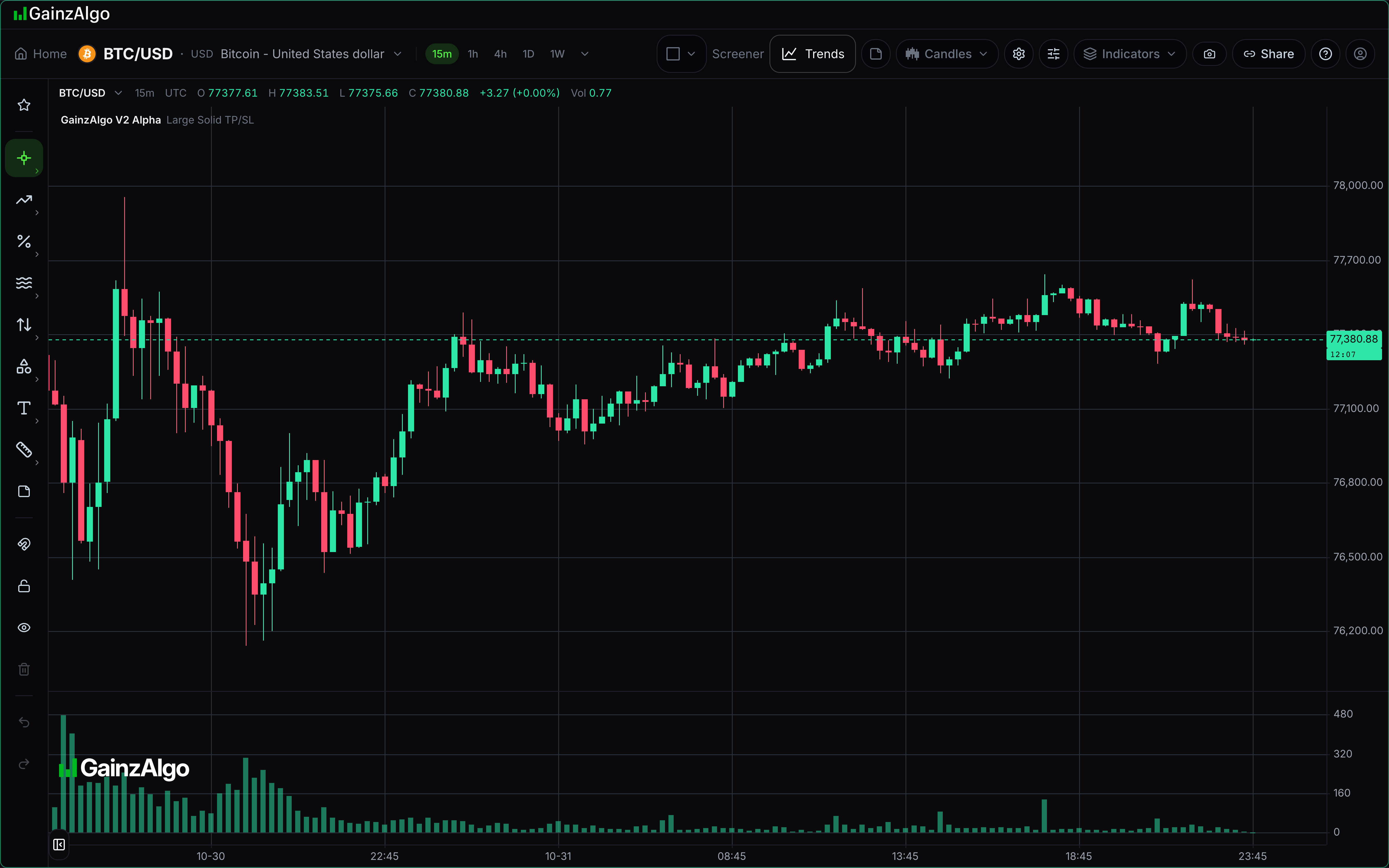
Prepare a readable image
A readable image shows the chart clearly, with menus closed.
Check the symbol and timeframe, make sure labels are readable, and close menus before using the camera.


Keep learning
Was this helpful?