- 01
Open a note
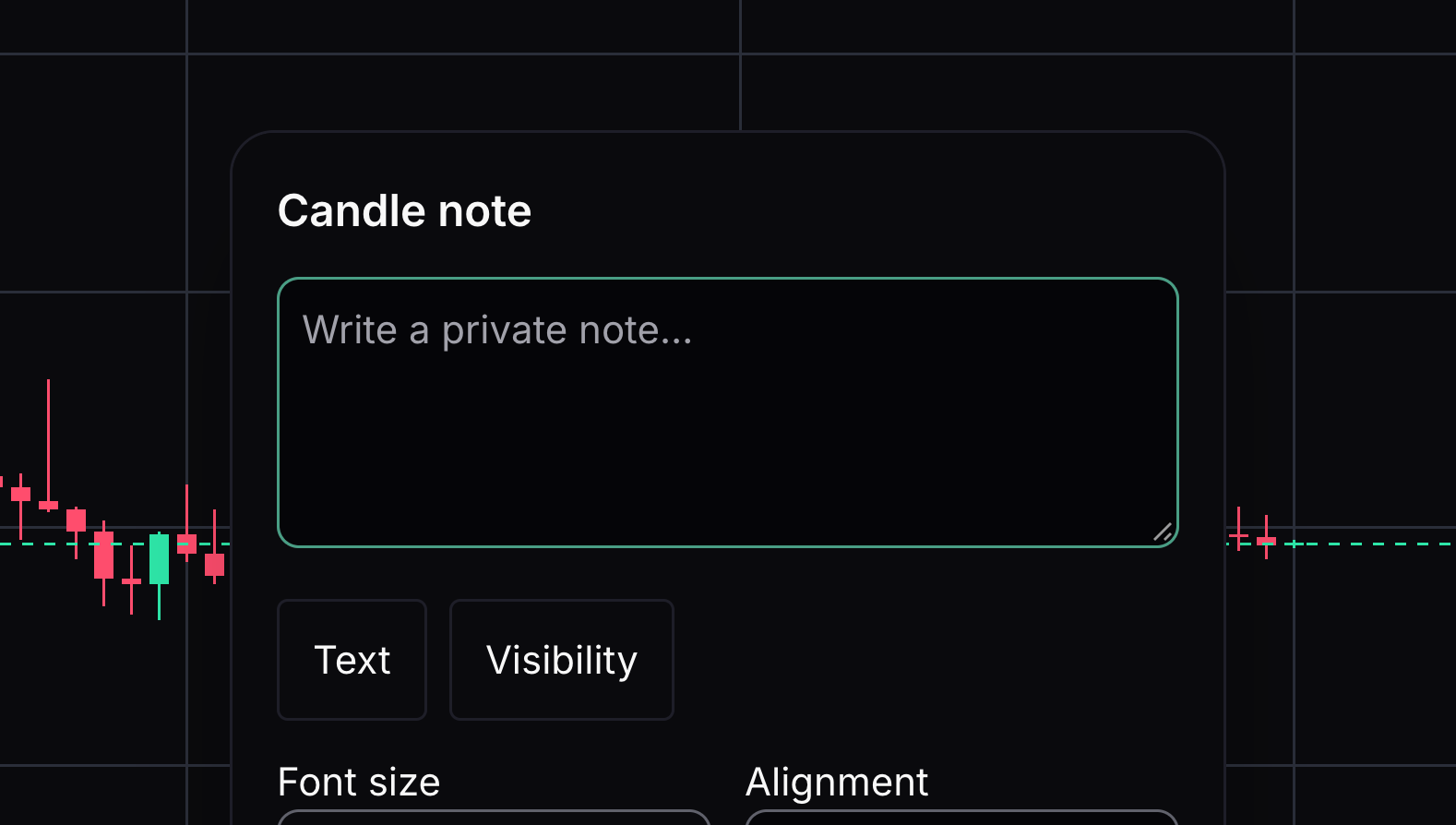
A candle note attaches your writing to a specific point in time.
Right-click a candle and choose Add note, or choose the Note tool and select a candle.
- 02
Write your observation
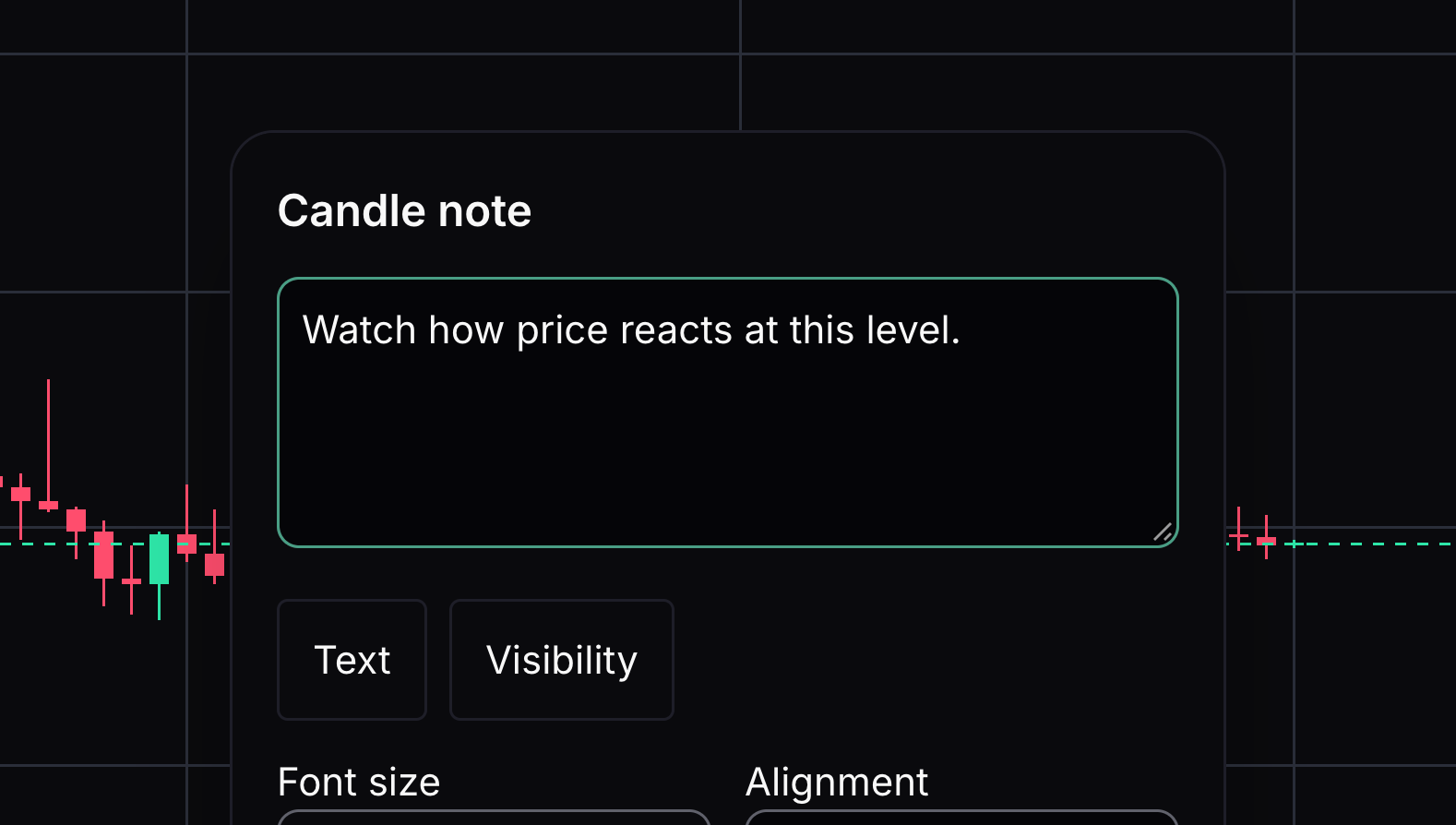
The note editor is where you enter the text.
Write a short, clear sentence in the Note field.
- 03
Save your note
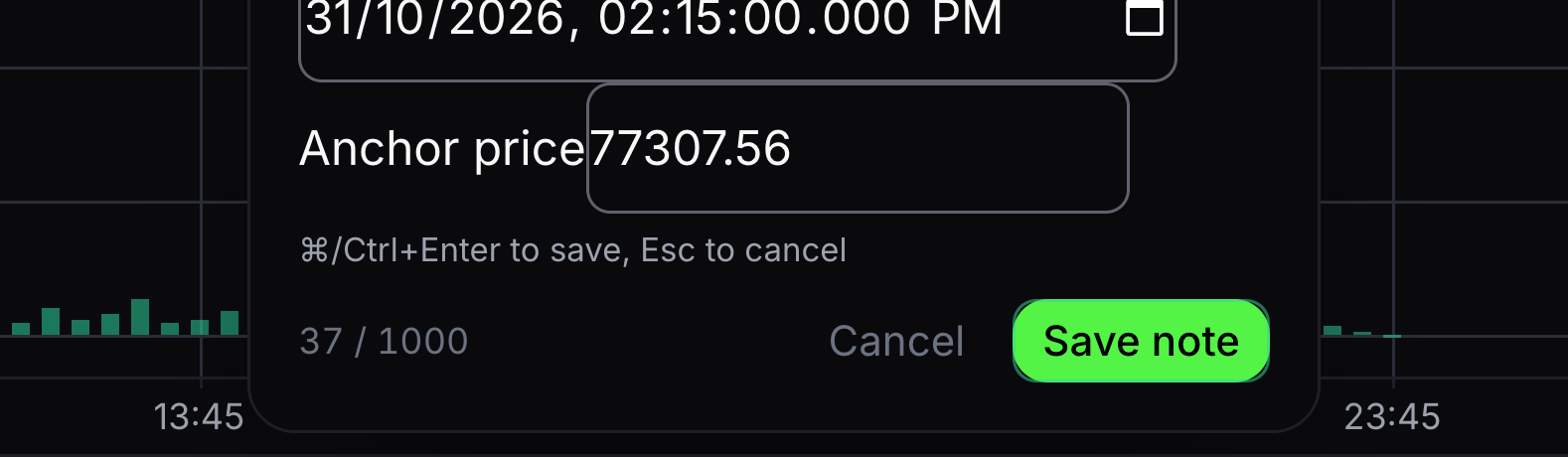
Save note keeps the observation in your account.
Choose Save note, or press Command+Enter on a Mac or Ctrl+Enter on Windows. Cancel discards the draft.
- 04
Browse your notes
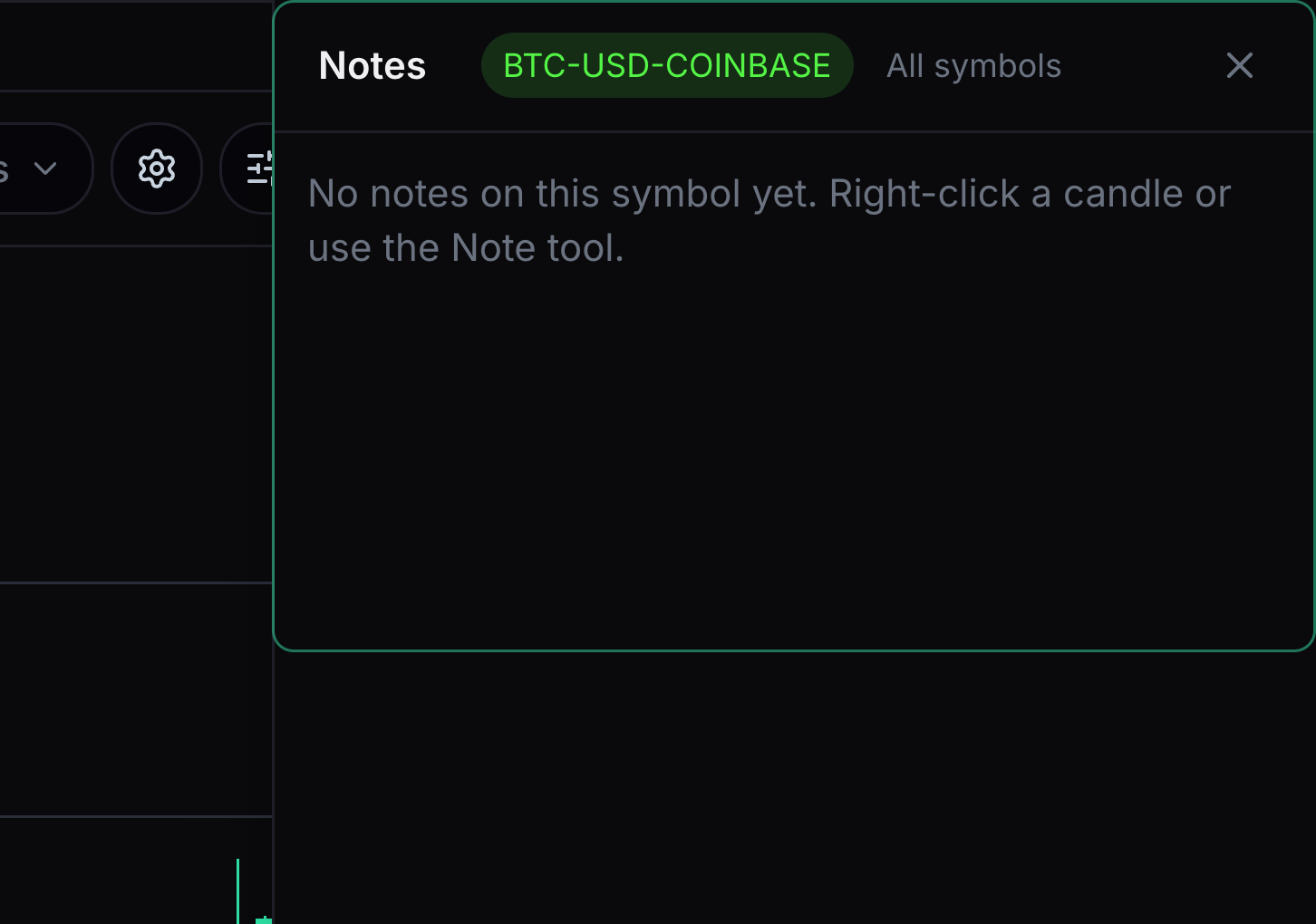
Notes brings your saved observations together.
Open Notes and choose the current symbol or All symbols. Select a note to revisit its chart. On a small screen, turn your phone sideways to reach Notes.


Keep learning
Was this helpful?