- 01
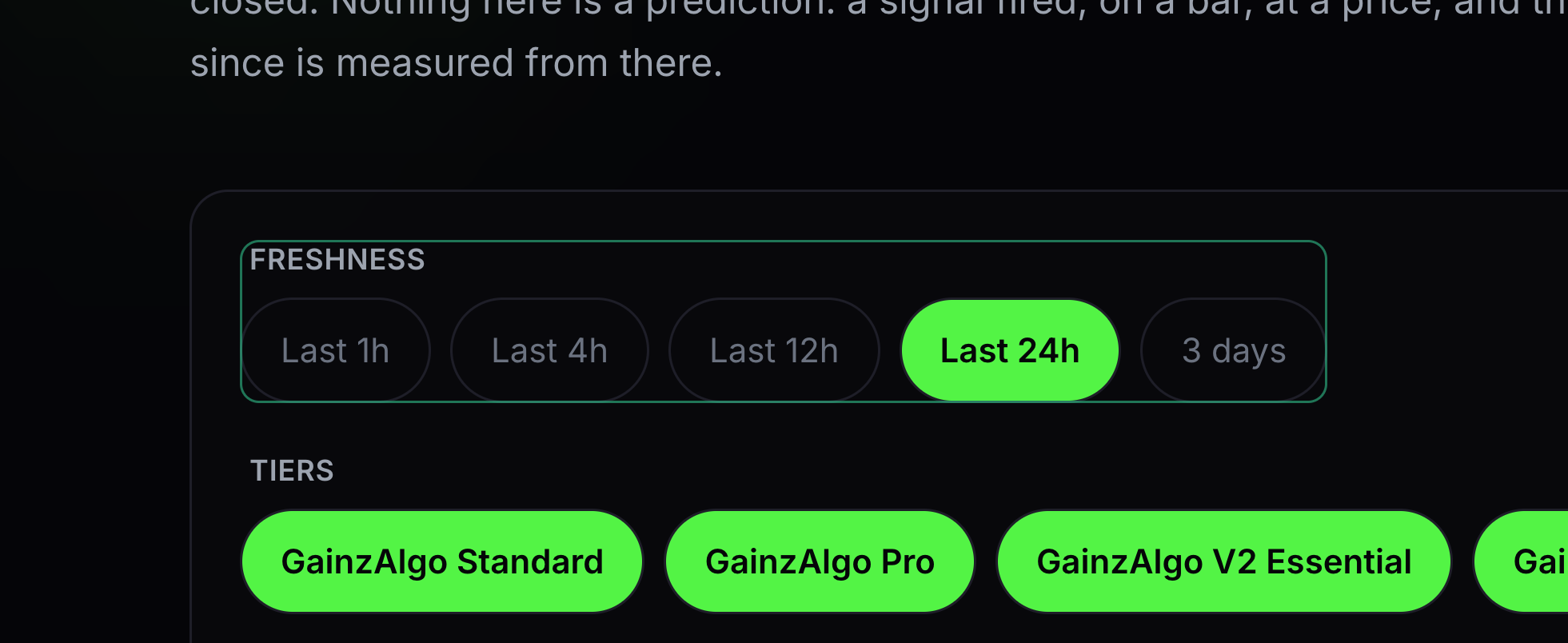
Freshness
Freshness is how recently a signal appeared.
Choose a time window for the signals you want to review.
- 02
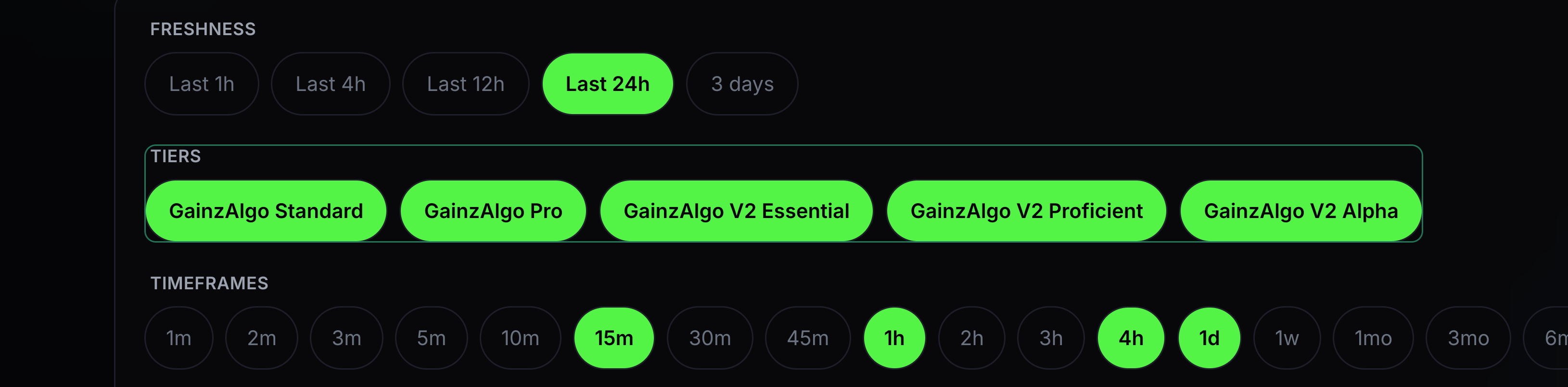
Tiers
Tiers chooses which GainzAlgo indicators to include.
Select the tiers you own and want to compare. A lock marks a tier you do not own.
- 03
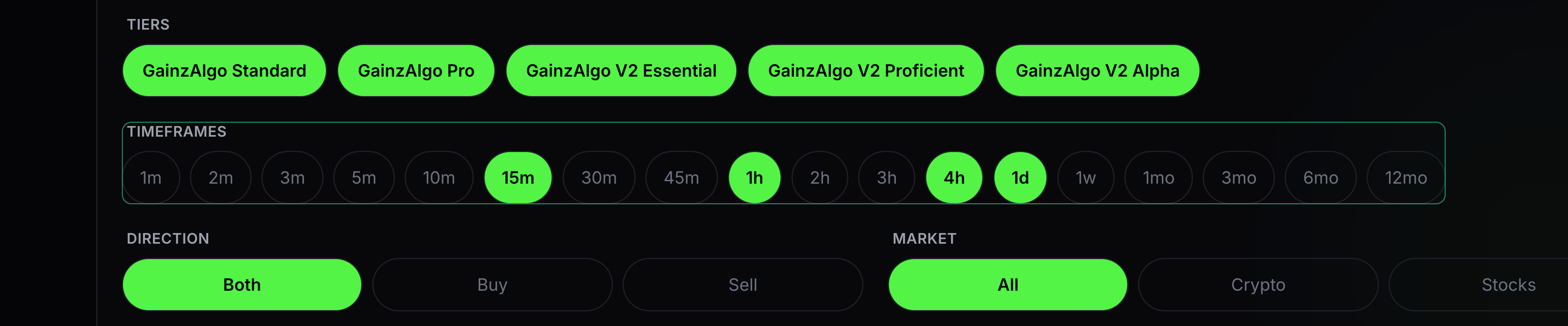
Timeframes
Timeframes chooses the candle periods included in the results.
Select the periods you want, such as 15m or 1h.
- 04
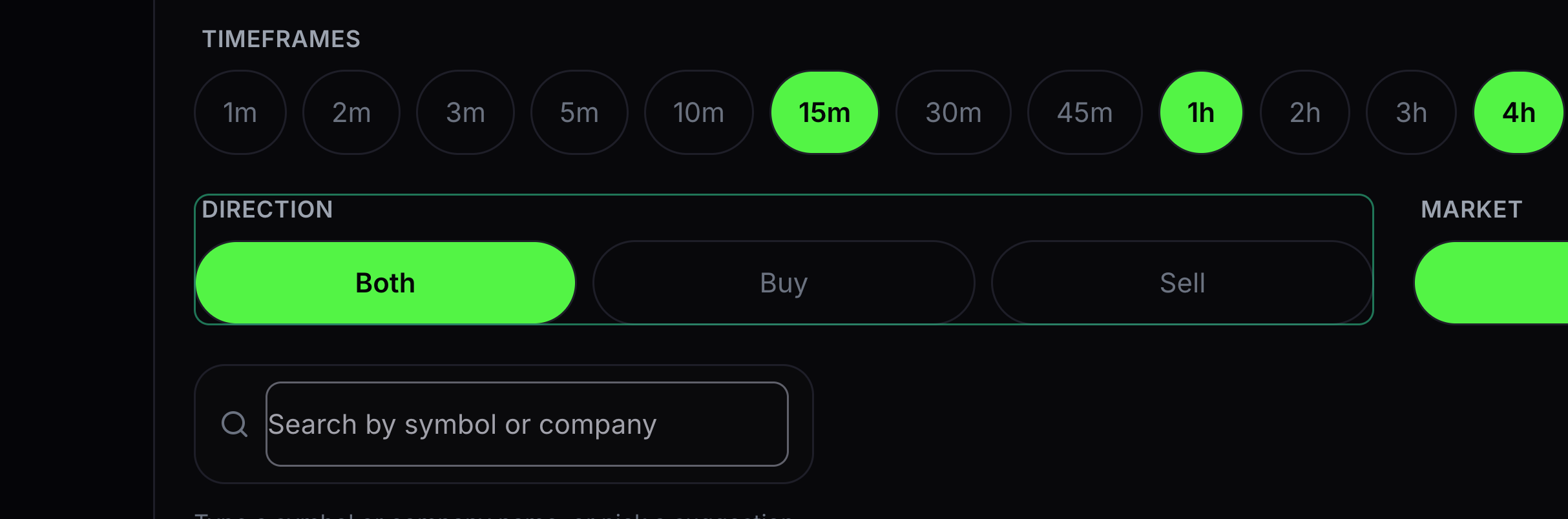
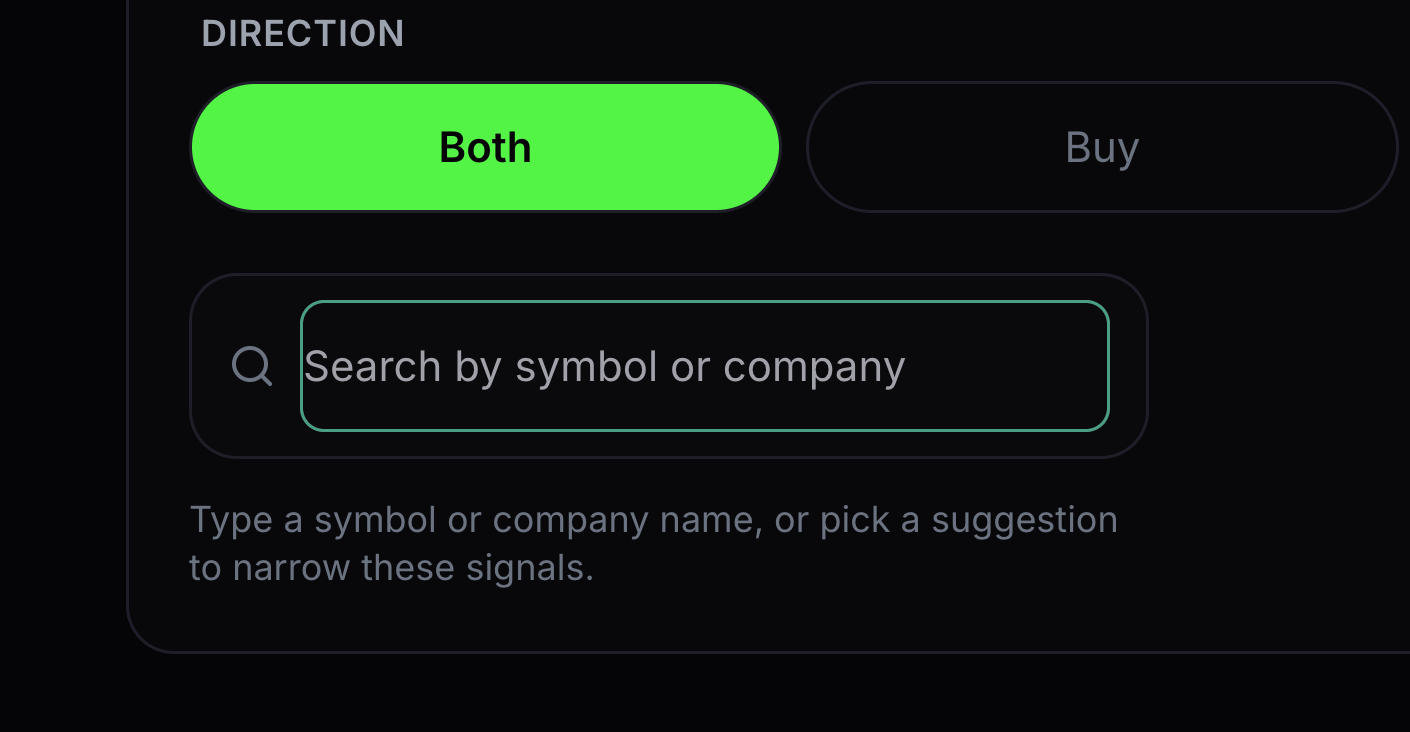
Direction
Direction narrows the list to BUY, SELL or both.
Choose the direction you want to review.
- 05
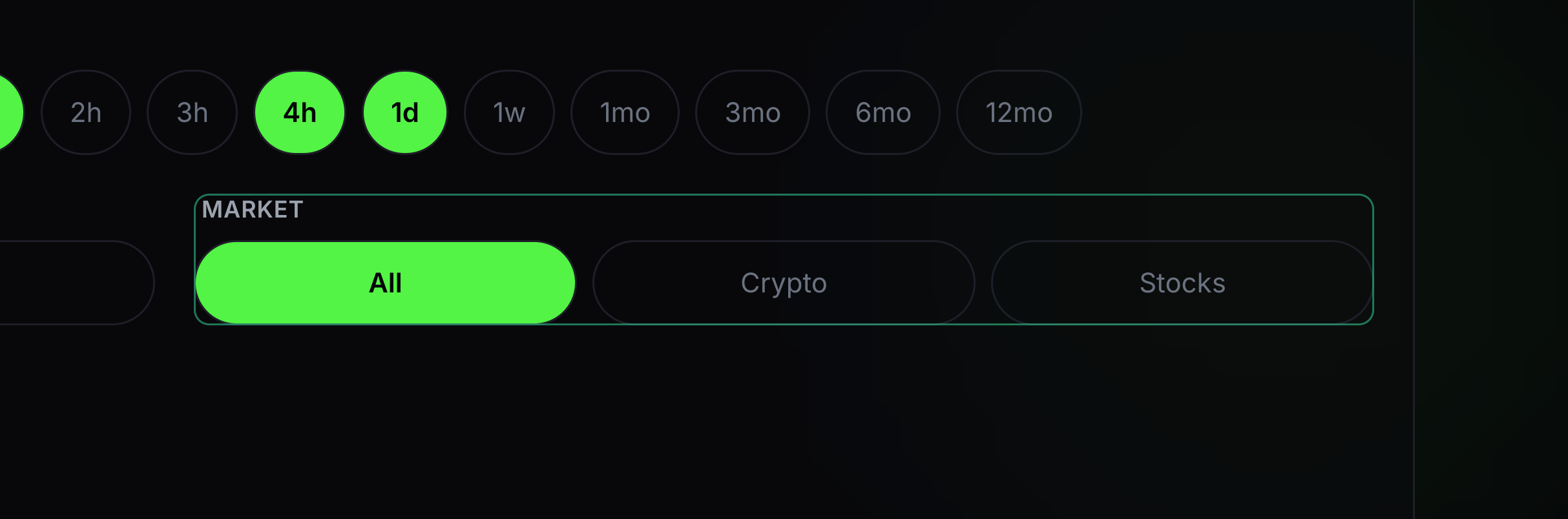
Market
Market narrows the list to an asset class.
Choose All, Crypto or Stocks.
- 06
Search
Search finds a symbol or company in the current view.
Type the name or ticker you want to inspect.


Keep learning
Was this helpful?