- 01
Find an indicator
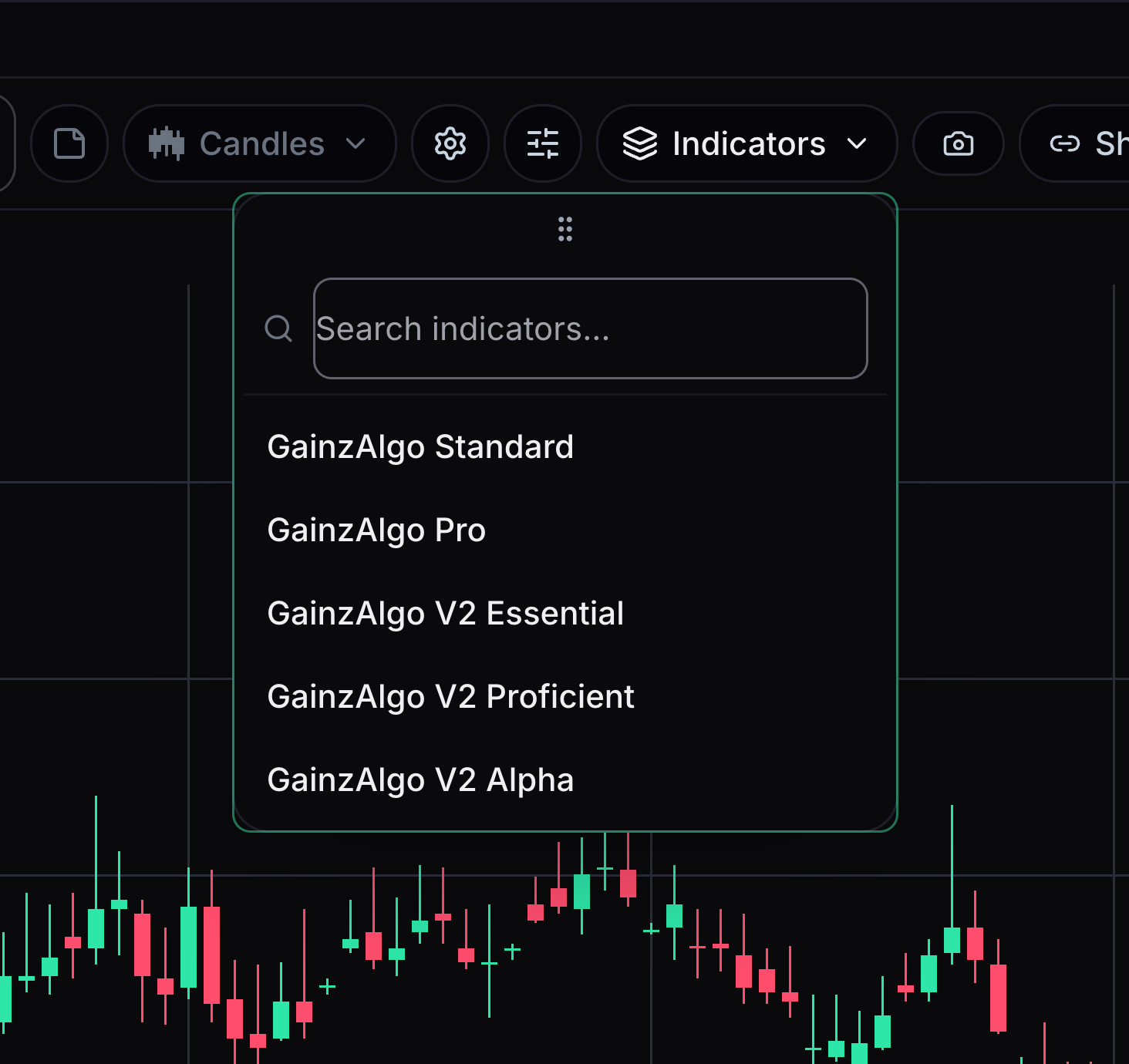
The Indicators menu adds a GainzAlgo signal tier to your chart.
Open Indicators and search for Standard, Pro, V2 Essential, V2 Proficient or V2 Alpha.
- 02
Understand the lock
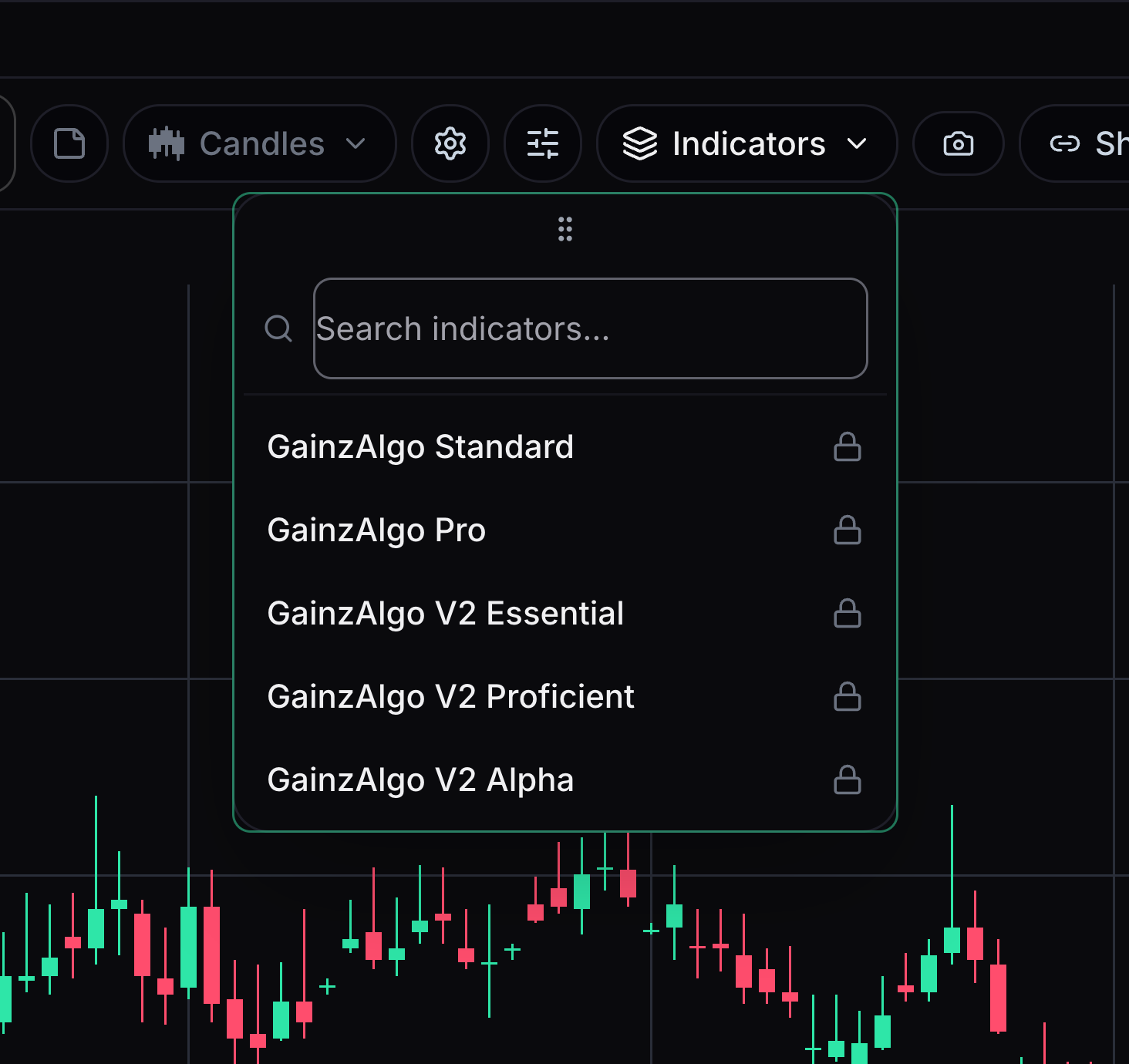
A lock means the selected account does not have that tier.
Check your signed-in account. Select a locked tier to review its purchase option.
- 03
Turn a tier on or off
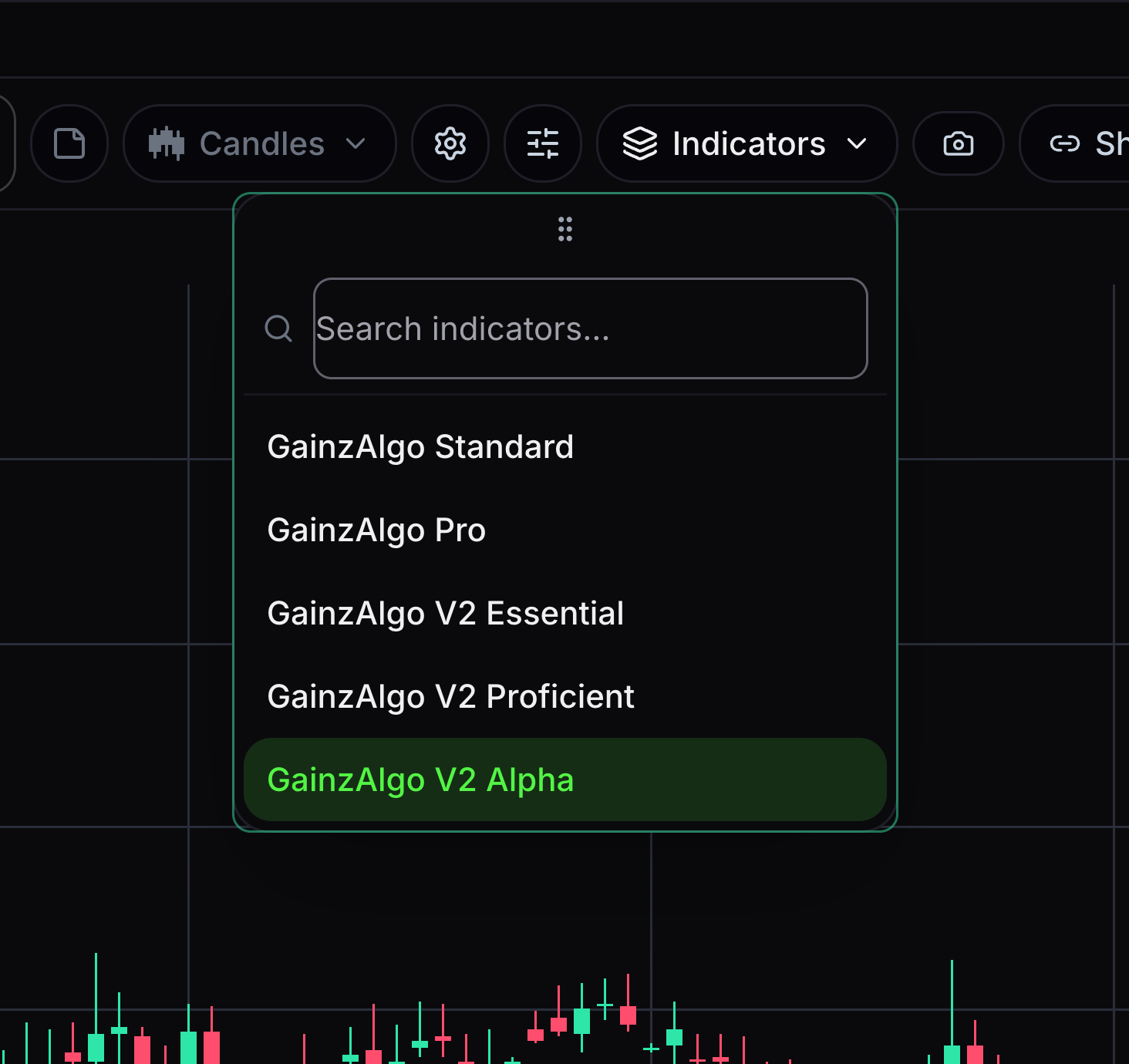
A fresh chart starts without a paid indicator selected.
Choose an owned tier to show its signals. Select it again to turn it off.
- 04
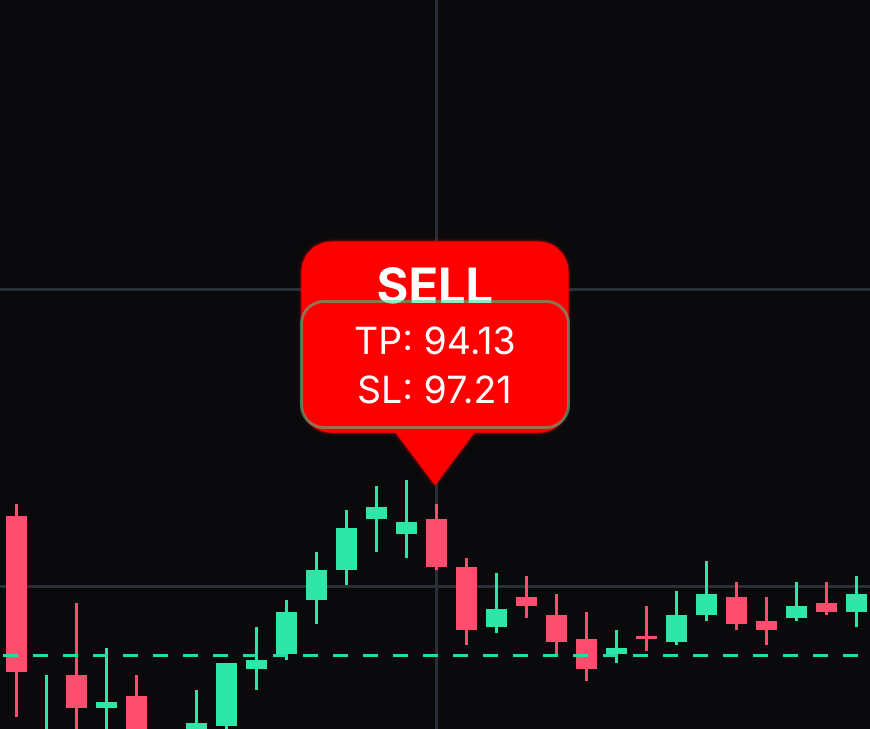
Read BUY and SELL
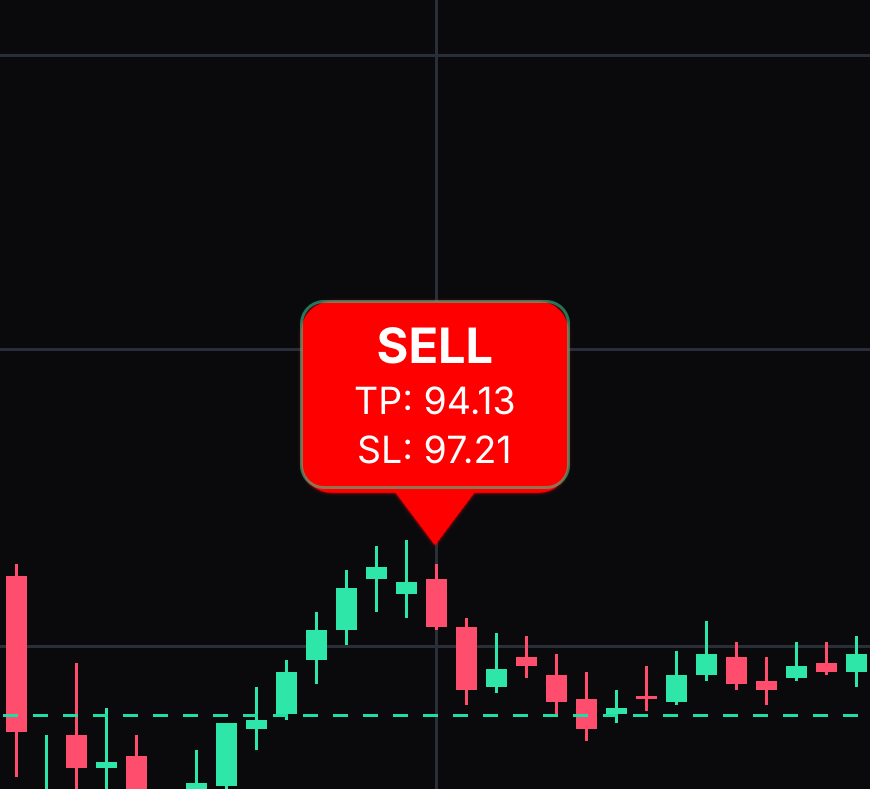
BUY marks a bullish signal; SELL marks a bearish signal. Bullish means an upward direction, and bearish means a downward direction.
Find the candle pointed to by the label. Click a signal label to read its explanation.
- 05
Read TP and SL
TP means take-profit, a target price. SL means stop-loss, a price used to limit a loss.
Read the price levels printed in a signal label when that tier provides them.
- 06
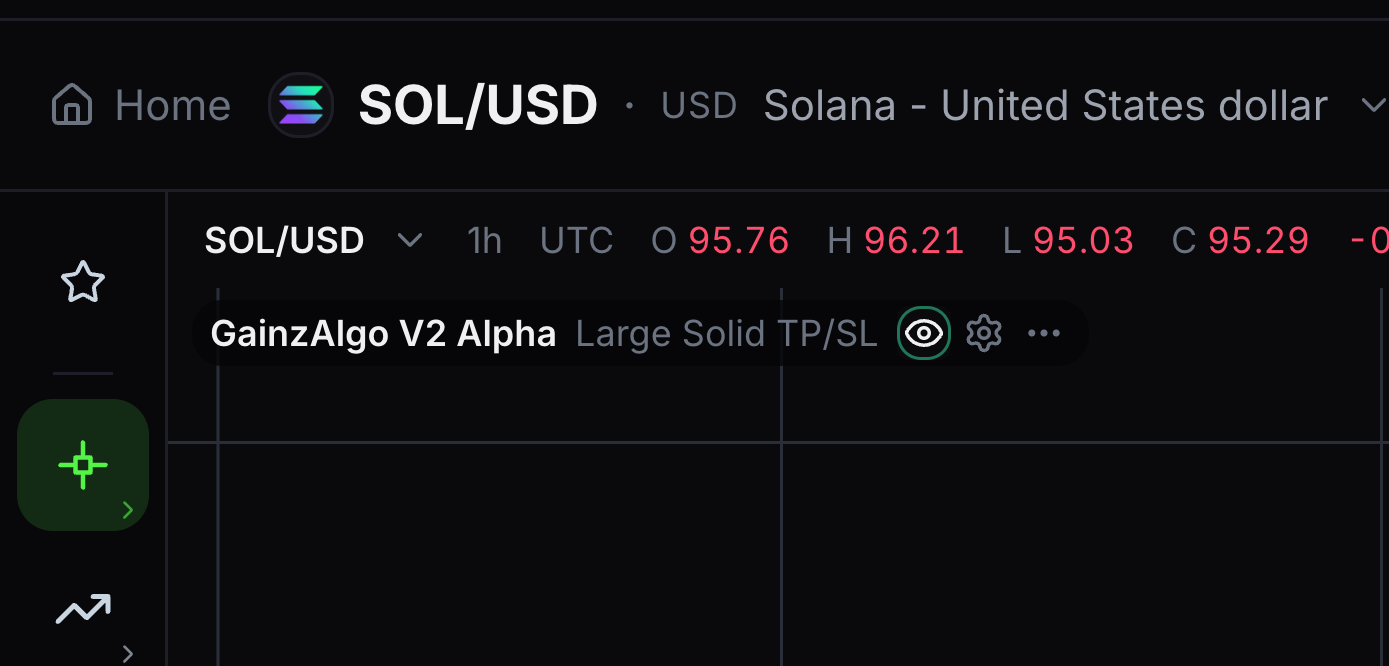
Hide or show signal labels
The eye beside the indicator name controls visibility.
Select the eye to hide signal visuals, then select it again to bring them back.


Keep learning
Was this helpful?