- 01
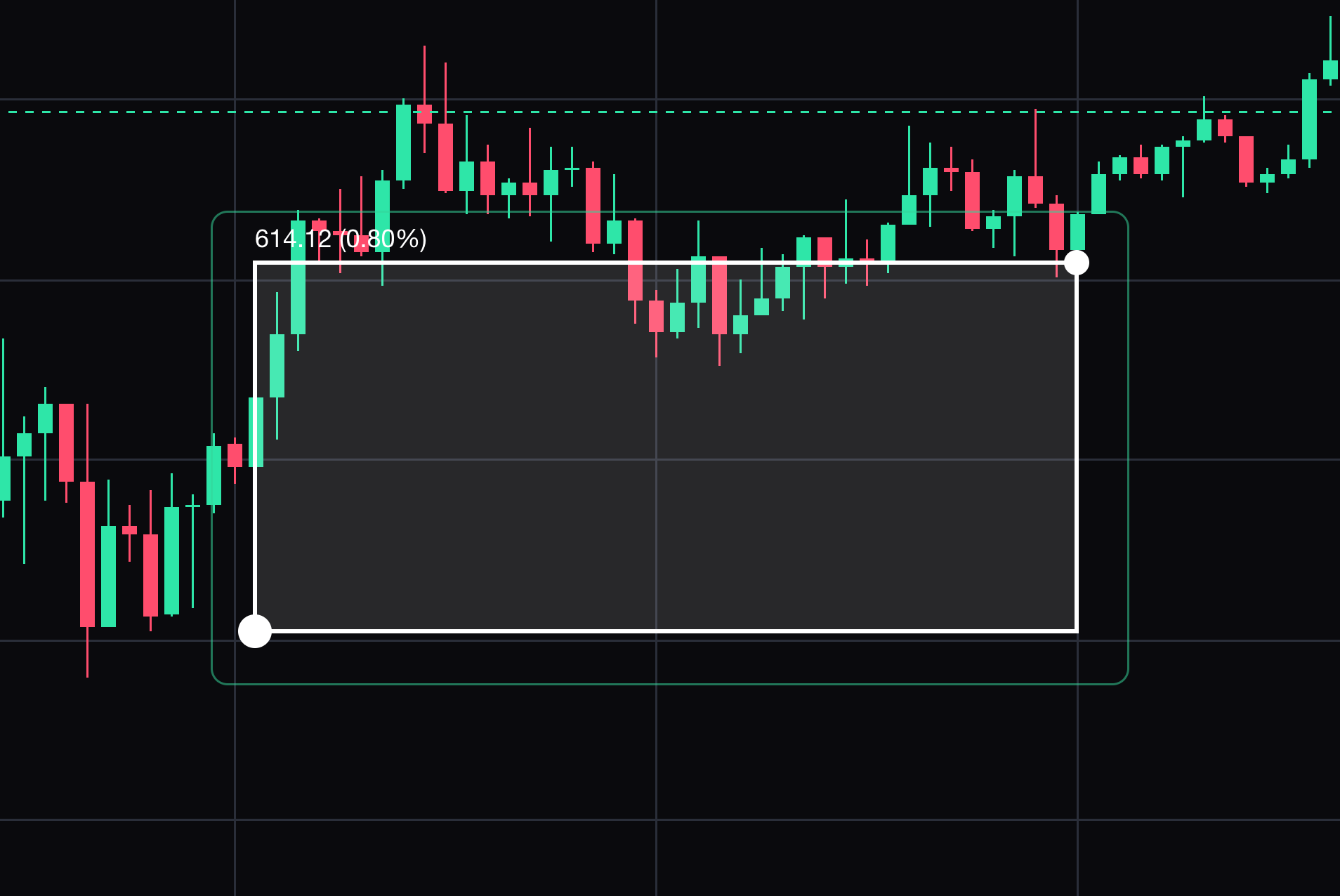
Price range
Keep a price-change measurement between two chosen prices.
Click the start and end prices. Select the drawing to move it or drag its points. Press Delete to remove the selected drawing.
- 02
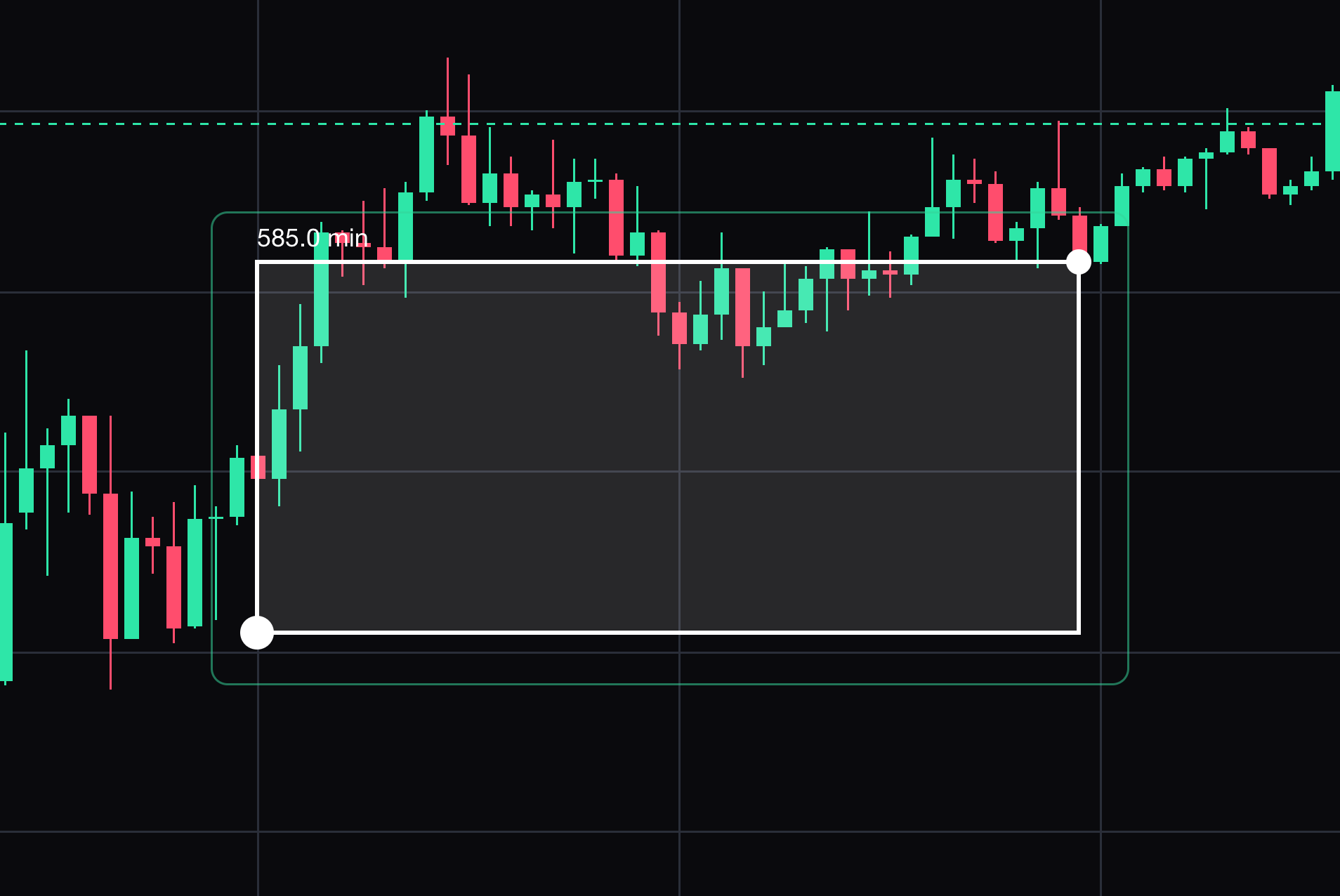
Date range
Keep a time-range measurement between two timestamps.
Click the start and end timestamps. Select the drawing to move it or drag its points. Press Delete to remove the selected drawing.
- 03
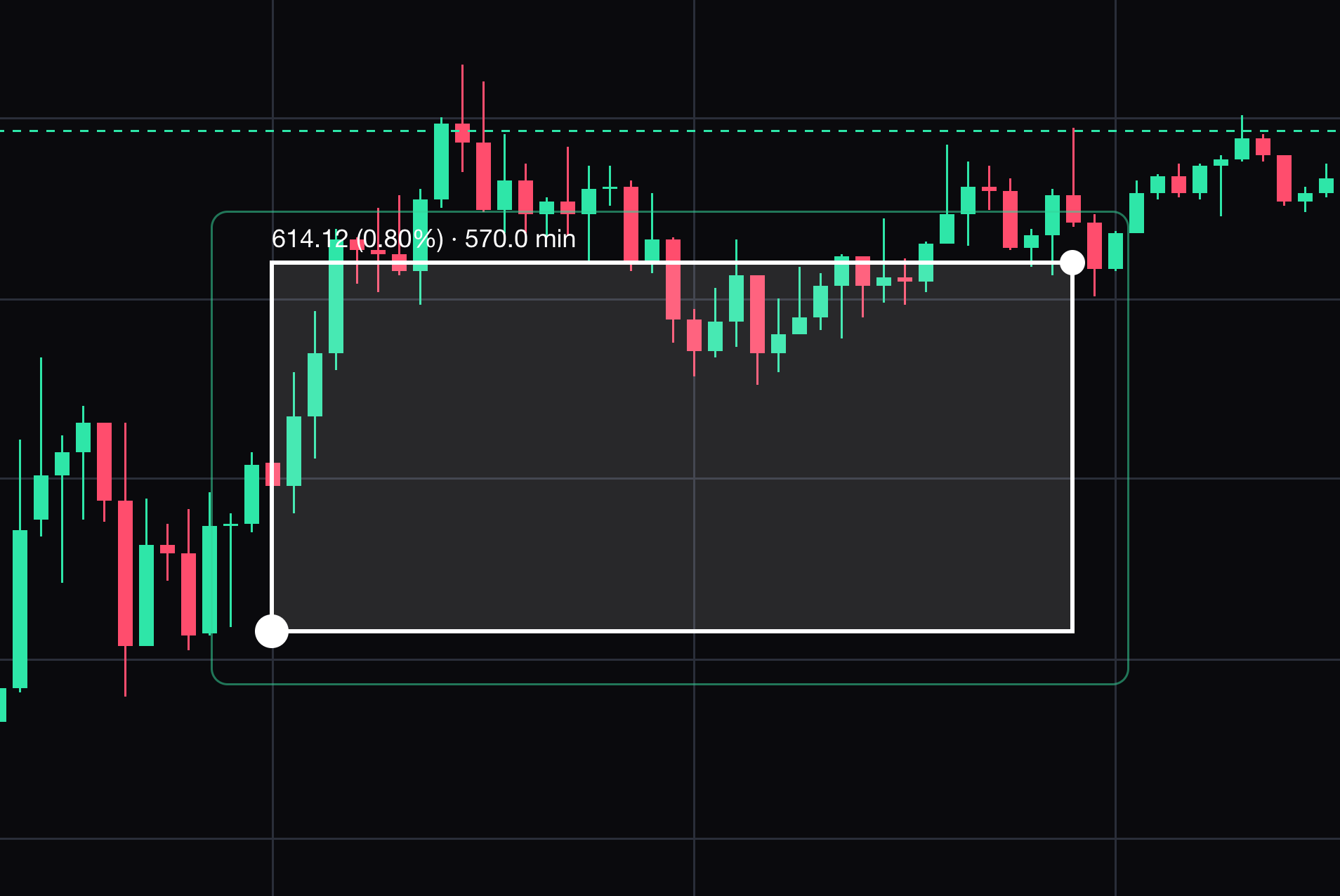
Price and date range
Keep both price and time measurements for a chosen range.
Click opposite corners of the measured range. Select the drawing to move it or drag its points. Press Delete to remove the selected drawing.
- 04
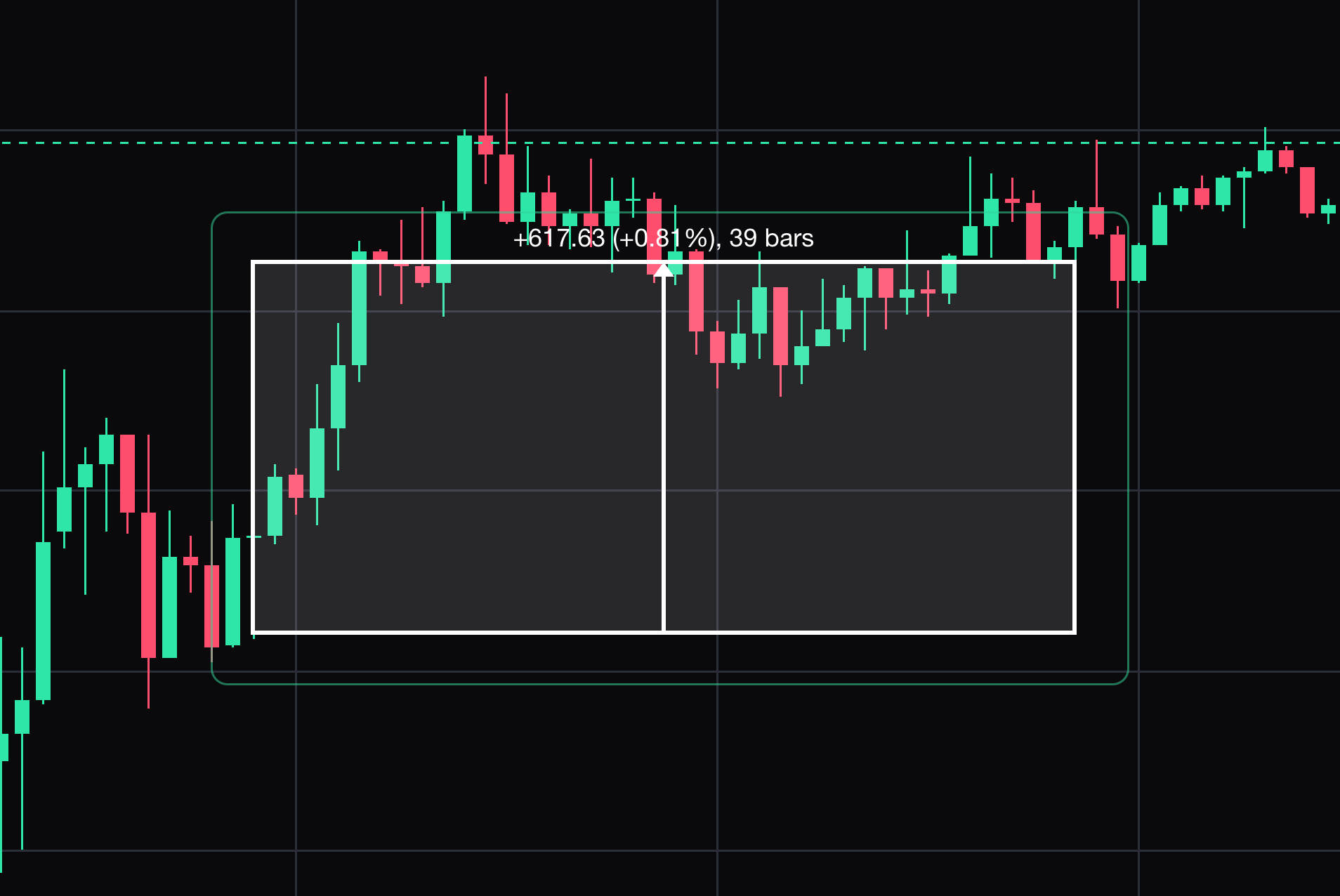
Measure
Reports the price change, the percent change and the number of bars covered.
Click the start of the move, then click its end. It clears on your next click.


Keep learning
Was this helpful?