- 01
Magnet
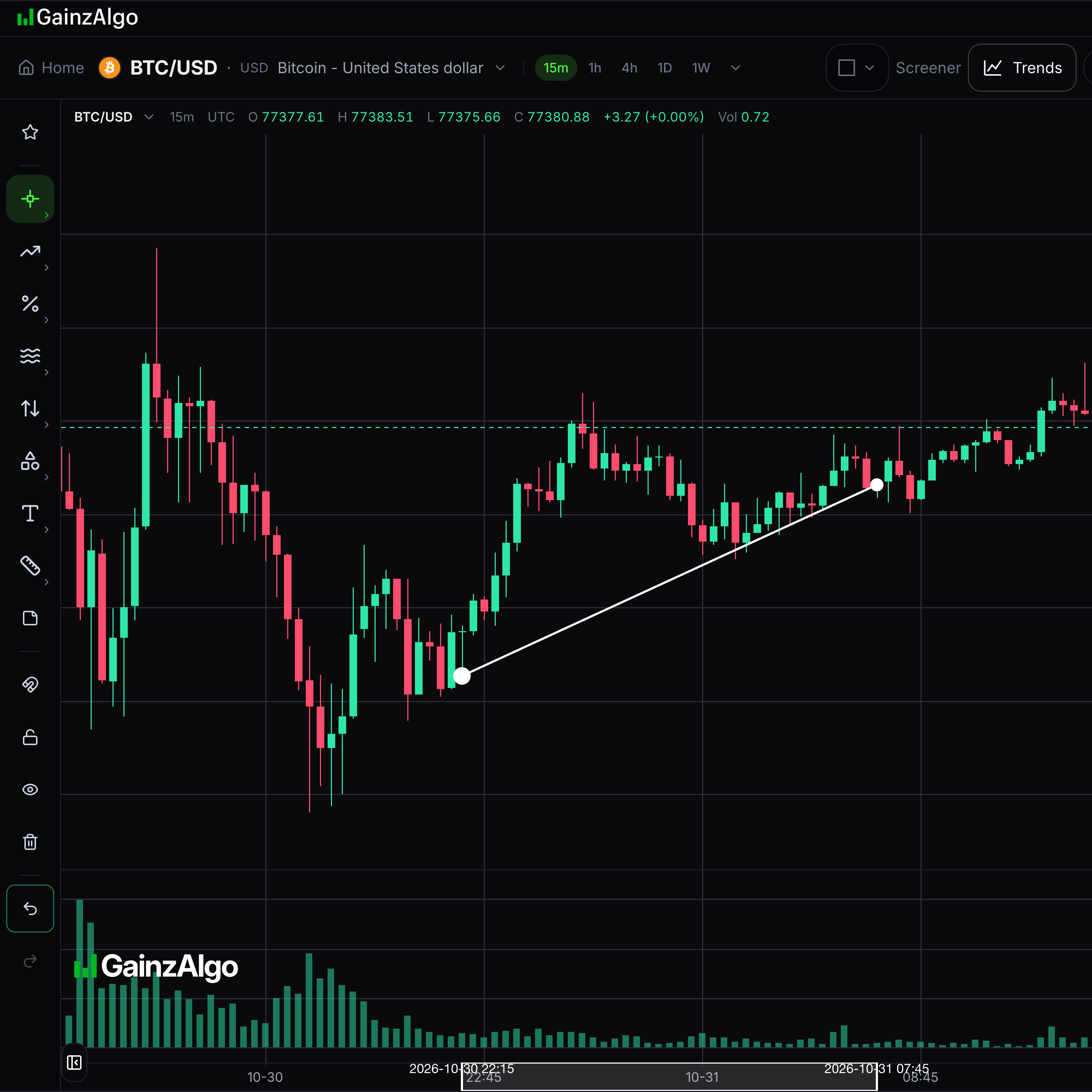
Magnet snaps drawing points to a candle’s open, high, low or close.
Choose Off for free placement, Weak for nearby points or Strong to always snap.

- 02
Lock drawings
Lock prevents drawings from moving.
Select Lock drawings to lock them, then select it again to unlock.

- 03
Hide drawings
Hide makes drawings temporarily invisible.
Select Hide drawings to clear the view, then select Show drawings to restore them.

- 04
Remove all drawings
Remove all clears drawings from the chart.
Check your work before choosing Remove all. Undo can restore a recent drawing change.

- 05
Undo
Undo reverses the most recent drawing change.
Choose Undo after a drawing action you want to reverse.
- 06
Redo
Redo reapplies a change you just undid.
Choose Redo after Undo if you want the change back.

- 07
Favourite tools
Stars keep frequently used tools close at hand.
Open a tool group and star a tool. Use the favourites group to choose it again.



Keep learning
Was this helpful?